User Interface Introduction for Faceware Realtime for iClone
Faceware Products are facial motion capture suites that have been used on hundreds of published projects across six continents. They offer the most robust artist-friendly feature sets available. The products are intuitive to use and get the job done at the quality you need. Simply put, Faceware is the leader of facial motion capture technology.
With Faceware Realtime for iClone, the most exquisite facial expressions can be quickly captured and instantly reflected on the virtual character in iClone. It can also significantly speed up productivity for creating 3D animations.
Please visit Faceware website for more information.
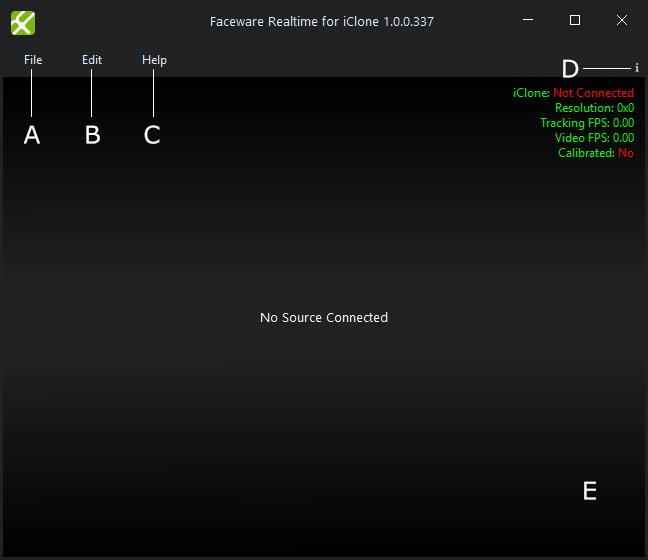
|
A |
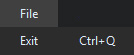
File |
This menu contains only one command to exit Faceware Realtime for iClone. |
|
B |
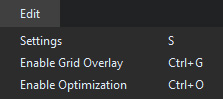
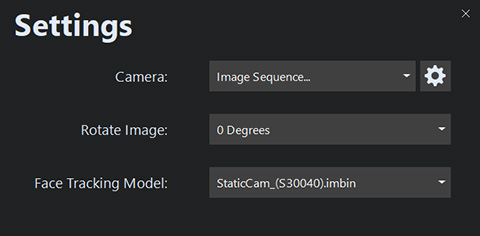
Edit |
|
|
C |
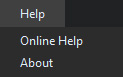
Help |
|
|
D |
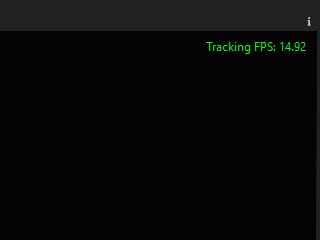
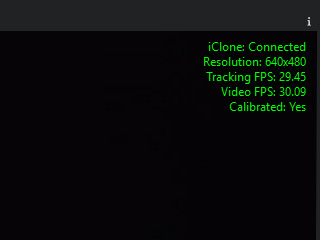
Application Data |
This area displays data related to the video / image sequence and status of the application. Pressing the i button on the toolbar above the data will cycle through what data is displayed (all data, tracking FPS only and none).
|
|
E |
View Port |
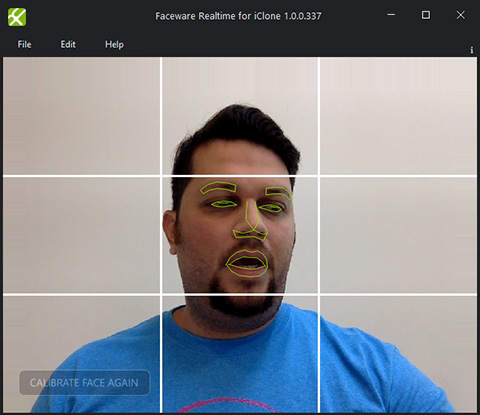
This is the primary viewport in Realtime for iClone. It will show the video or image sequence feed that is being used by the software and display the tracking landmarks on the face. |
 Note
Note