Grabbing Neutral Pose
Grab Neutral Pose captures the actor’s current facial state as the neutral reference for facial tracking. It neutralizes facial and head angle offsets, allowing Motion LIVE to interpret subsequent facial movements relative to this reference state and apply them more accurately to the character.
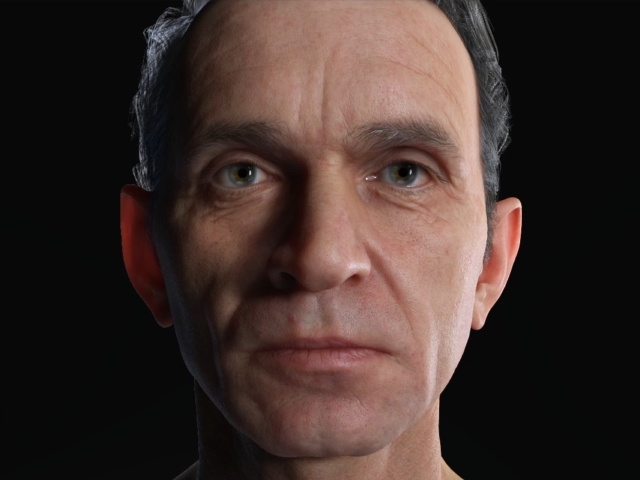
- Prepare a character in iClone.
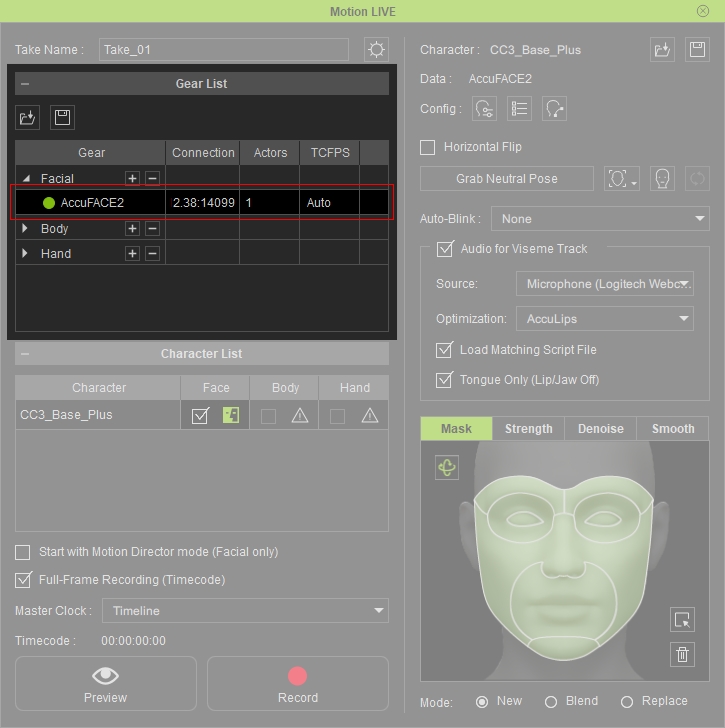
- Open Motion LIVE panel and make sure it is connected to the facial mo-cap device (AccuFACE2, for example).
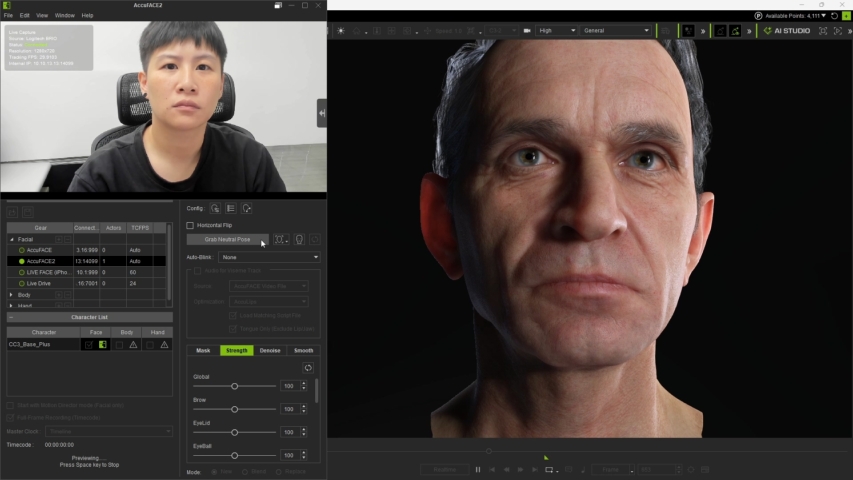
- Start previewing the facial mocap result. The motion results show the character’s head angle is not aligned with the performer’s face.
- Perform a neutral pose when using CAMERA mode, or locate a frame where the performer has a neutral pose when using VIDEO mode.
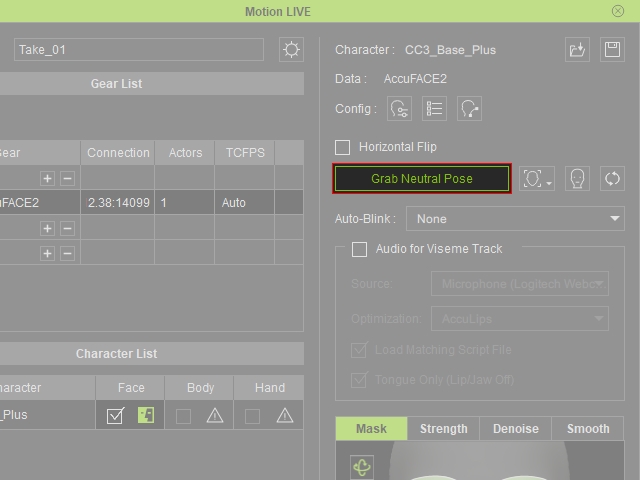
- Click Grab Neutral Pose to set the current facial state as the tracking reference.
The angle offset of the character's head is neutralized.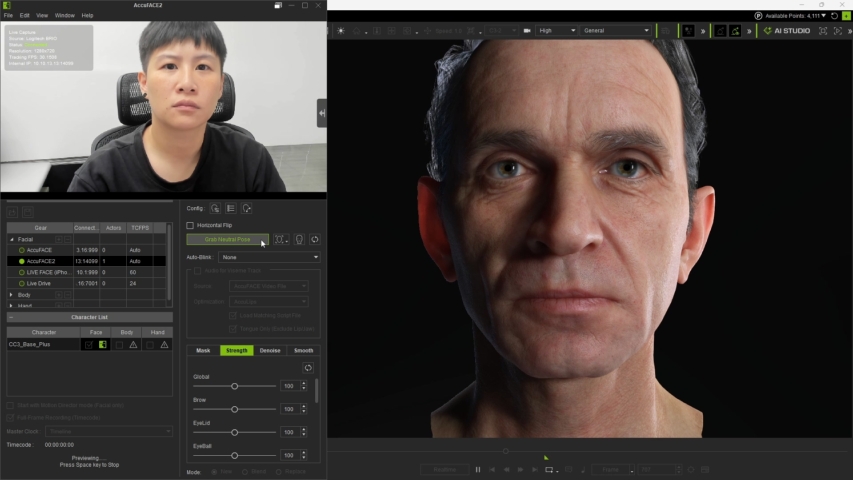
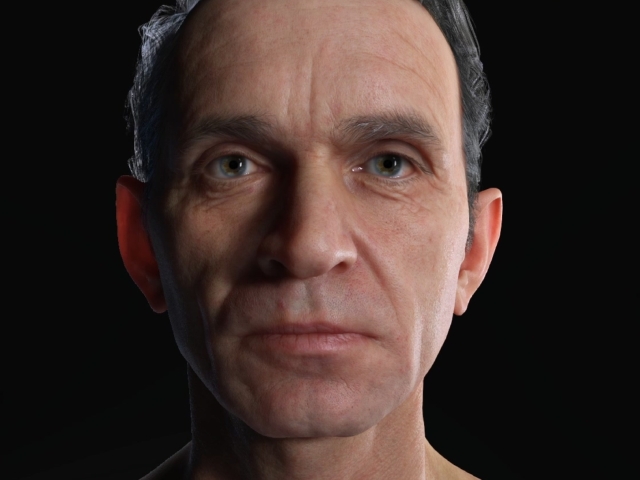
- Compare the facial mo-cap results, before and after grabbing neutral pose.
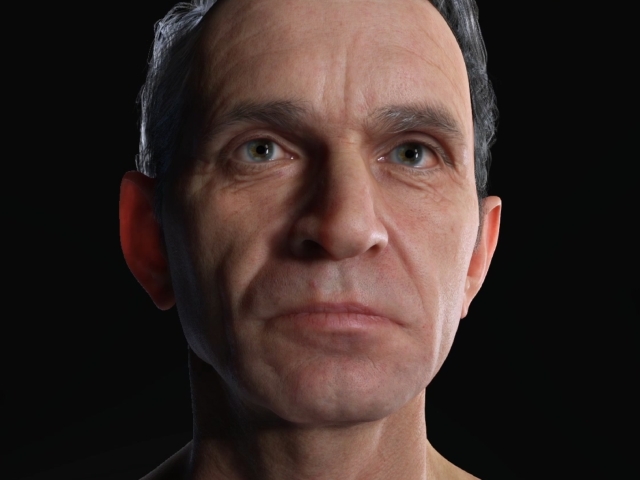
Before grabbing the neutral pose
After grabbing the neutral pose
