LIVE FACE Video Capture
LIVE FACE can record facial performances directly within the app for later review and export. All captured recordings are accessible from the Recordings page, where they can be previewed and managed.
Recording Facial Performance
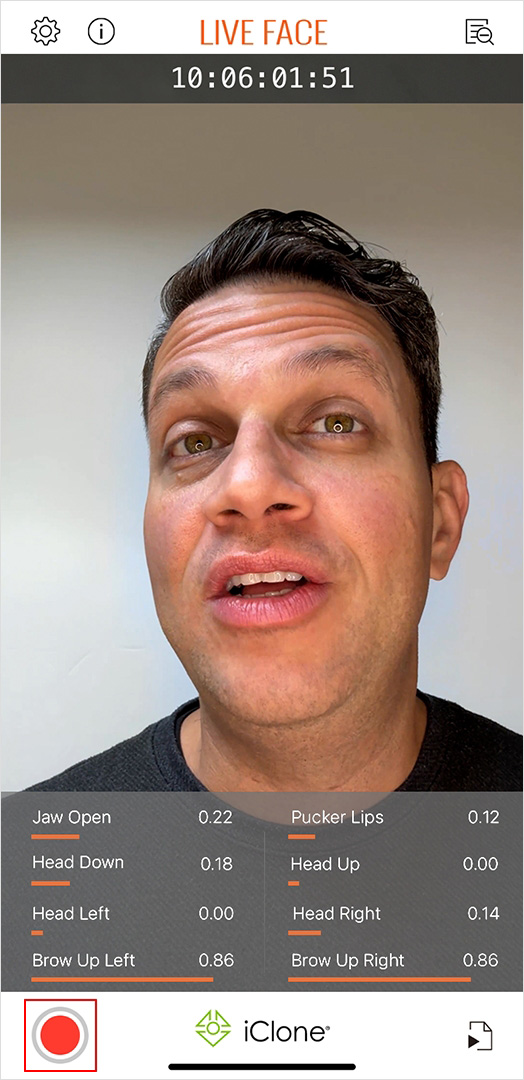
- Tap the Record button to begin recording the current facial performance in real time.
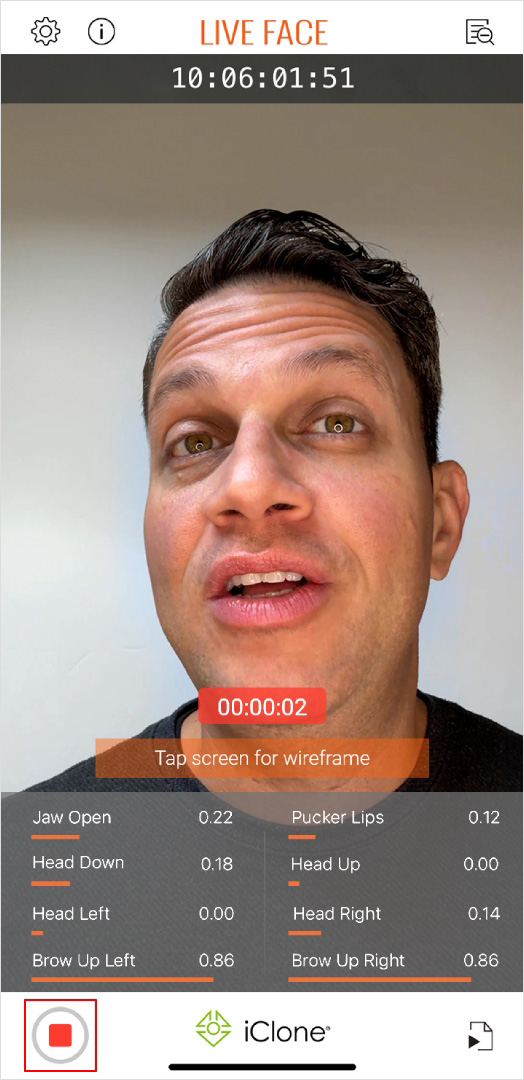
- Tap the Stop Record button to stop recording. The recording is automatically added to the Recordings list.
Managing Recordings
- Tap the Recordings button
 to open the Recordings page.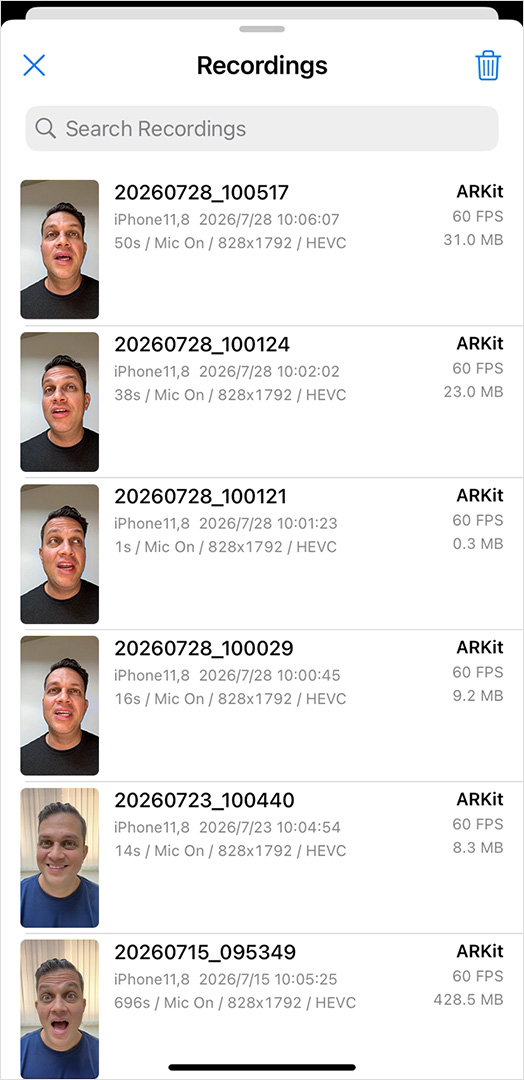
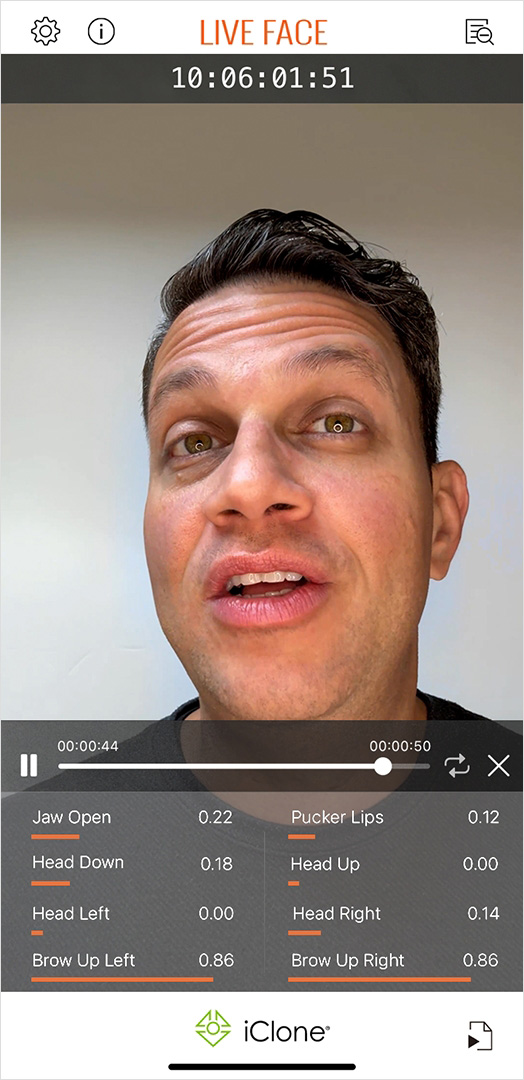
- Tap a recording to preview the captured performance.
- Swipe left on a recording to reveal the available management options.
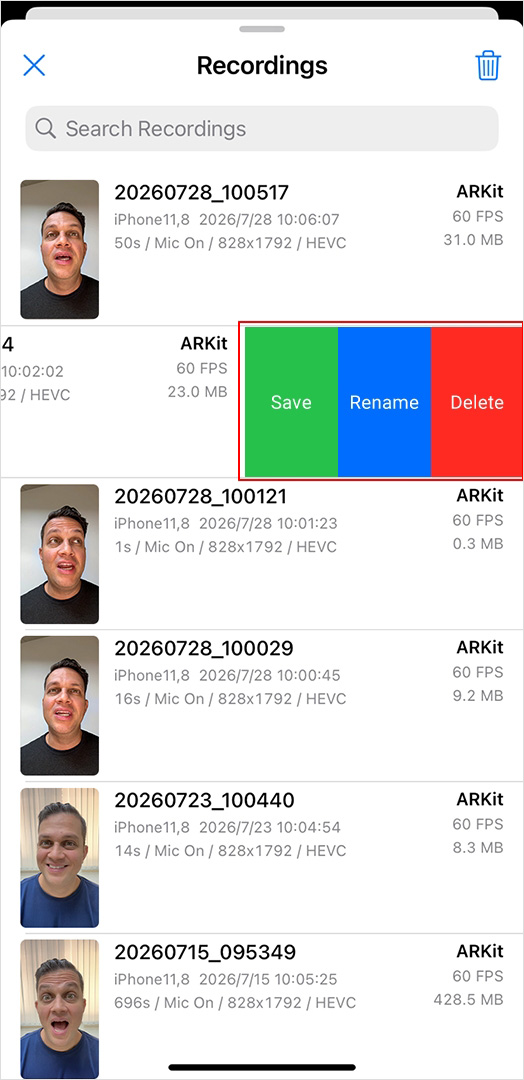
- Save: Save the recording to the device.
- Rename: Change the recording name.
- Delete: Remove the recording from the list.
