AccuFACE Mocap Profile (New for v 1.1)
AccuFACE lets you save and load various facial calibration profiles for your characters. Follow the steps below to learn about the process.
- After you have finished calibrating your character’s facial mocap settings, navigate to File > Save Calibration Profile or simply click the save icon in the Calibrate Facial Capture window.
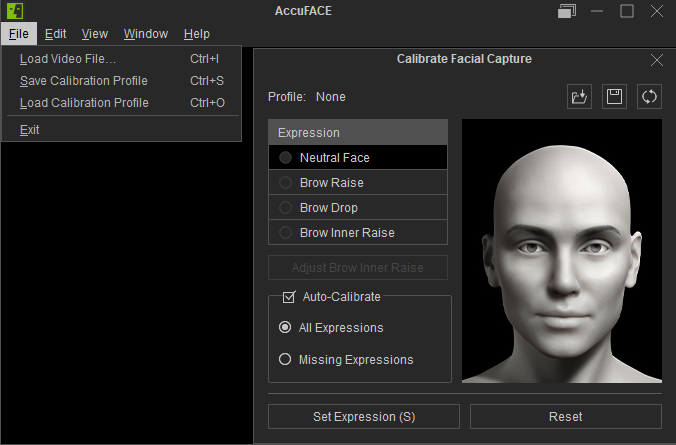
- The Save Tracking Profile file picker dialog will appear.
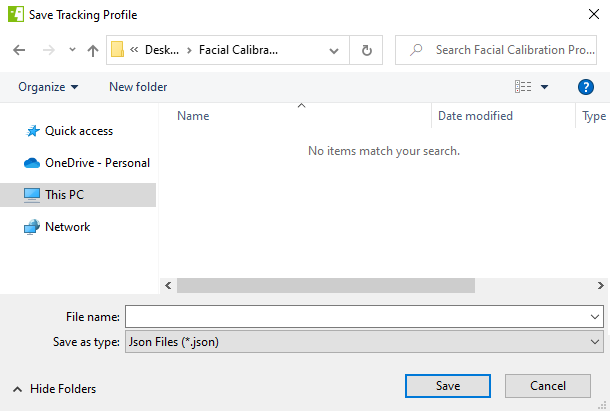
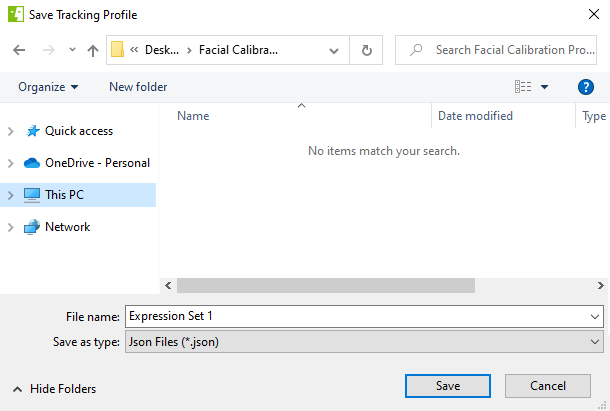
- Give your calibration profile a name, choose where you want to save the profile, and then click the Save button.
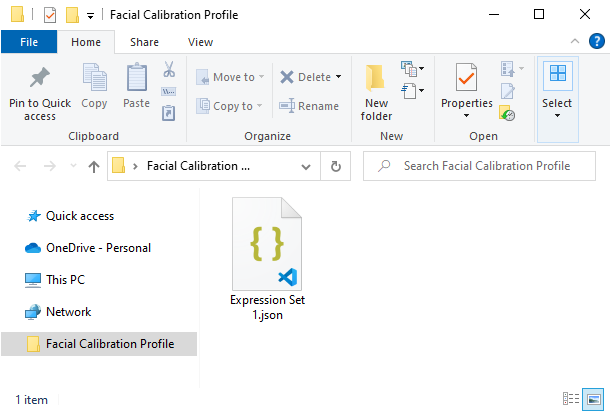
- Your calibration profile has been saved successfully.
- To load a previously saved calibration profile navigate to File > Load Calibration Profile or click the load icon within the Calibrate Facial Capture window.
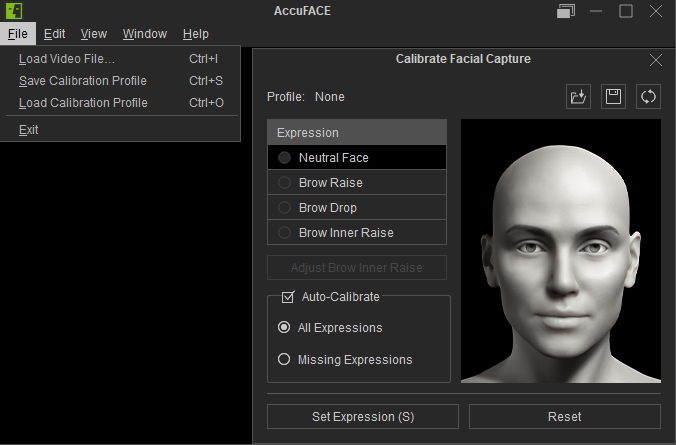
- The Load Tracking Profile file picker dialog will appear.
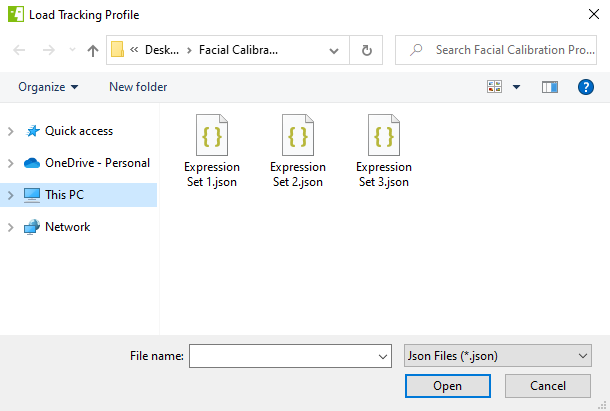
- Choose the calibration profile you want to load and click the Open button.
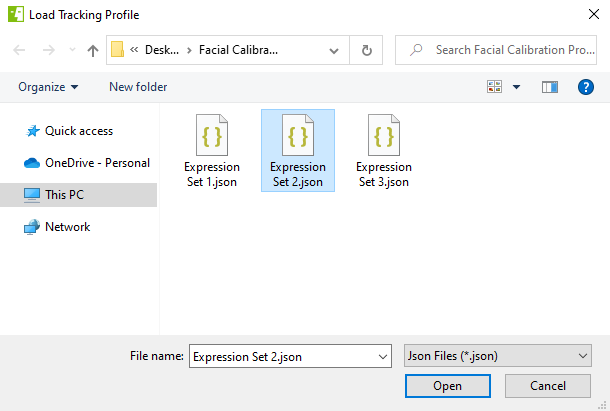
- The selected calibration profile has been successfully loaded.
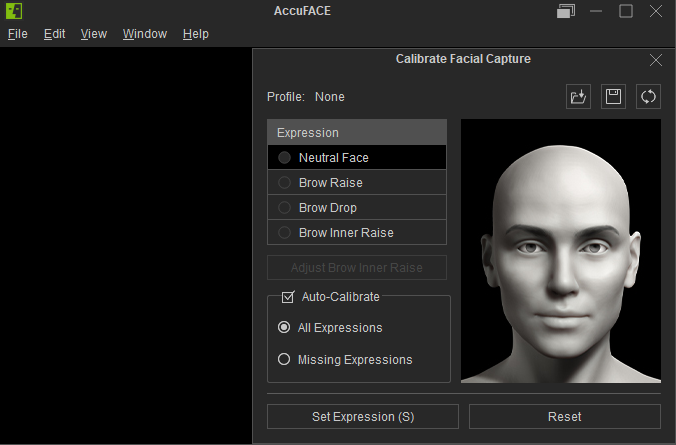
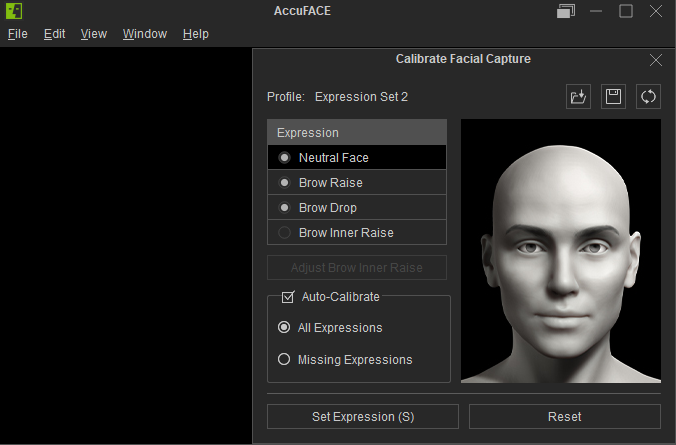
Before loading the profile.
After loading the profile.
