Denoising Facial Performances (New for v 1.1)
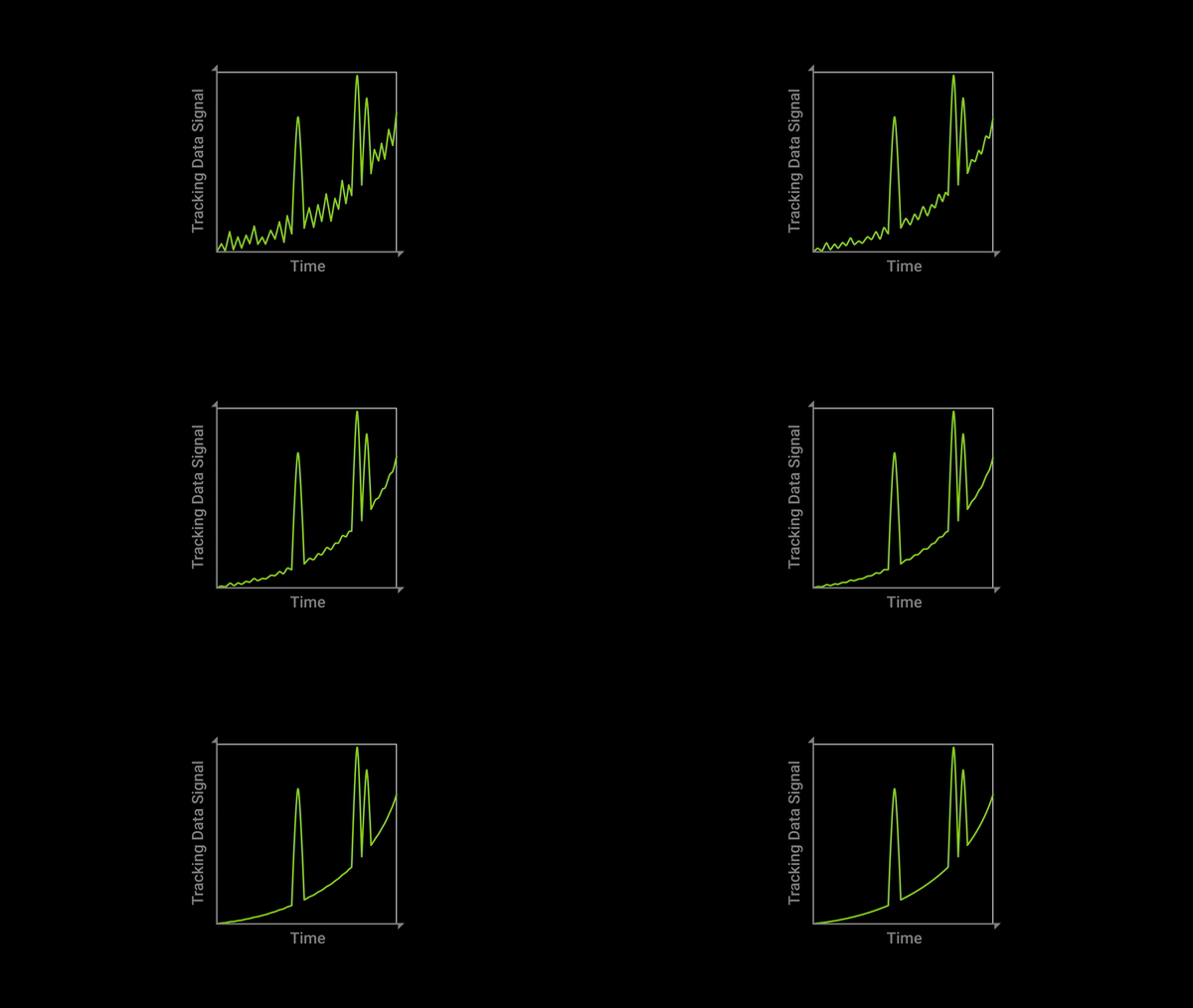
While recording facial performances, you may encounter unwanted juddering in the recording. You can remove these artifacts and still preserve prominent facial expressions by activating the denoise function.
 Note:
Note:
AccuFACE adopts a noise-filtering algorithm to smooth out the calibration data.
-
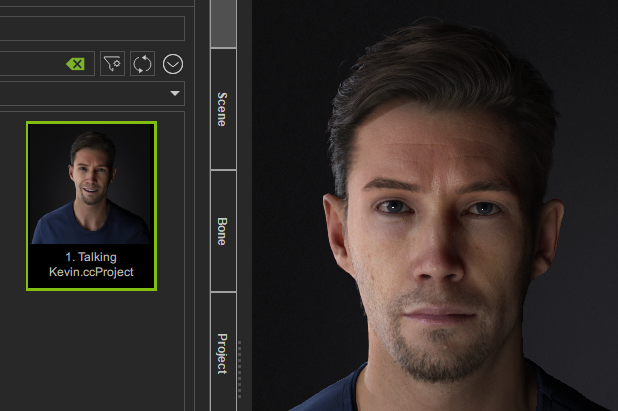
Prepare a character in iClone.
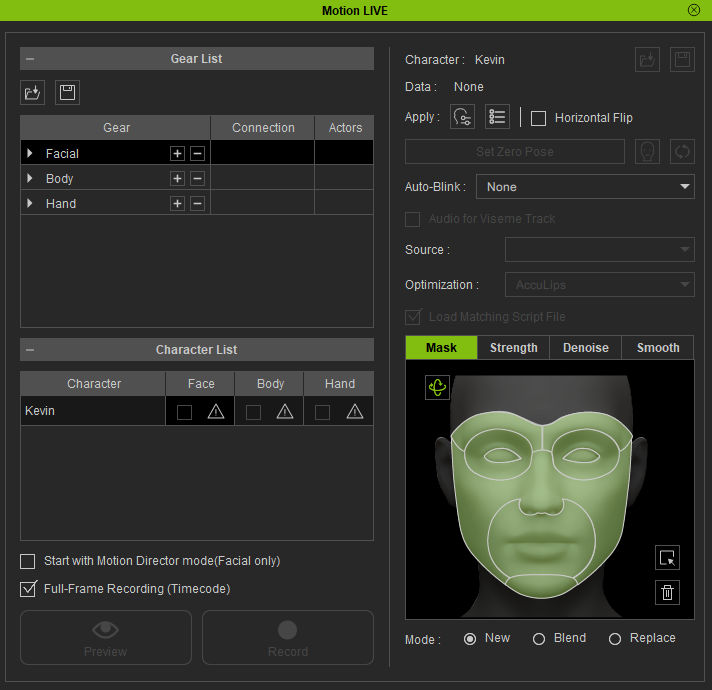
- Open the Motion LIVE panel and ensure the IP address is identical to the facial mo-cap device(using AccuFACE, for example).
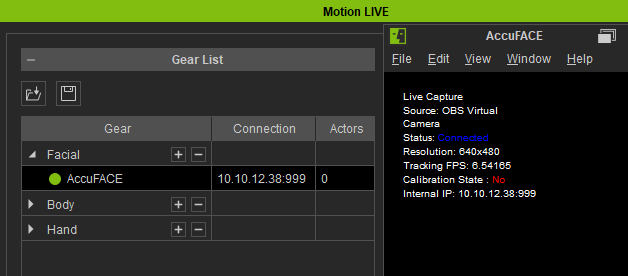
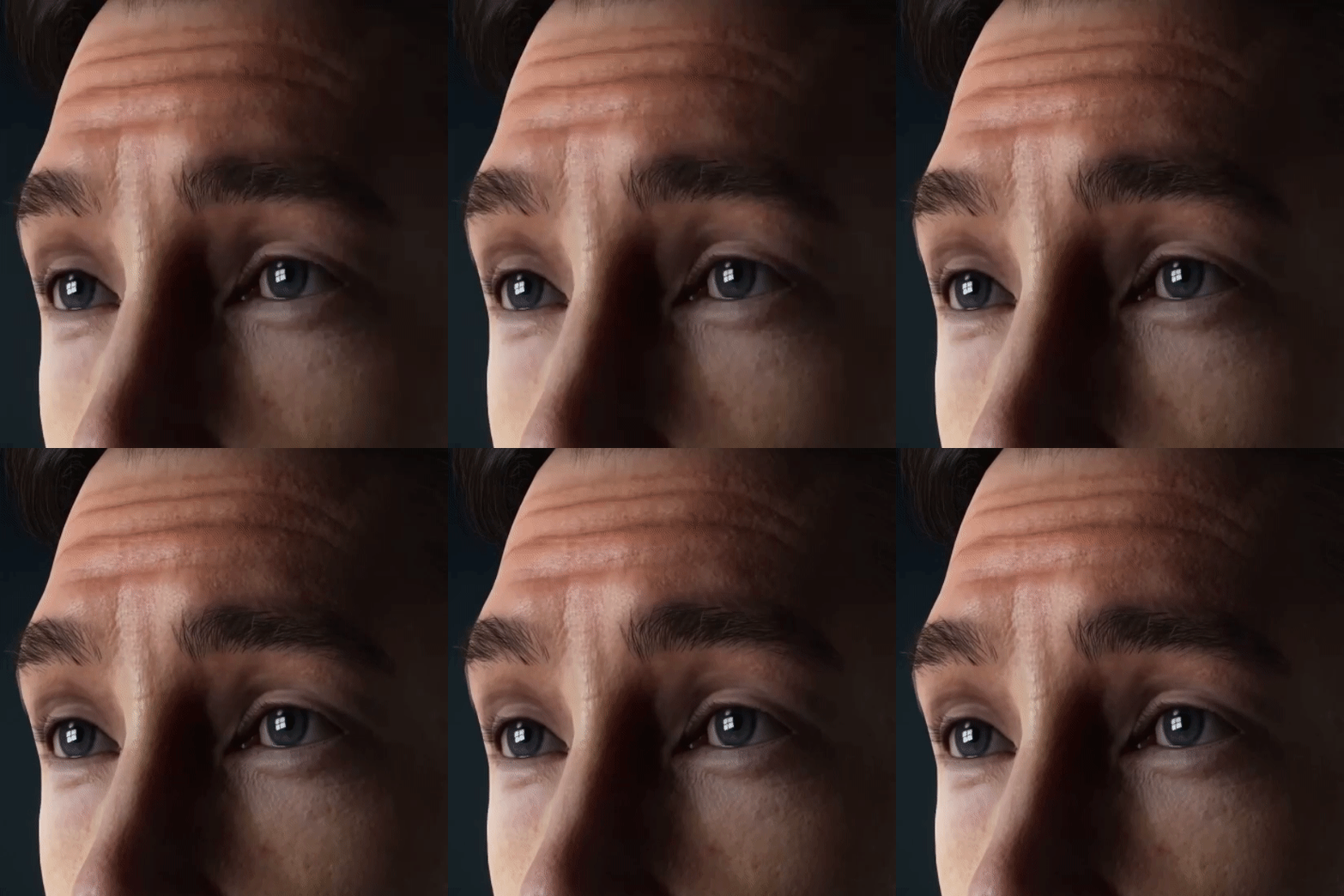
- Start previewing the facial mocap result. In this case, the brow judders are quite noticeable.
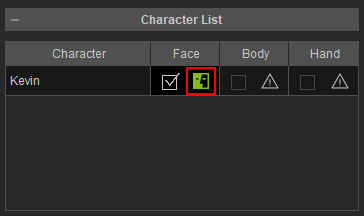
- Stop previewing and click on the Character List > Face icon.
The Motion LIVE window will appear.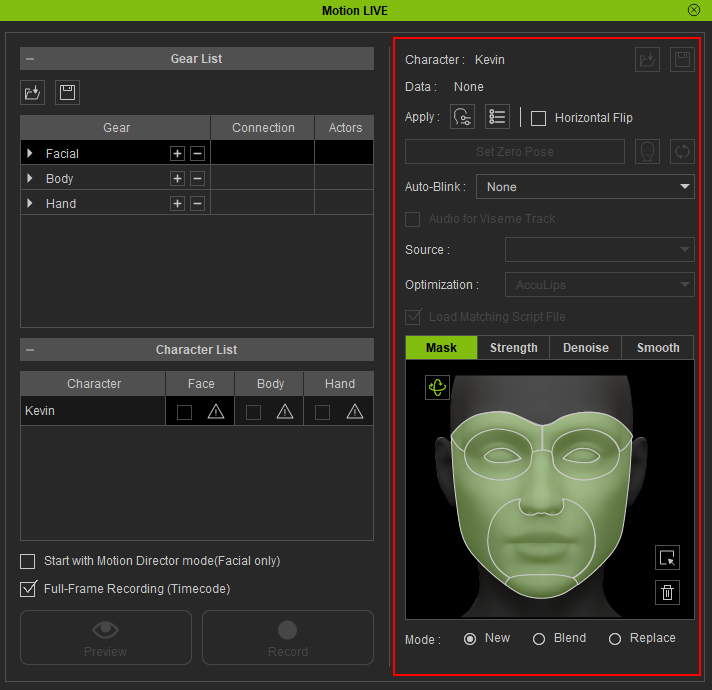
- Switch to the Denoise tab
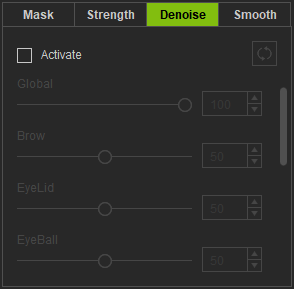
- Turn on Activate.
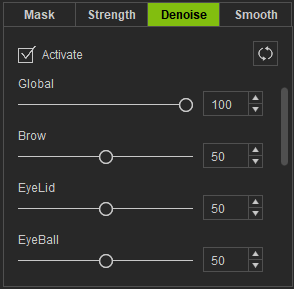
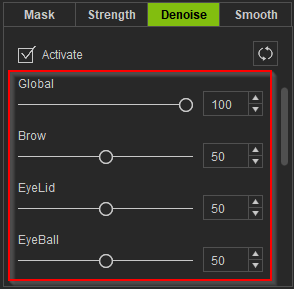
- Use the sliders to reduce juddering on parts where it is most severe.
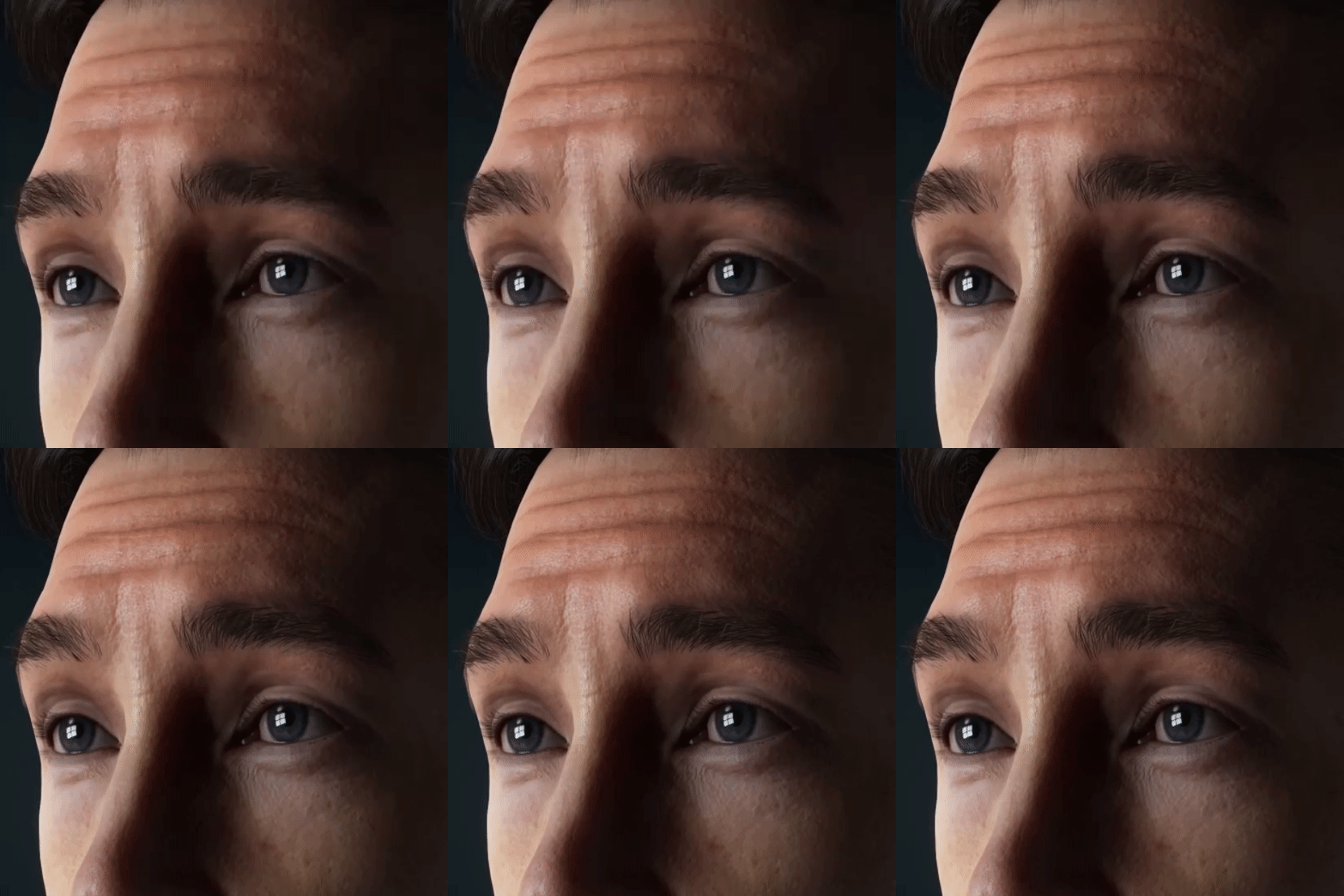
- Compare the facial mo-cap results, before and after denoise.
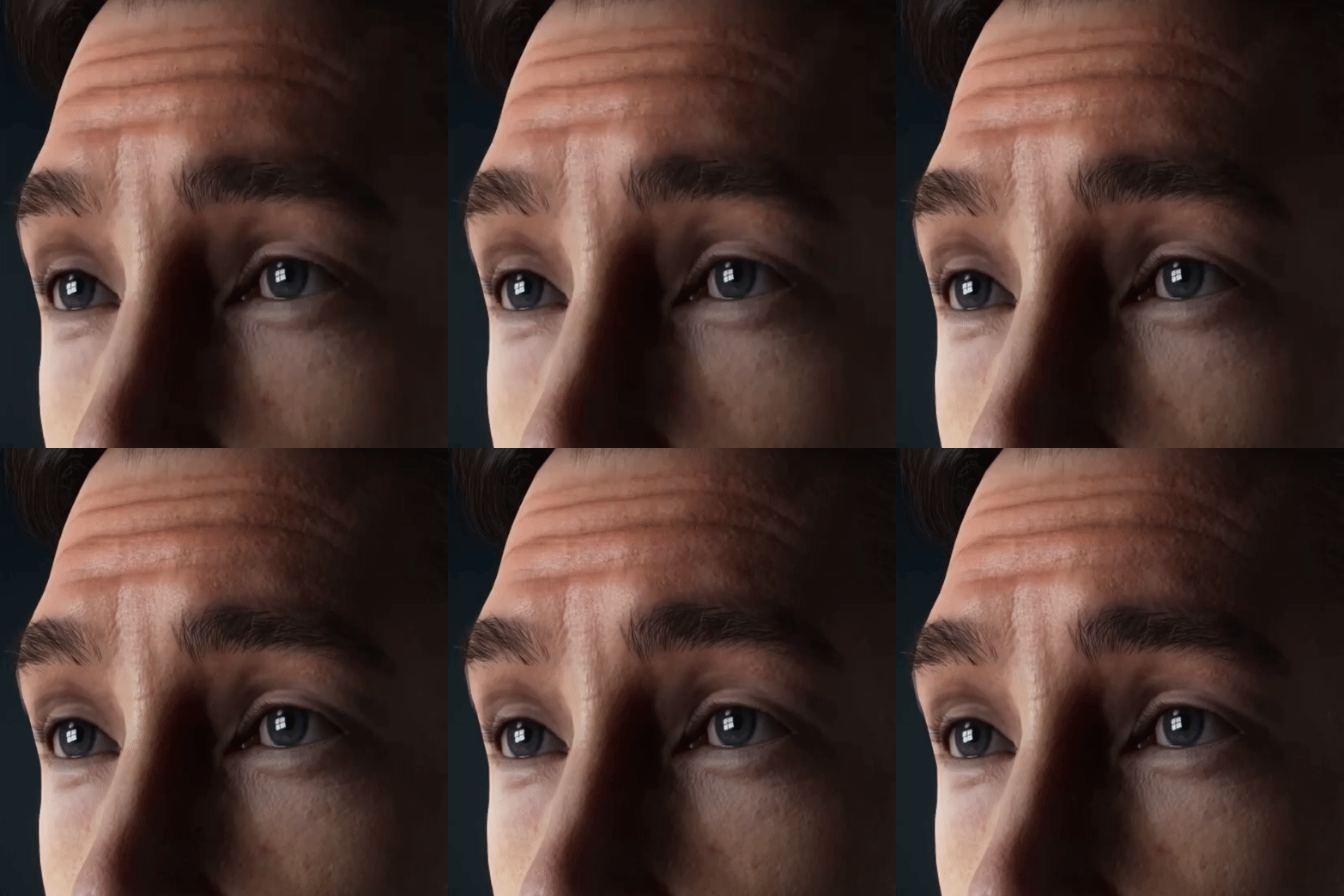
Before denoising
After denoising
