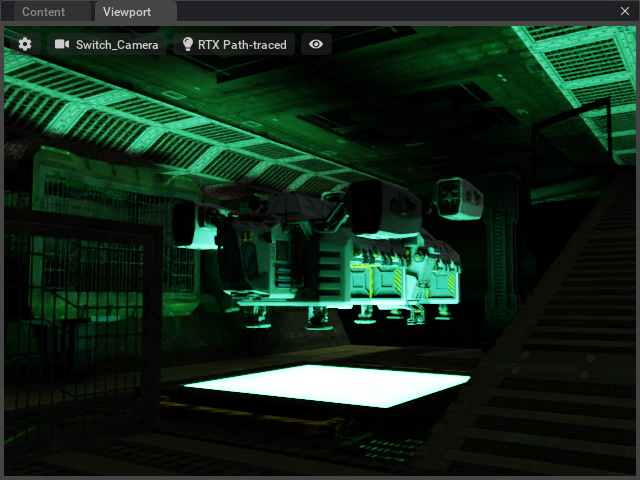
Creating Mesh Lights in Omniverse Applications
(New for iC v.7.93, CC v.3.44)
In iClone, Point Lights and Spotlight are basically emitting light from a point. The light strength can only be affected by the Strength values. However, in Omniverse applications, the strength can be influenced not only by the Intensity or Exposure parameters, but also the Scale of the light itself, which is the volume adjustments of the light.
Transfer Mesh Lights to Omniverse
- Create a prop for emitting light in an iClone project.
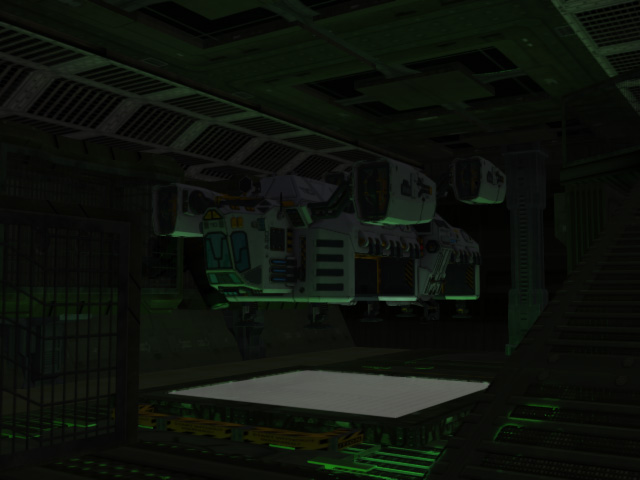
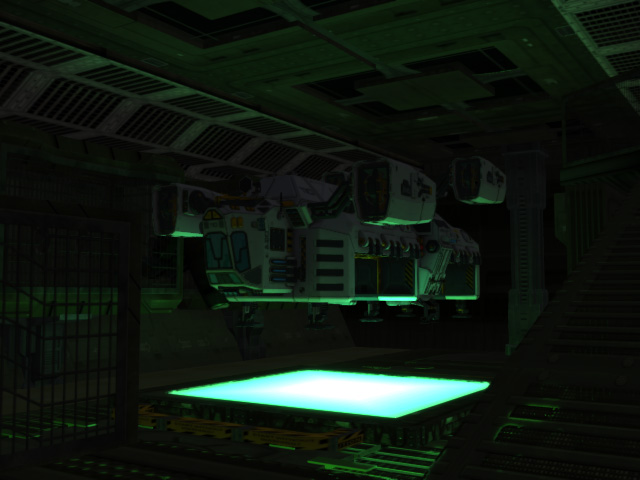
- Load a texture to the Glow channel. Make sure GI is turned on to view the lighting effect.
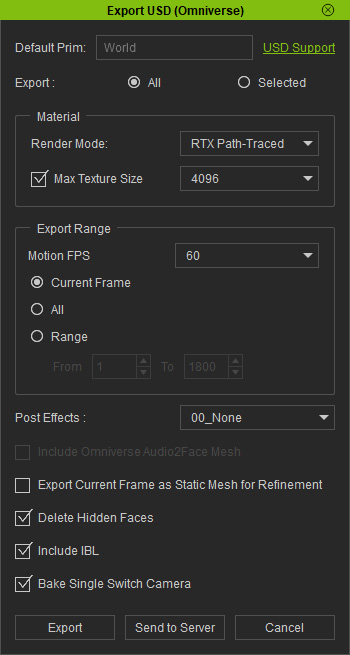
- Export the entire project in to USD format via the Export USD panel.
- Open the USD file in one of the Omniverse applications, for example, Create.
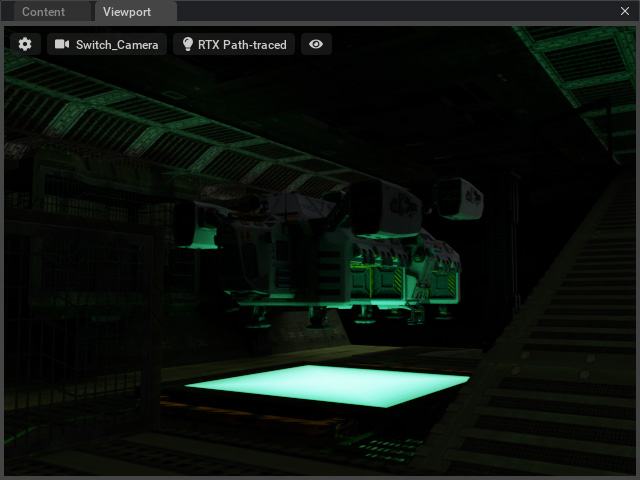
Adjust Emissive Parameters
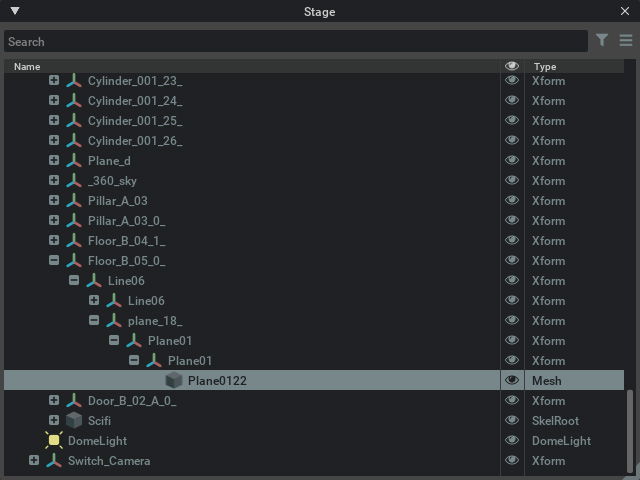
- Select the mesh light from the Stage panel.
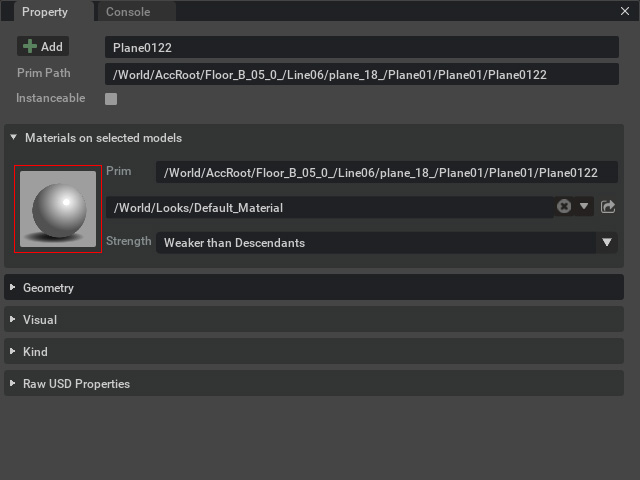
- Click the material ball in the Property panel to open the material settings.
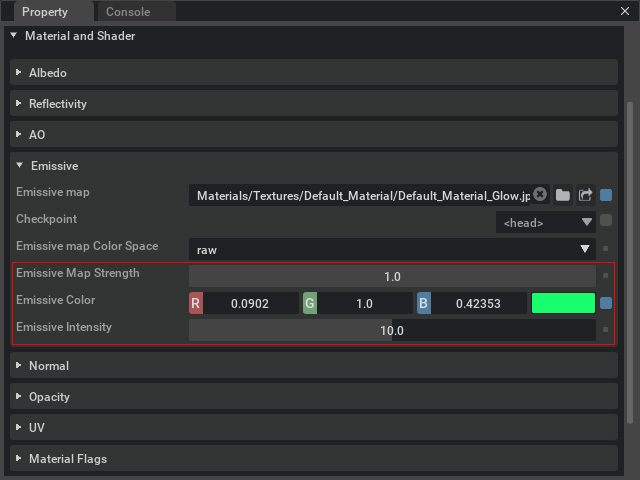
- In the Emissive sub-section, increase or decrease the Emissive parameters, including the Emissive Map Strength, Emissive Color and Emissive Intensity.
- The light makes more of an impact after making the appropriate
adjustments (Emissive Map Strength = 50.0, Emissive Intensity = 3.0).