Clothes > Shoes and Hats
When Mesh Type is set to Clothes and Part is set to Shoes or Hat: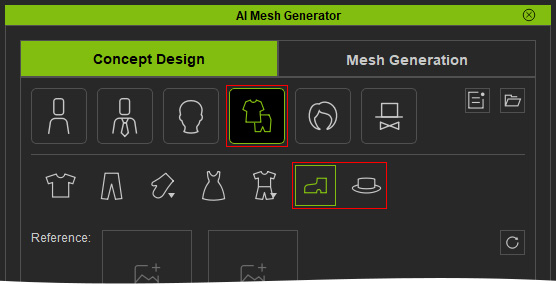
- Import a Reference Image and enter Prompt Text if needed.
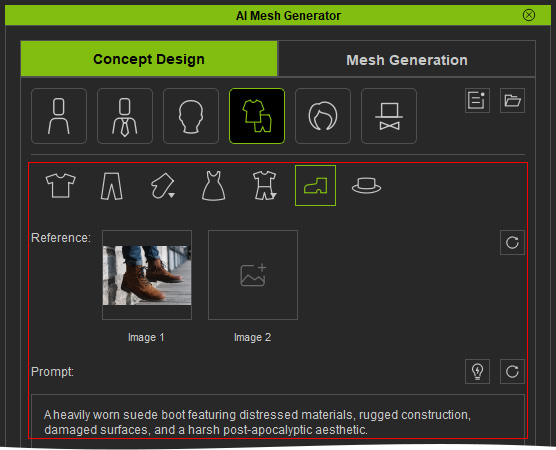
- Click Generate Target to generate the Target Front image.
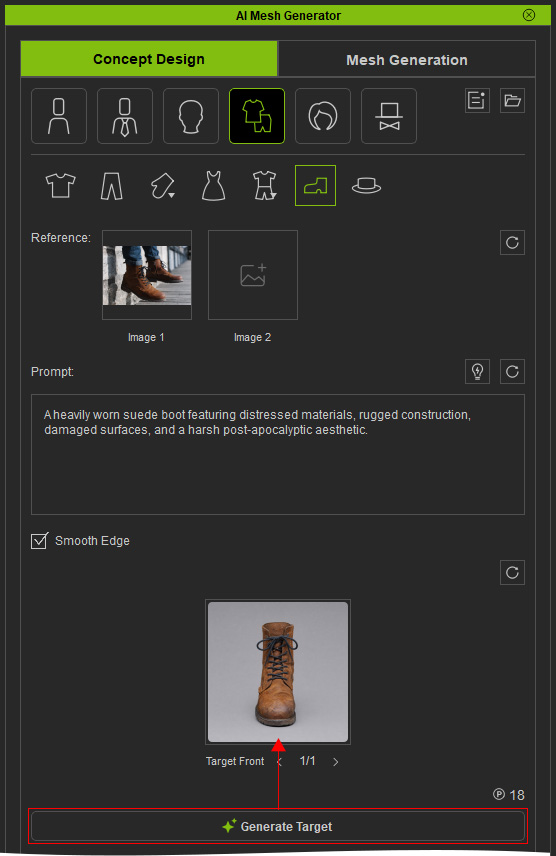
- Hover over the Target Front slot to preview the generated image and regenerate it if necessary.
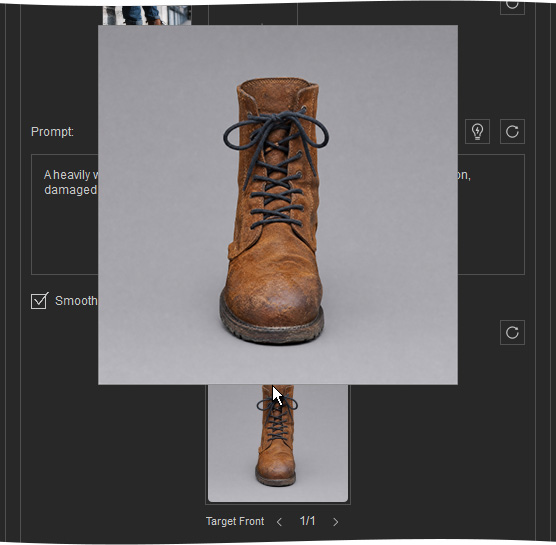
Use the Target Front to generate the optional Left, Right, and Back Target Views, or send it directly to the Front slot in the View Set on the Mesh Generation page.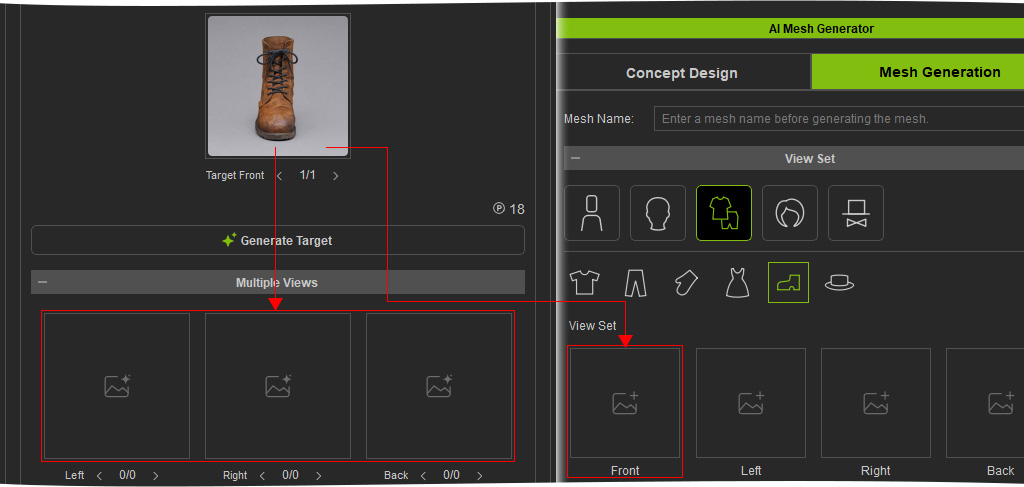
 Note:
Note:
The Left, Right, and Back Target Views are optional. The Target Front image alone can be used to generate the 3D mesh
