Clothes > Upper, Lower, Dress / One-Piece Garments
When Mesh Type is set to Clothes and Part is set to Top / Upper, Pants / Lower, or Dress / One-Piece: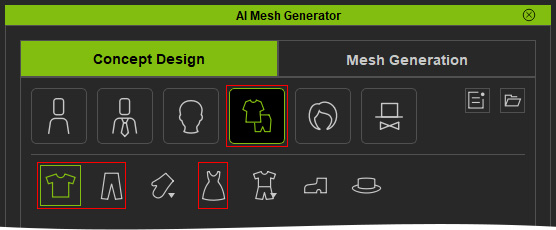
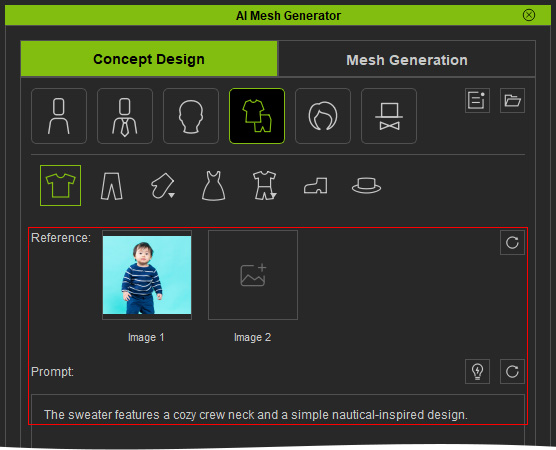
- Import a Reference Image and enter Prompt Text if needed.
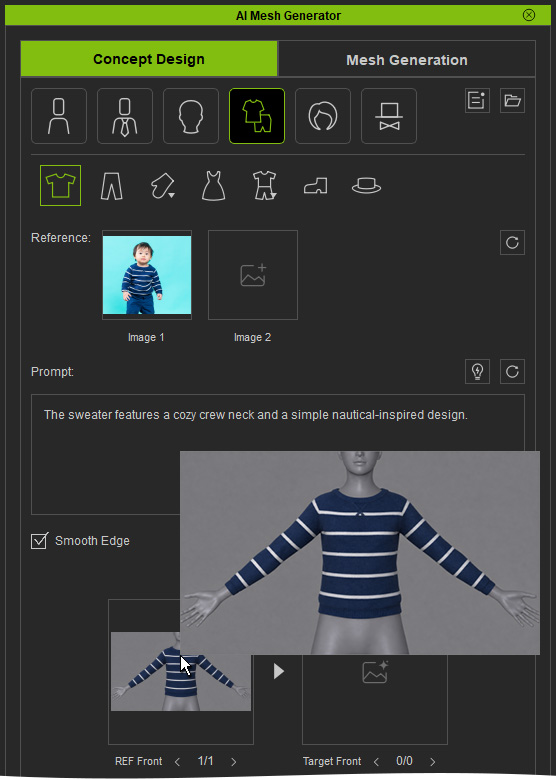
- Click Generate REF to generate an A-Pose Reference Front image based on the Reference Image.
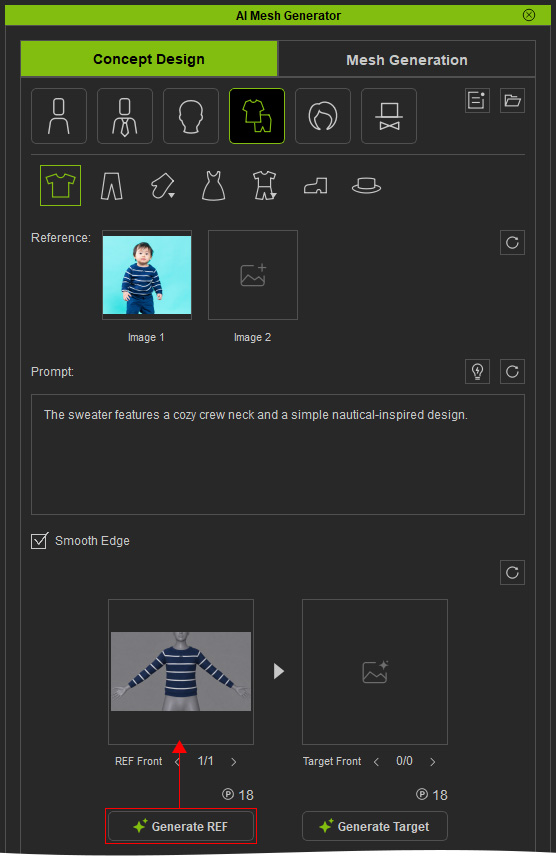
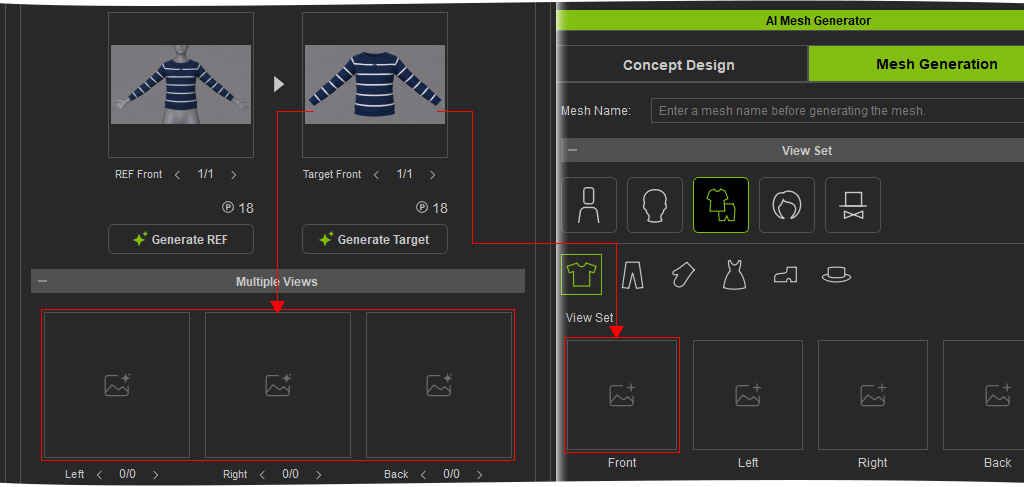
- Hover over the REF Front slot to preview the generated image.
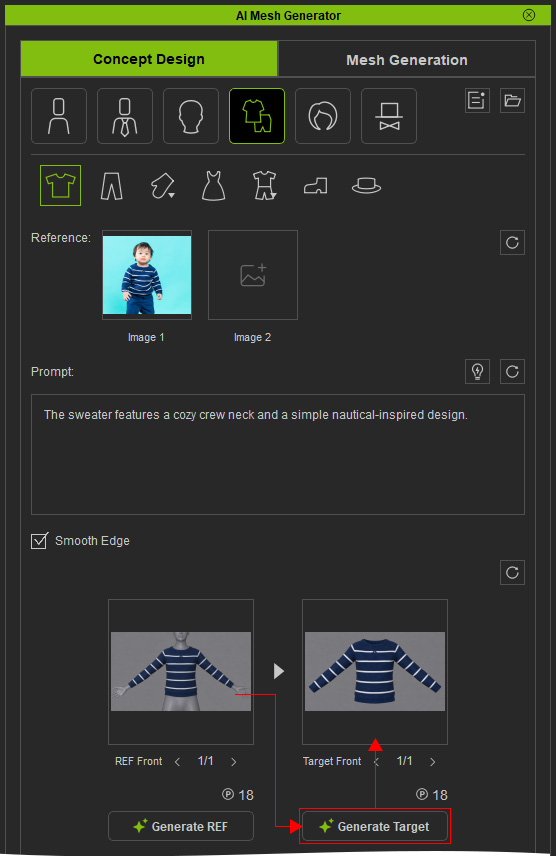
- Click Generate Target to generate a Target Front image of the selected garment based on the REF Front image.
- Hover over the Target Front slot to preview the result and regenerate it if necessary.
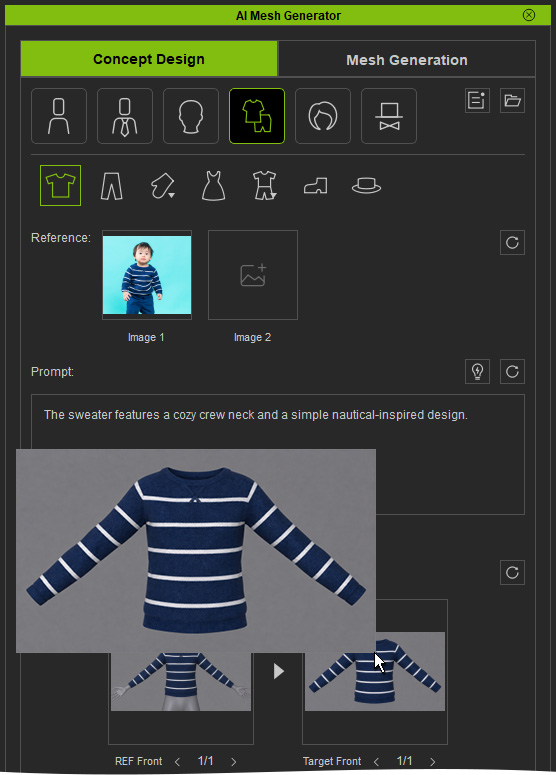
The Target Front image can then be used to generate additional Target Views or a 3D mesh.