Launching AI Mesh Generator
Empty Scene - Menu and Toolbar
When there is no character in the scene, you can launch the AI Mesh Generator panel from the AI Mesh Generator toolbar.
- Menu: Go to Window > Tool Bar > AI Mesh Gen to display the AI Mesh Generator toolbar.
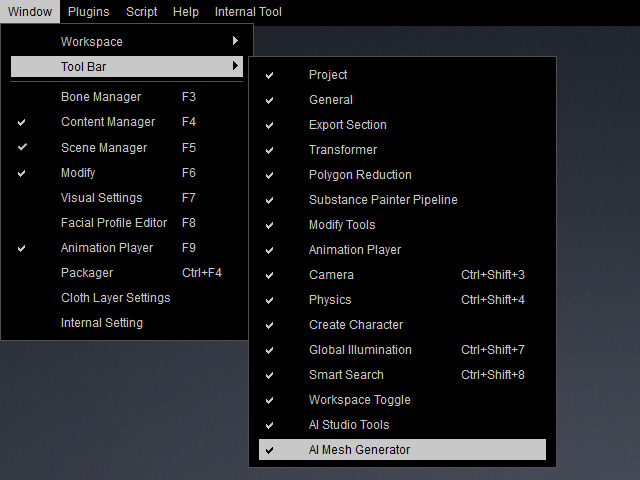
- Click AI MESH button to open the AI Mesh Generator panel.

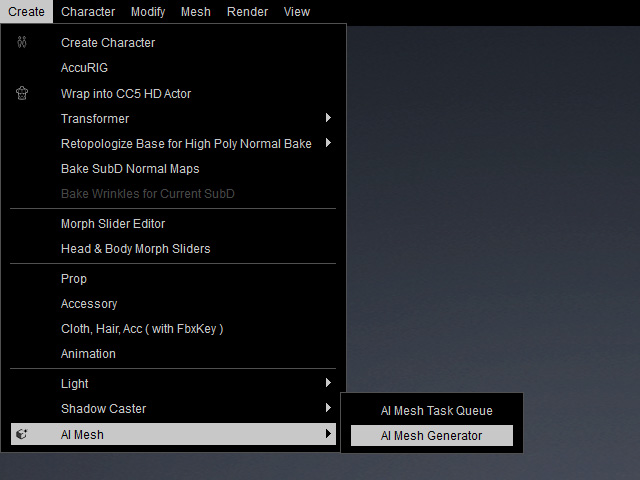
Alternatively, to launch the AI Mesh Generator panel, do the following steps:
- Access the top menu bar.
- Select Create > AI Mesh > AI Mesh Generator.
The AI Mesh Generator panel will appear, allowing you to customize your generation settings.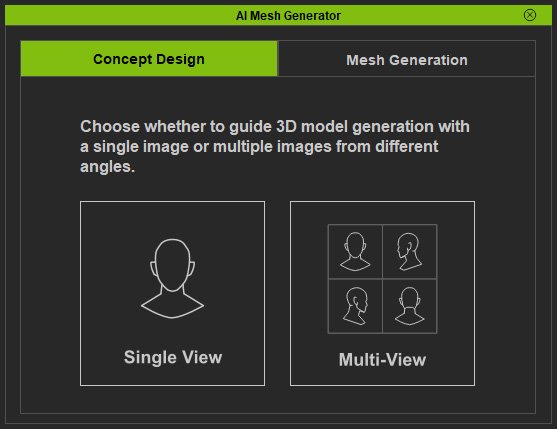
Empty Scene - Modify Panel
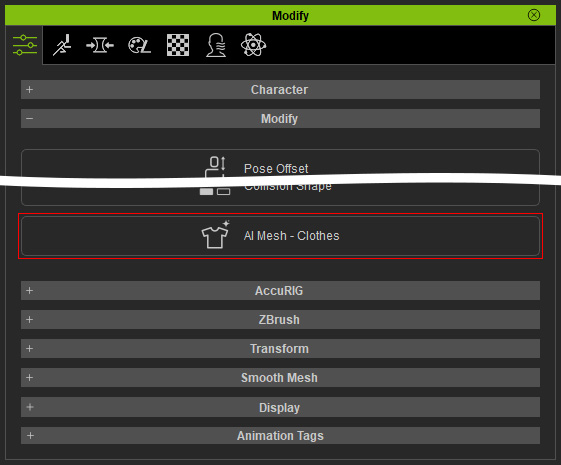
Alternatively, you can launch the AI Mesh Generator panel from the Modify panel to generate Character, Head, Prop, or Accessory meshes.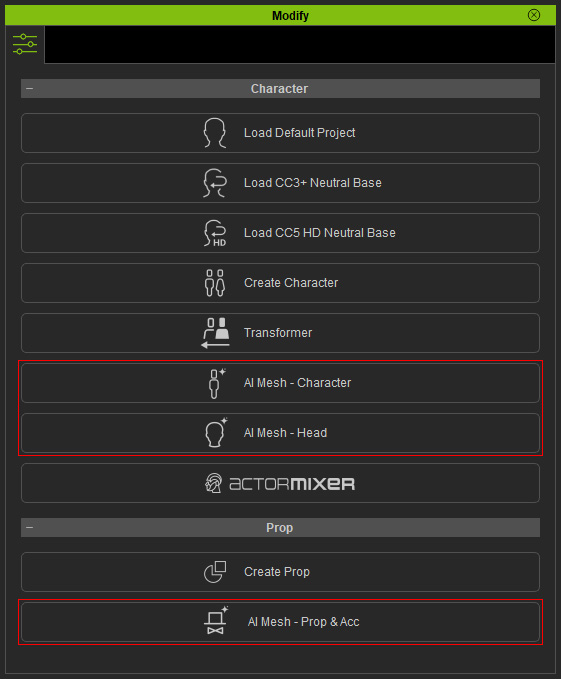
Scene with Character
If a character is already in the scene, you can launch the AI Mesh Generator panel to generate Clothing.