Transfer Skin Weight Templates
In the Transfer Skin Weights panel, select the
target for the accessory transformation. This step assigns skin
weights to vertices and defines cloth type.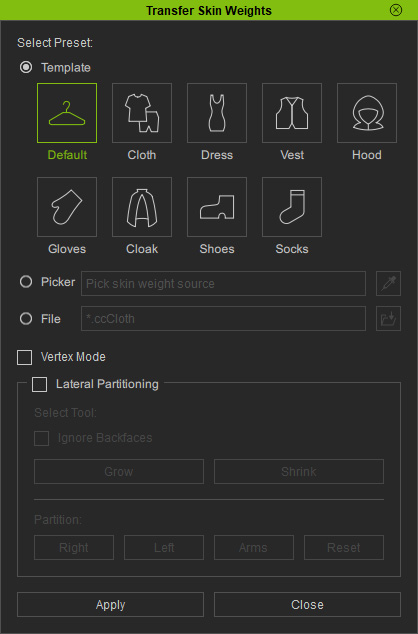
Hover over each preset button to display an animated tooltip, which helps you understand how to select the most appropriate Transfer Skin Weight Preset for your clothing model. Please refer to the Painting Skin Weights on Surface section.
- Default:
- The cuffs and pant hems are heavily weighted to the bones, causing them to rotate with the wrists and ankles to prevent clipping.
- Applicable clothing models are displayed below the image.
- Cloth:
- High collars deform more naturally during rotation
- The cuffs and pant hems are less affected by wrist and ankle movements.
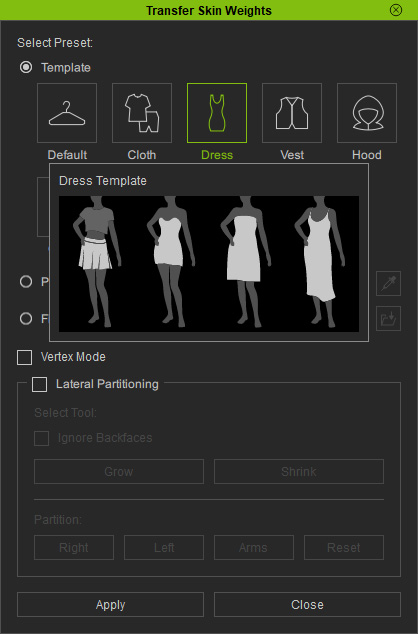
- Dress: Best suited for skirts, dresses, and evening gowns.
- Vest: Best suited for vests, ensuring the armholes and shoulders remain free from over-stretching or clipping issues.
- Hood:
- Skin weights decay gradually from the crown to the shoulders.
- Best suited for hood-type clothing.
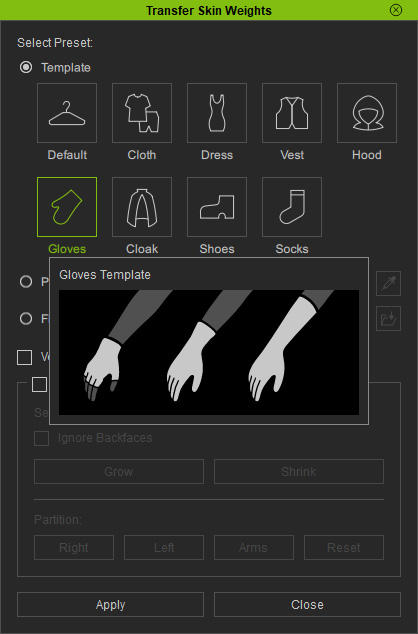
- Gloves: Best suited for fingerless, short, and long gloves.
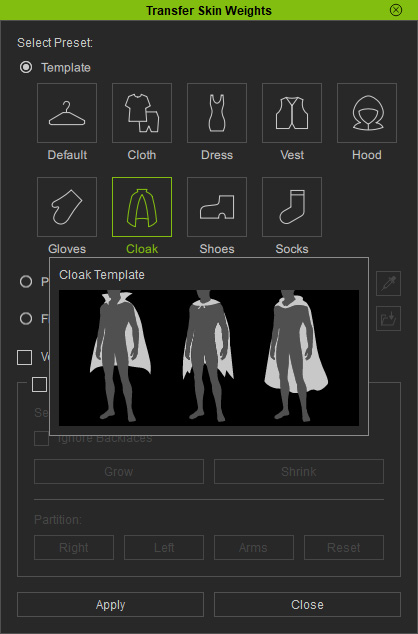
- Cloak: Best suited for stand-collar, collarless, and hooded capes.
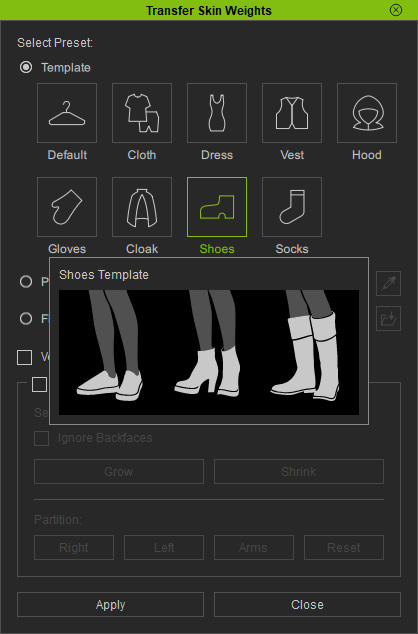
- Shoes: Best suited for regular shoes, high heels, and boots.
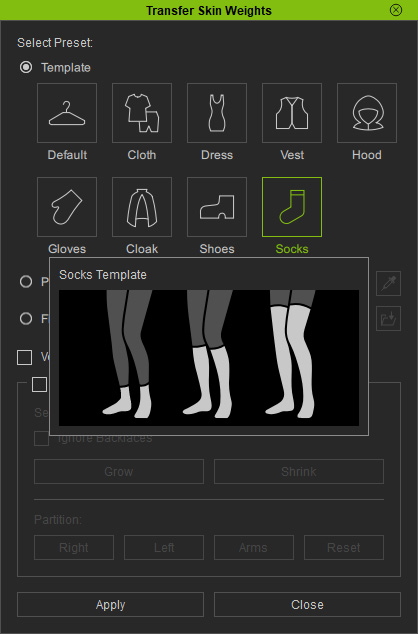
- Socks: Best suited for ankle socks, knee-high socks and thigh-high socks.