Hair Binding Presets
When you select one of the first four hair templates (Base/All, Top, Rear, or Bangs) in the Create Hair, Brows, Beard, Lashes panel and click Apply, the Hair Binding panel opens instead of assigning skin weights immediately. Choose a preset based on the hair length to determine which bones influence the hair mesh and receive skin weights.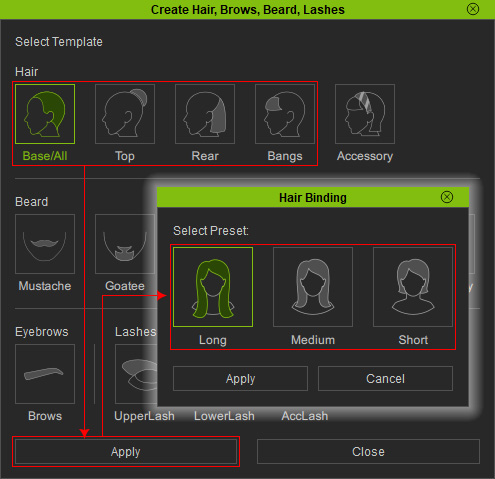
Note that Soft Cloth physics settings on the hair take priority over skin weight effects.
Long
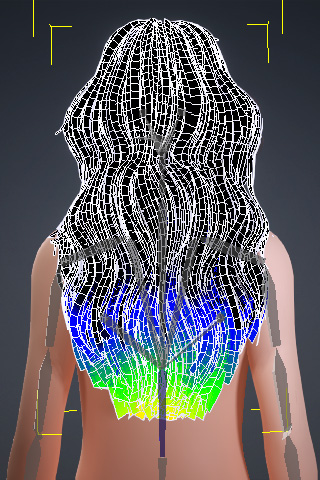
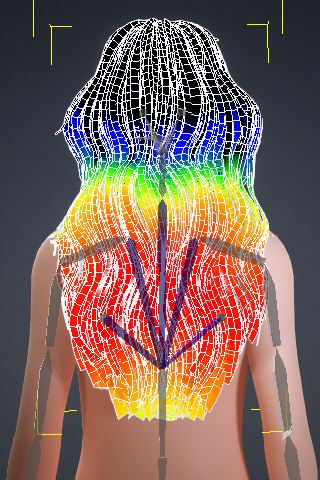
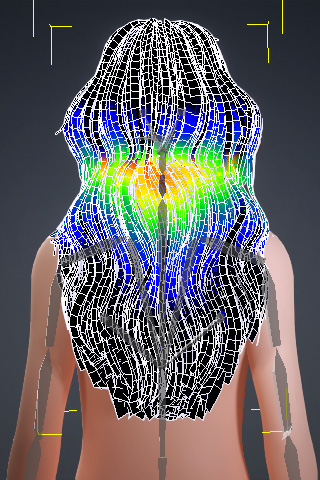
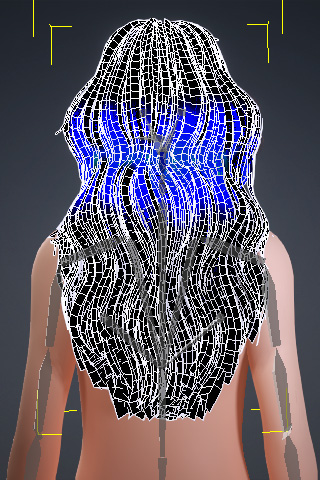
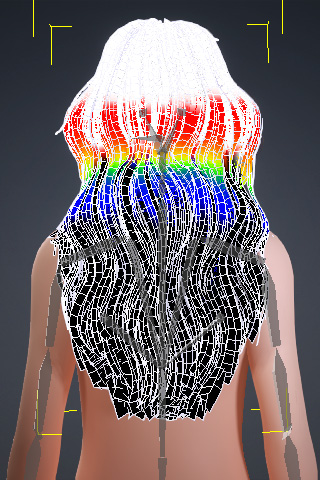
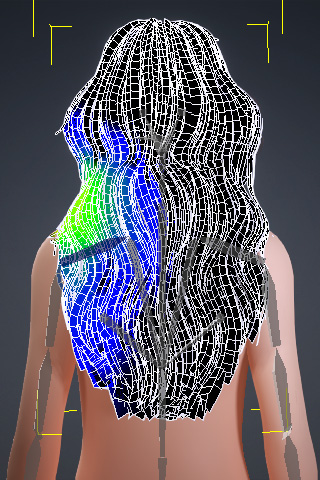
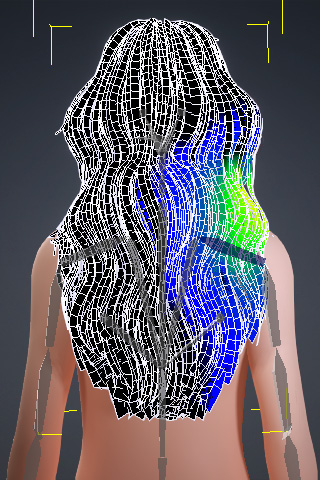
The Long preset uses the following bones to generate skin weights: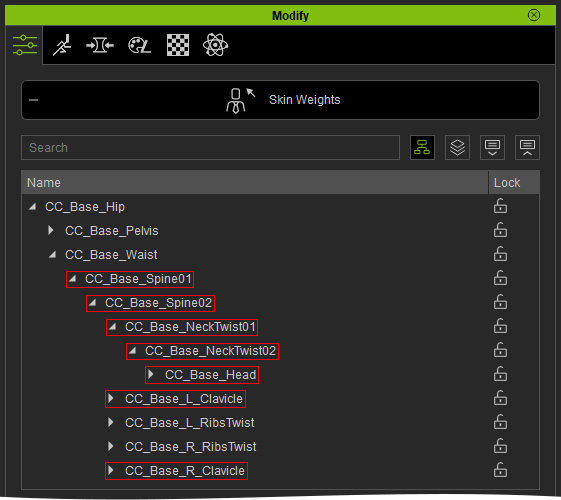
|
|
|
|
|
CC_Base_Spine01 |
CC_Base_Spine02 |
CC_Base_NeckTwist01 |
CC_Base_NeckTwist02 |
|
|
|
|
|
CC_Base_Head |
CC_Base_L_Clavicle |
CC_Base_R_Clavicle |
The resulting skin weights determine how the hair deforms as the character moves.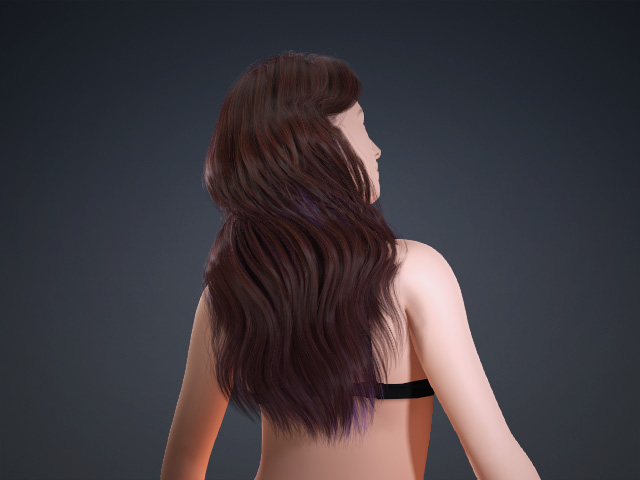
This preset is best suited for long hair.
Medium
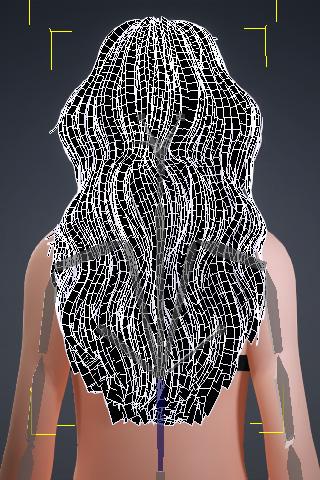
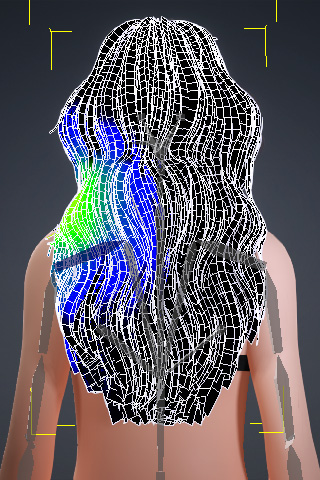
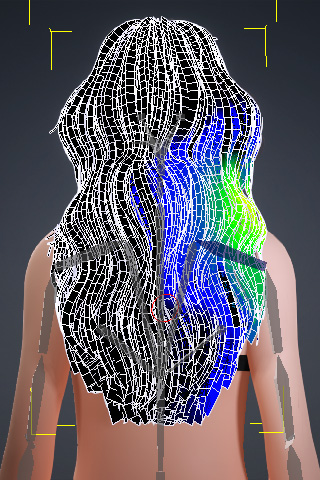
The Medium preset uses the following bones to generate skin weights: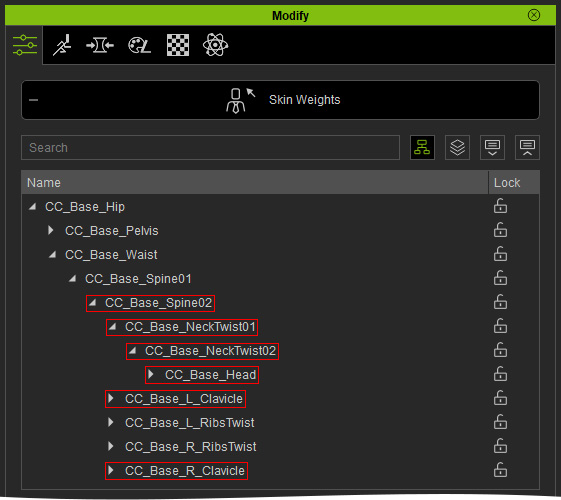
|
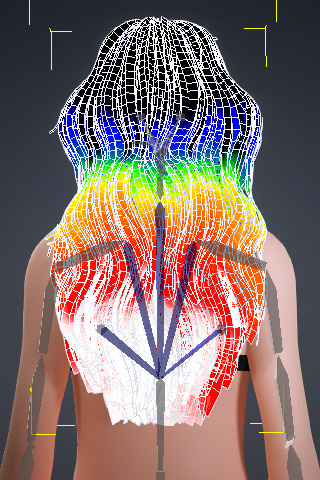
|
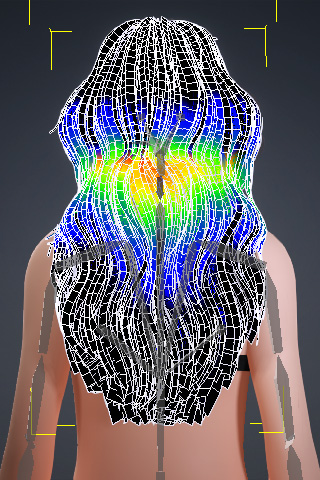
|
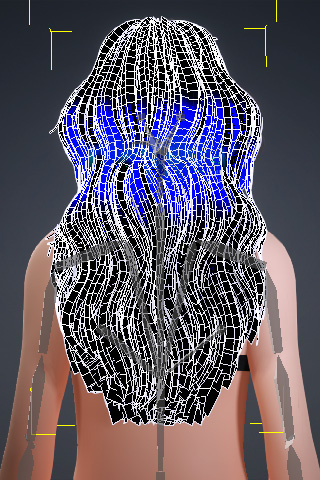
|
|
CC_Base_Spine01 (no skin weights) |
CC_Base_Spine02 |
CC_Base_NeckTwist01 |
CC_Base_NeckTwist02 |
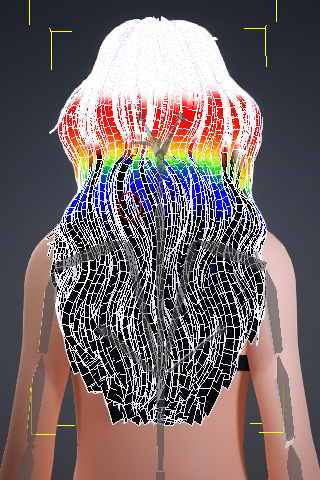
|
|
|
|
|
CC_Base_Head |
CC_Base_L_Clavicle |
CC_Base_R_Clavicle |
The resulting skin weights determine how the hair deforms as the character moves.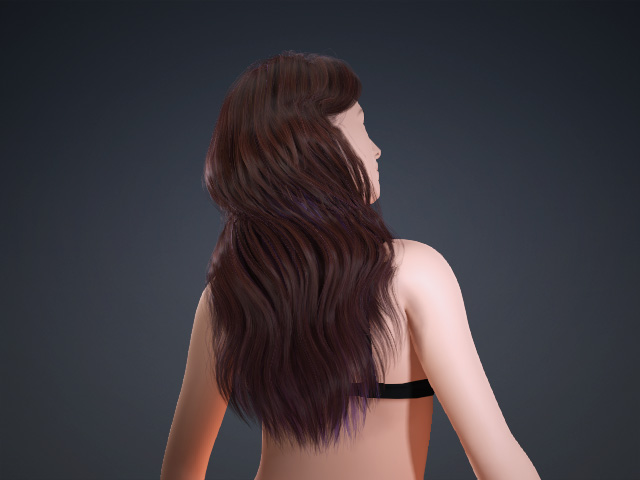
This preset is best suited for medium hair.
Short
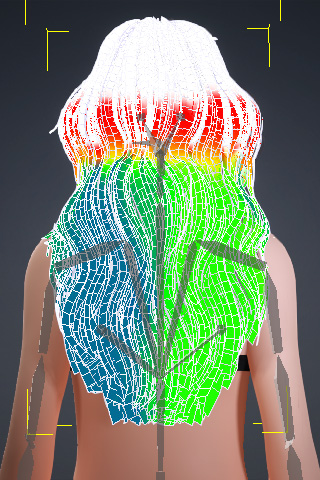
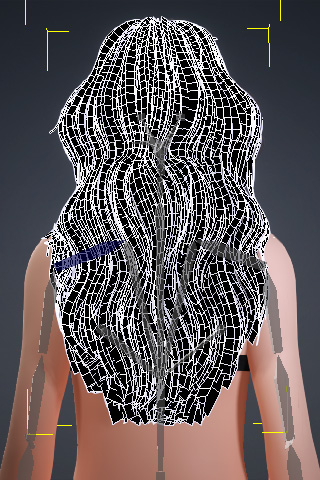
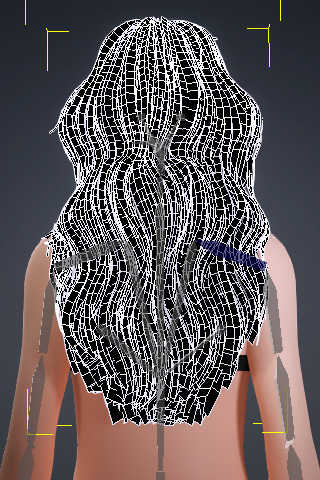
The Short preset uses the following bones to generate skin weights: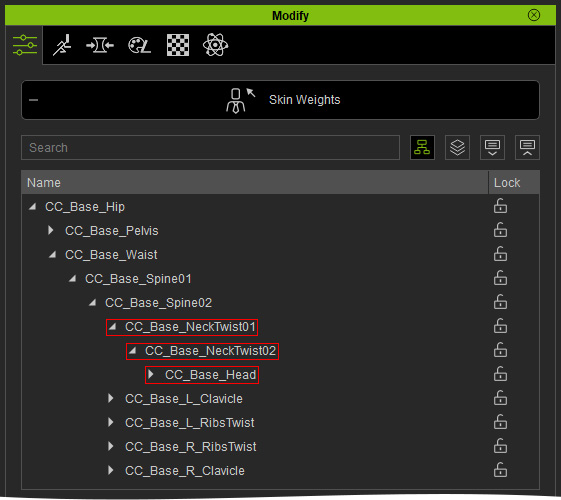
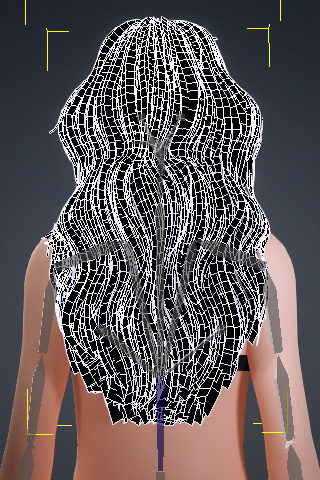
|
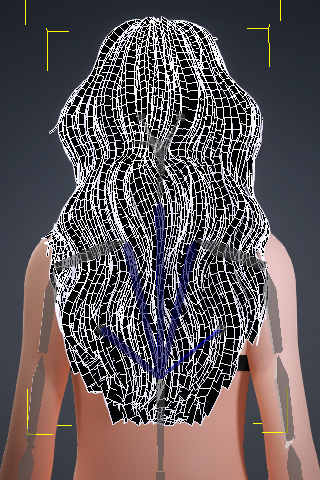
|
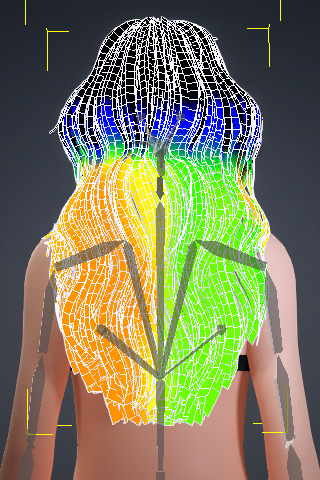
|
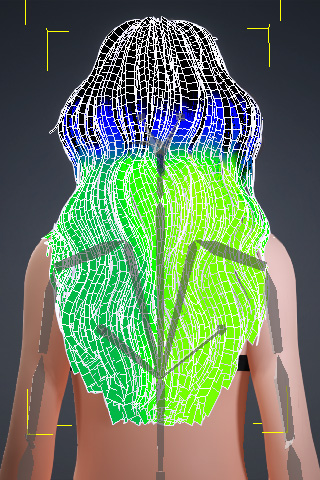
|
|
CC_Base_Spine01 (no skin weights) |
CC_Base_Spine02 (no skin weights) |
CC_Base_NeckTwist01 |
CC_Base_NeckTwist02 |
|
|
|
|
|
CC_Base_Head |
CC_Base_L_Clavicle (no skin weights) |
CC_Base_R_Clavicle (no skin weights) |
The resulting skin weights determine how the hair deforms as the character moves.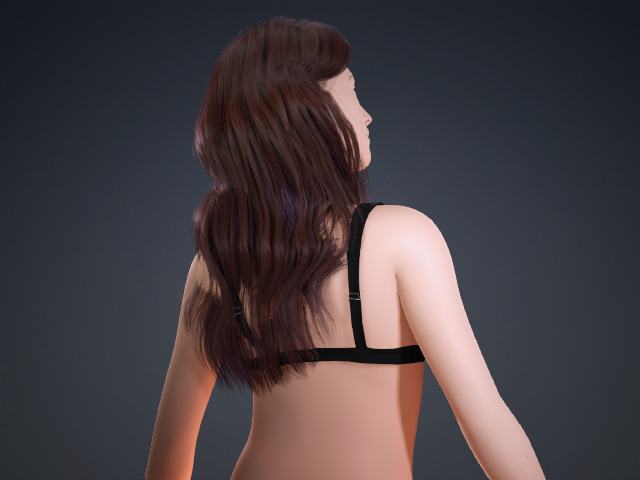
This preset is best suited for short hair.
