How Joint Orientation Affects Body Wrap Results
Correct joint orientation is essential for generating properly aligned geometry during Body Wrap. The cone directions set in DETECT JOINTS determine how the ring-shaped alignment points are arranged in ALIGN POINTS, which directly affects the final mesh in REFINE MESH.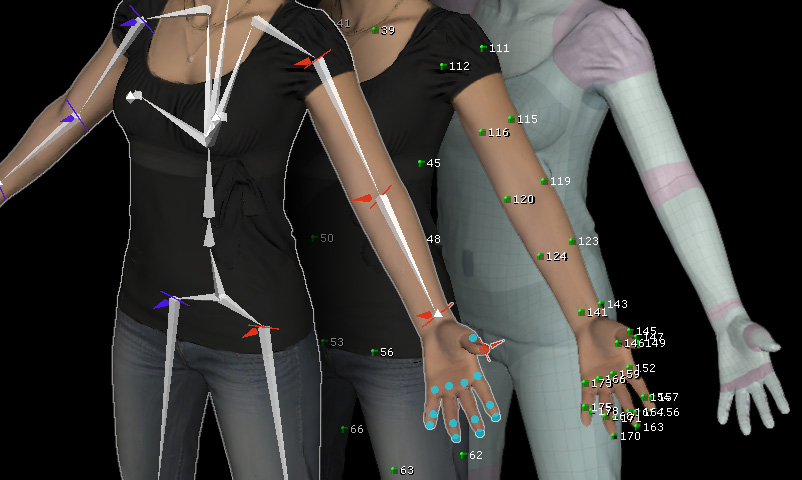
Joint Orientation in DETECT JOINTS
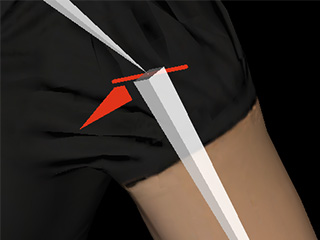
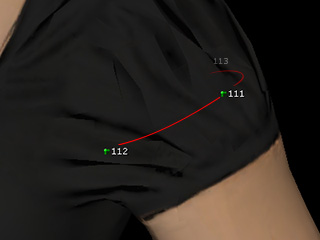
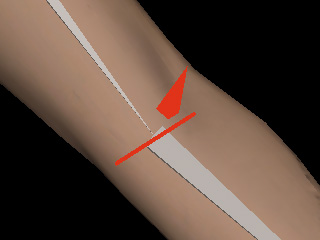
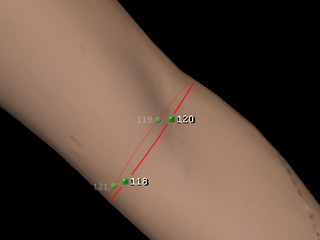
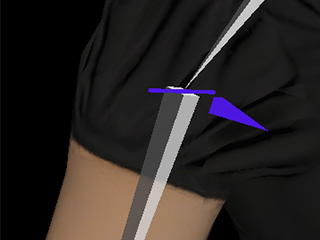
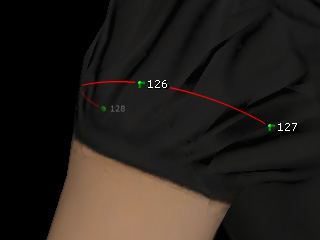
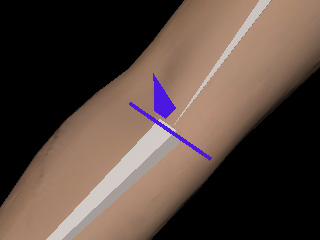
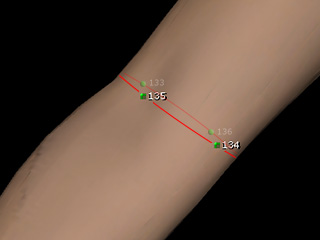
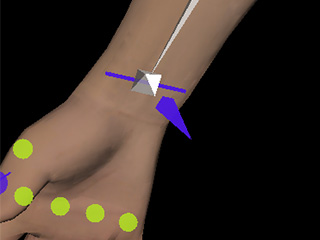
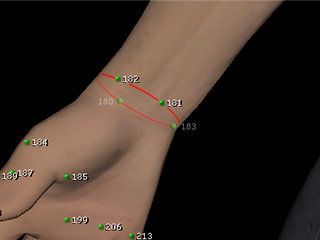
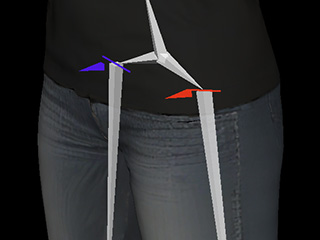
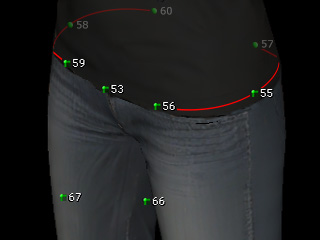
At the shoulders, elbows, wrists, and upper thighs, adjust each cone gizmo to match the intended orientation of the corresponding joint. Each joint's cone direction independently determines the arrangement of its associated ring-shaped alignment points.
|
|
|
|
|
Left Shoulder Orientation |
Corresponding Alignment Points |
Left Elbow Orientation |
Corresponding Alignment Points |
|
|
|
|
|
Left Wrist Orientation |
Corresponding Alignment Points |
Right Shoulder Orientation |
Corresponding Alignment Points |
|
|
|
|
|
Right Elbow Orientation |
Corresponding Alignment Points |
Right Wrist Orientation |
Corresponding Alignment Points |
|
|
||
|
Upper Thighs Orientation |
Corresponding Alignment Points |
Alignment Point Arrangement in ALIGN POINTS
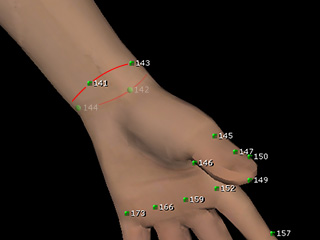
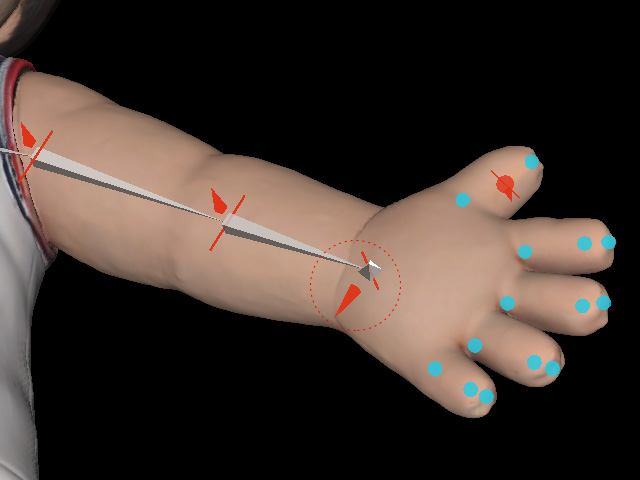
The cone orientation determines how the alignment points are distributed around each joint. When the orientation is correct, the points form a properly aligned ring around the limb or joint. When the orientation is incorrect, the ring rotates accordingly, causing the alignment points to be misaligned with the CC5 HD model mesh.
|
|
|
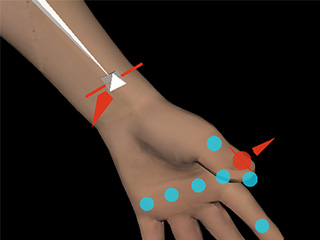
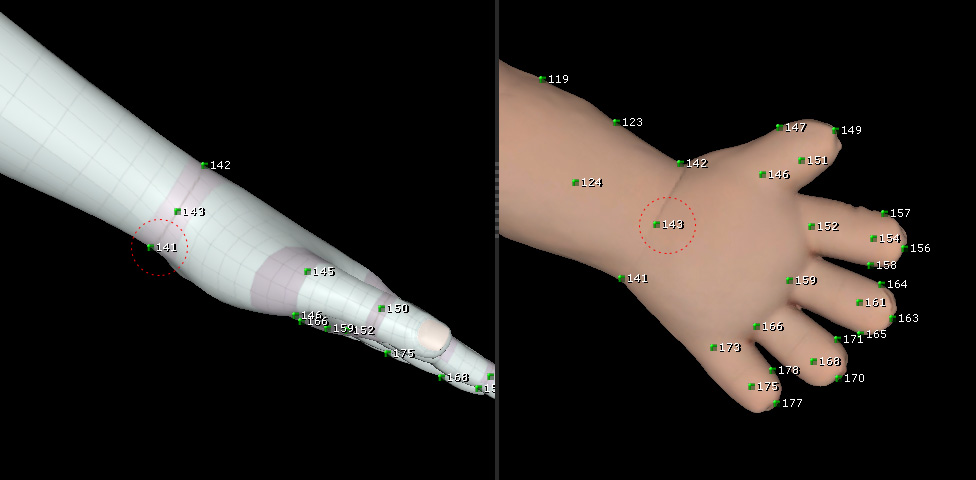
The Pyramid-pointer points toward the pinky finger (incorrect). The correct orientation points toward the palm. |
In ALIGN POINTS Step, the palm-facing alignment point is 141 on the CC 5 HD character but 143 on the imported model, indicating a 90-degree rotation of the entire alignment ring that causes incorrect Body Wrap alignment. |
Resulting Mesh in REFINE MESH
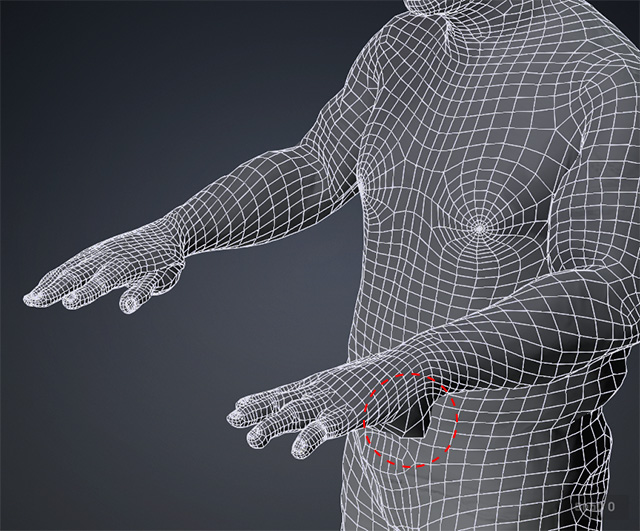
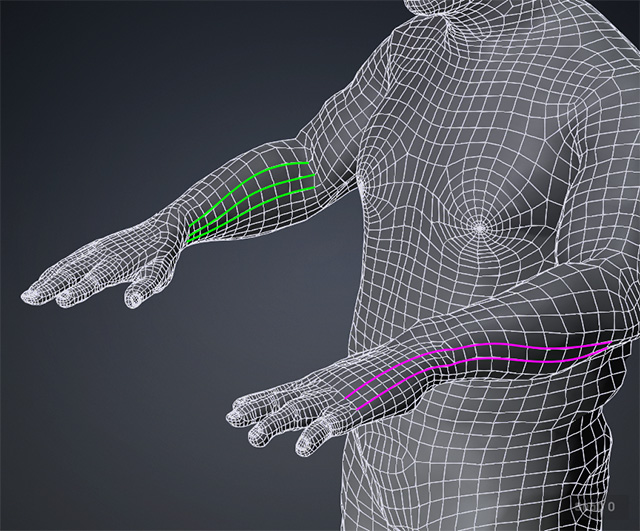
Incorrect alignment point arrangements can produce visible mesh or topology problems, including bulges, twisting, and abnormal folds. For example, a wrist may become pinched in the middle and twisted, creating an hourglass-like deformation.
Compare the results to identify whether the ring-shaped alignment points are correctly arranged and whether the resulting mesh follows the intended shape.
|
|
|
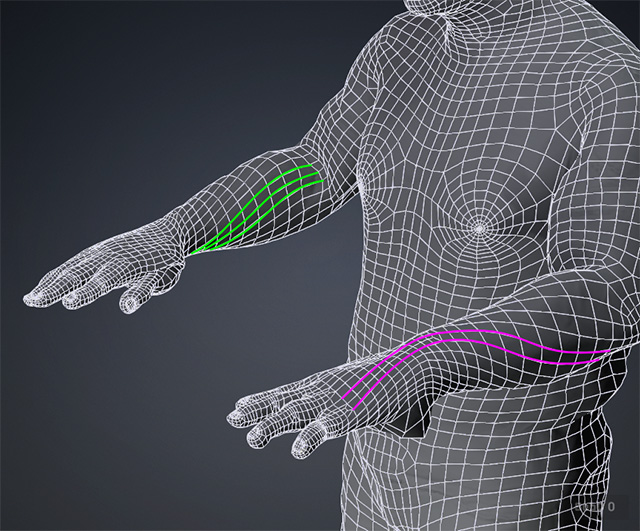
In this example, the wrist orientation was set incorrectly in the DETECT JOINTS step, resulting in a bulging defect in the REFINE MESH step. |
The model's topology is twisted due to incorrect wrist orientation settings. |
Correcting Incorrect Results
If you notice incorrect topology or deformation in REFINE MESH, return to ALIGN POINTS to manually reposition individual alignment points. However, this can be time-consuming.
|
|
|
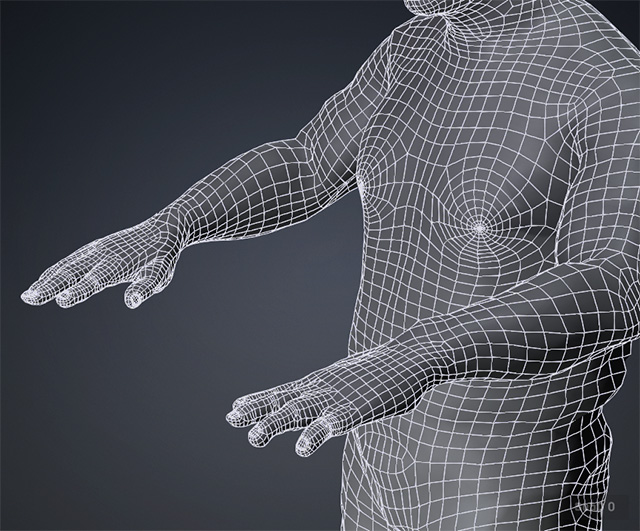
Return to the DETECT JOINTS step to correctly set the wrist orientation (pointing toward the palm). The mesh artifact will be resolved in the REFINE MESH step. |
The model's topology issue is solved. |
 Recommended:
Return to DETECT JOINTS and correct the Pyramid-pointer orientation of the affected joint. This adjusts the arrangement of multiple associated alignment points at once, making it much more efficient than correcting each point individually
