Setting the Number of Fingers and Toes
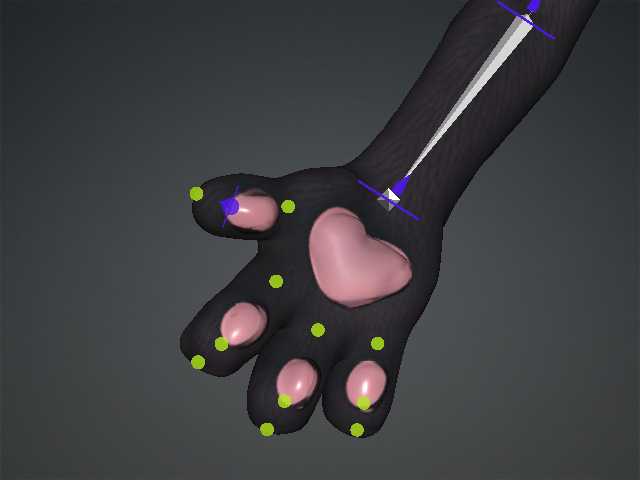
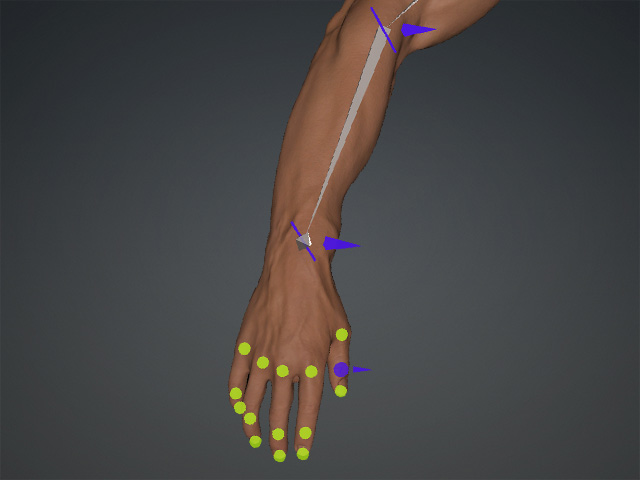
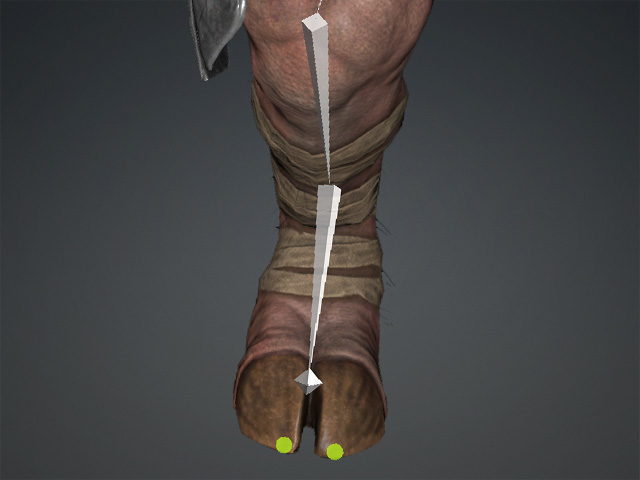
Set the Number of Fingers and Number of Toes according to the actual number of digits on the character model. When Generate Skeleton is clicked, Guide Points are automatically generated at the appropriate positions on the fingers and toes based on these settings.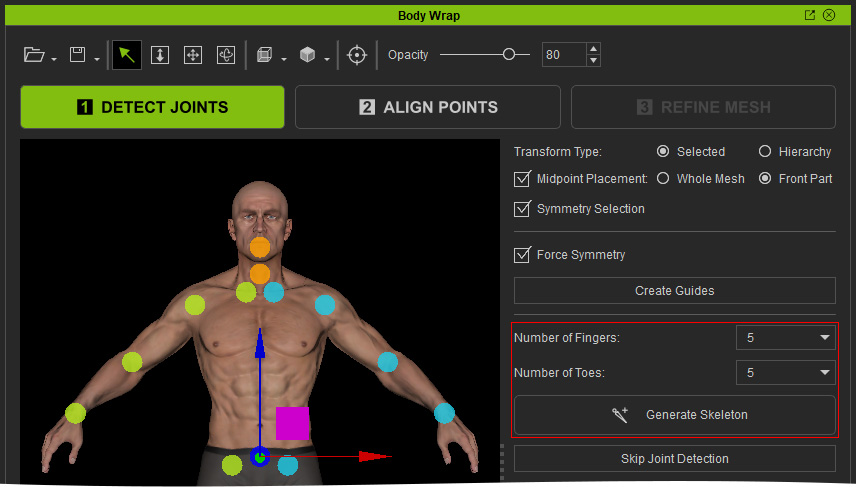
 Important:
Set these values to match the actual number of fingers and toes on the model to ensure that the Guide Points are generated correctly.
Number of Fingers
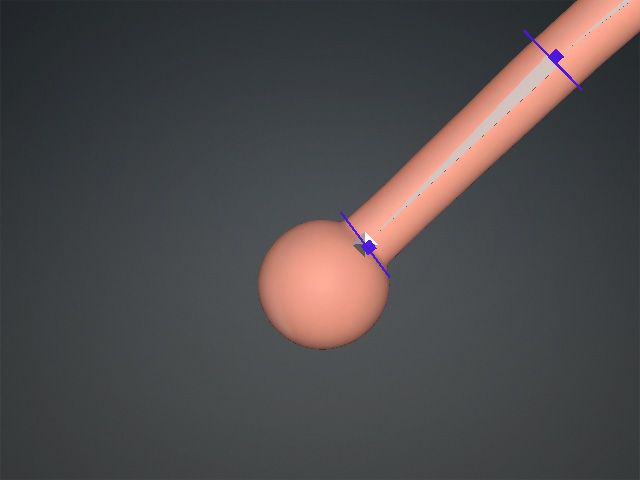
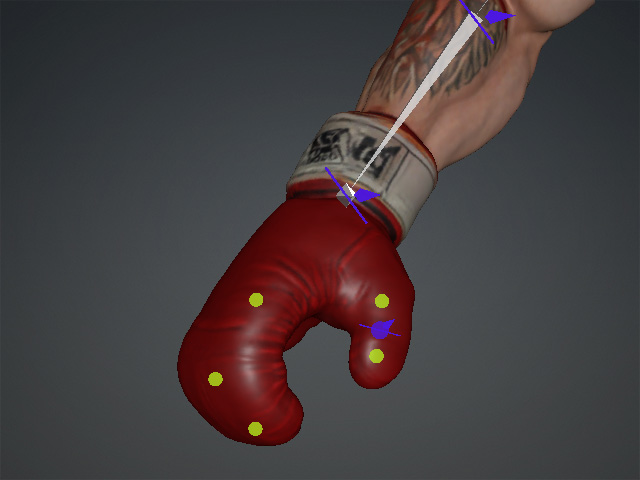
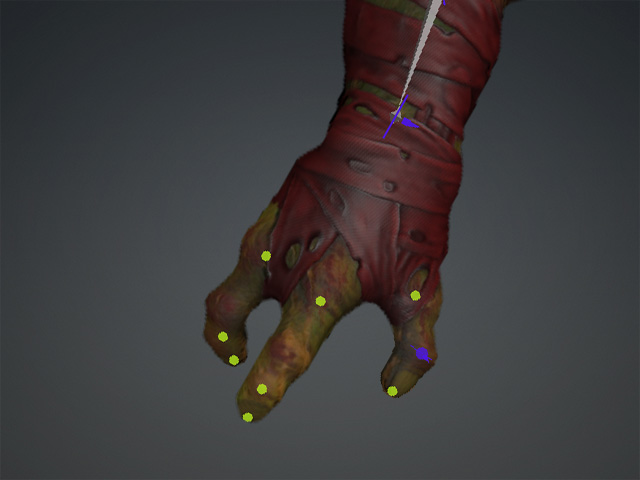
Select the number of fingers on the character model. Values from 1 to 5 are available.
|
|
|
Number of Fingers = 0 |
Number of Fingers = 2 |
|
|
|
Number of Fingers = 3 |
Number of Fingers = 4 |
|
|
|
Number of Fingers = 5 |
|
Number of Toes
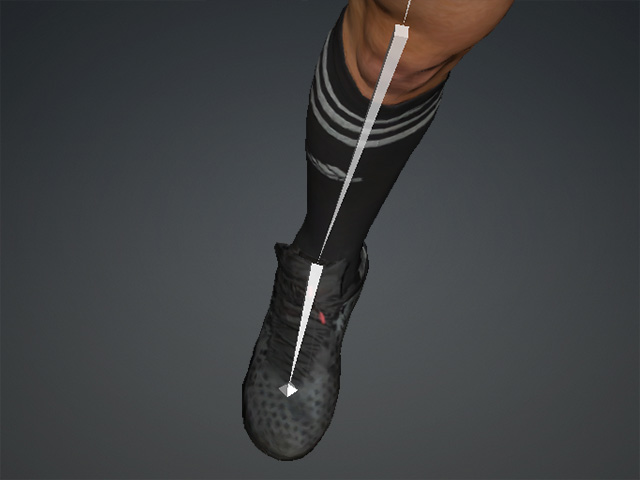
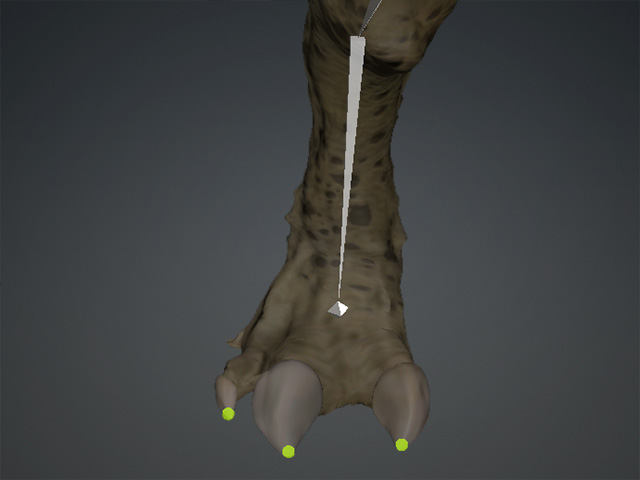
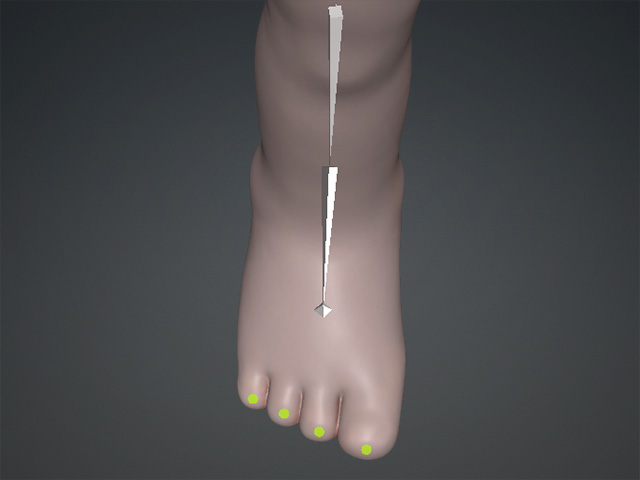
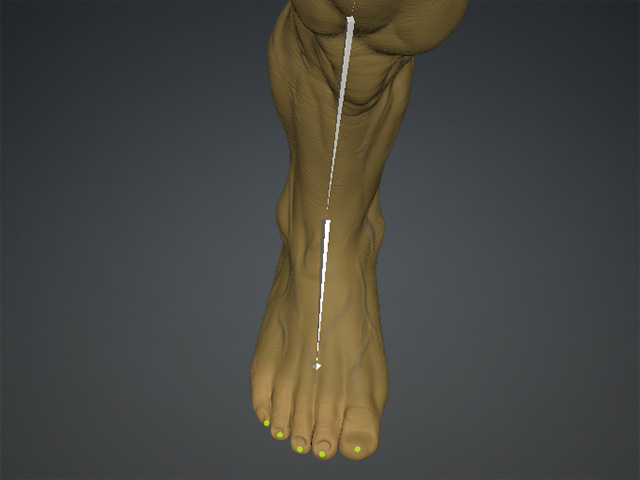
Select the number of toes on the character model. Values from 1 to 5 are available.
|
|
|
Number of Toes = 0 |
Number of Toes = 2 |
|
|
|
Number of Toes = 3 |
Number of Toes = 4 |
|
|
|
Number of Toes = 5 |
|
