Timecode for Video and Audio
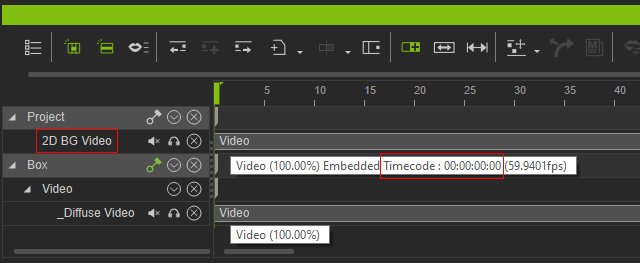
iClone Timecode plugin lets you load timecode data from video and audio files. In addition, you can align different media assets to their correct positions on the timeline.
** Only videos applied to the 2D background can be synchronized using the timecode feature. Video textures do not support timecode synchronization.
Linking a Timecode Generator with a Capture Device
To include timecode for capture devices without a built-in counter, connect them to external timecode generators.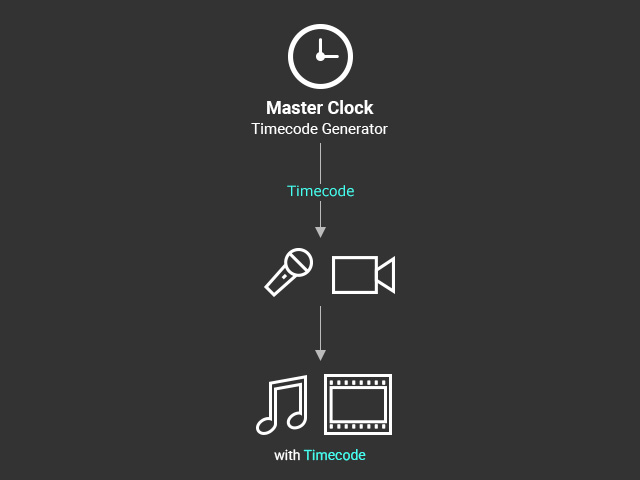
Software-based Timecode
To include timecode into video and audio files, manually activate the timecode settings with their respective software.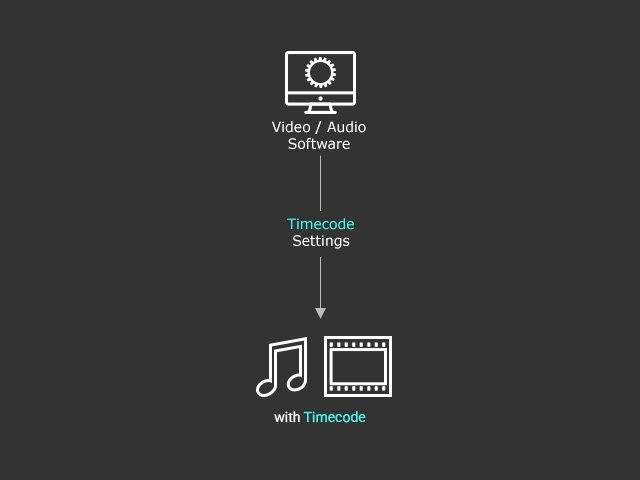
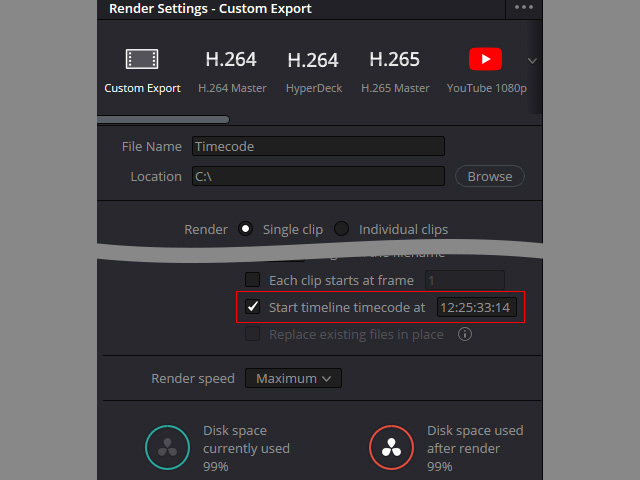
- For Davinci, activate the Start timeline timecode at option and enter a starting value.