Displaying Burn-in Data
Under Project > Burn-in Data enable the following options (especially Timecode) to apply burn-in on the screen and in the rendered media. Ensure that Show Burn-In HUD is enabled.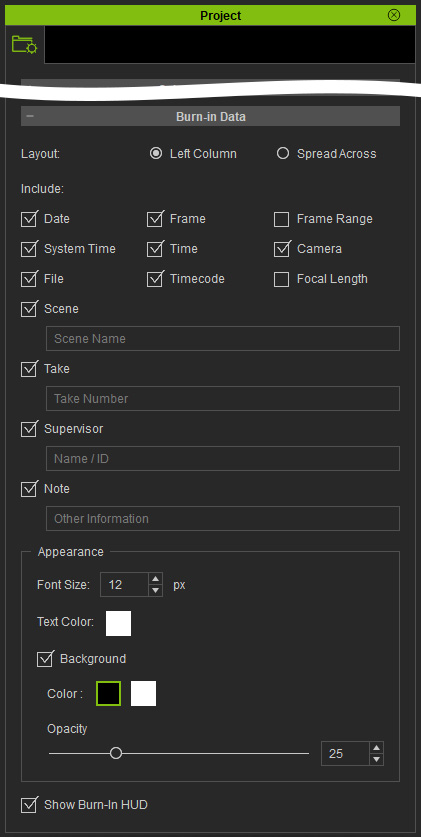
 Layout
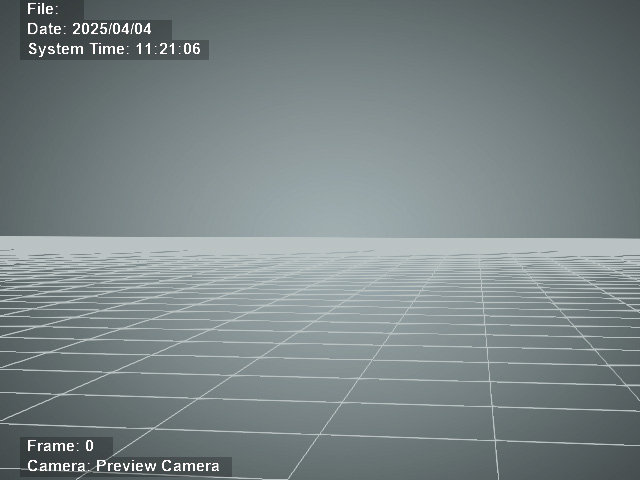
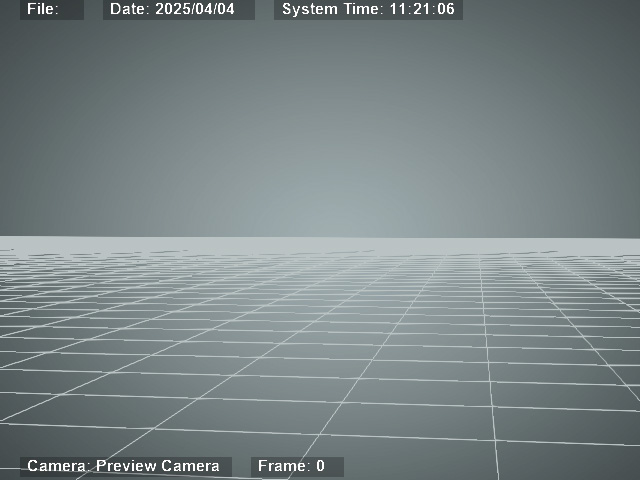
Changes the orientation of the burn-in data display.
|
|
|
Burn-in layout set to Left Column. |
Burn-in data layout set to Spread Across. |
Include
Displays the data activated.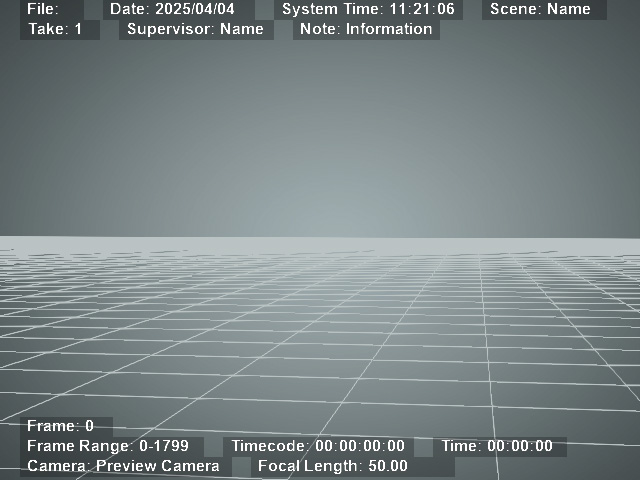
Appearance
Sets the font size, color, background color and opacity for the burn-in data.
- Font Size (px):
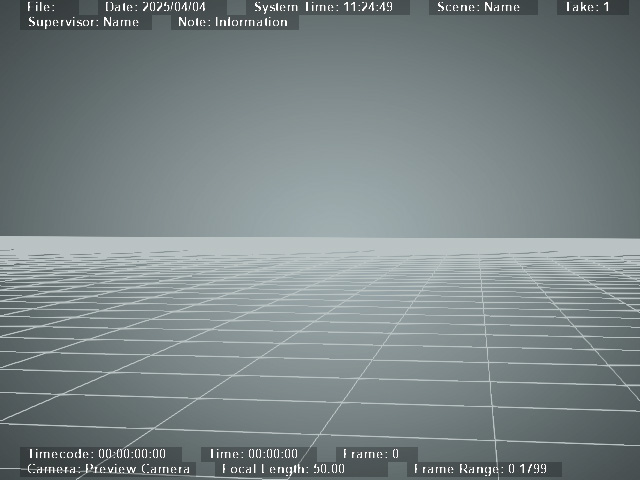
With Font Size set to 12 (Default).
With Font Size set to 10.
- Text Color:
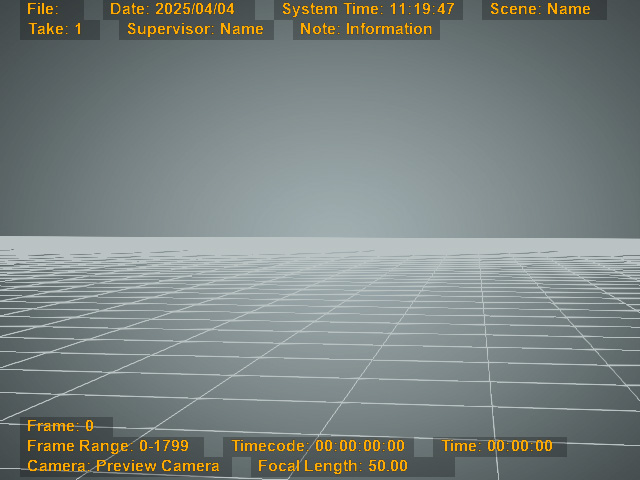
With Font Color set to "#FFFFFF".
With Font Color set to "#FFAA00".
- Show / Hide Background Color:
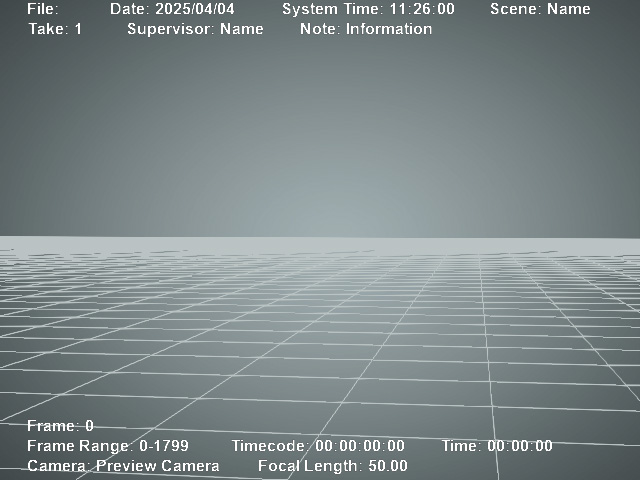
With Background Color shown.
With Background Color hidden.
- Background Color:
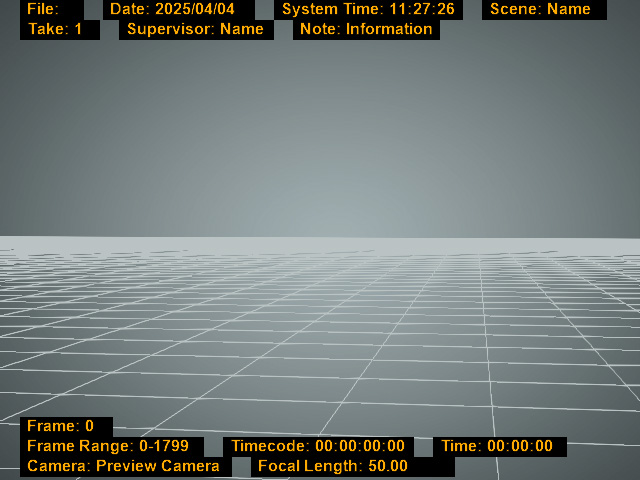
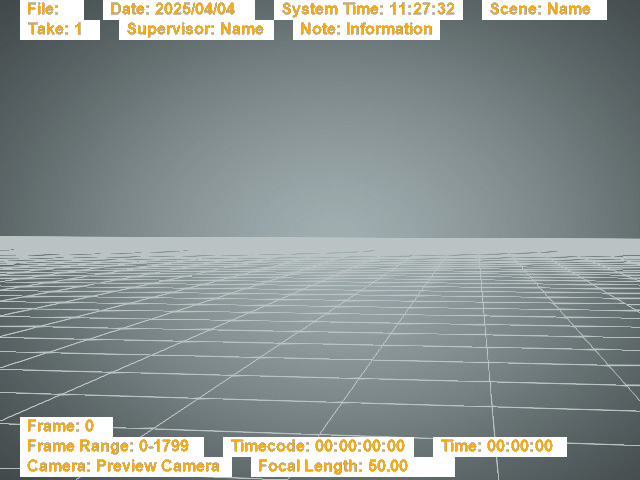
With Background Color set to "#000000" (pure black).
With Background Color set to "#FFFFFF" (pure black).
- Background Opacity:
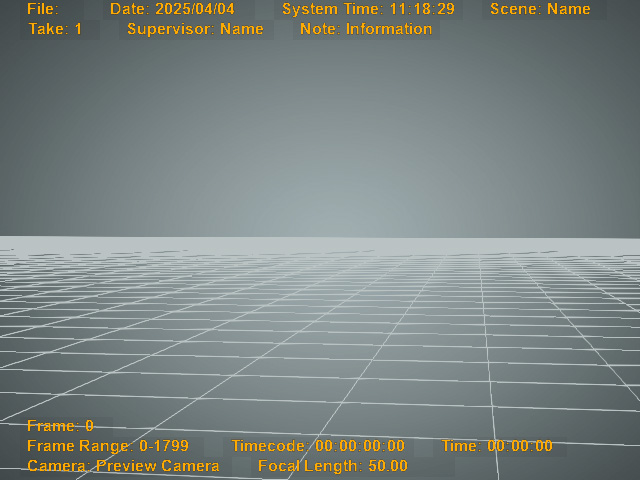
With Background Opacity set to 25 (Default).
With Background Opacity set to 5.
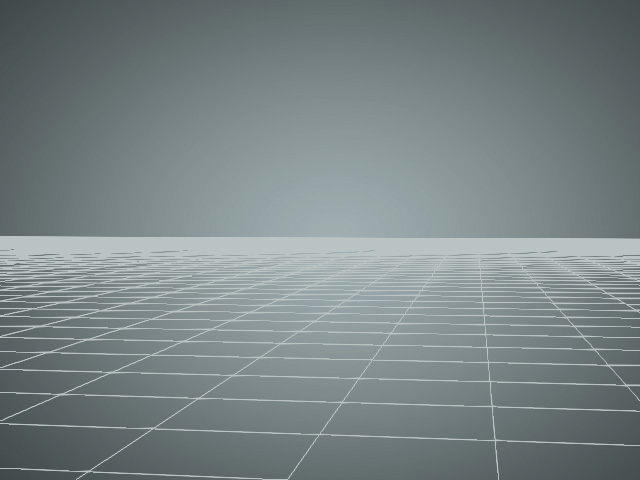
Show Burn-in HUD
Shows / Hides the Burn-in HUD.
|
|
|
|
Show Burn-in HUD enabled. |
Show Burn-in HUD disabled. |
