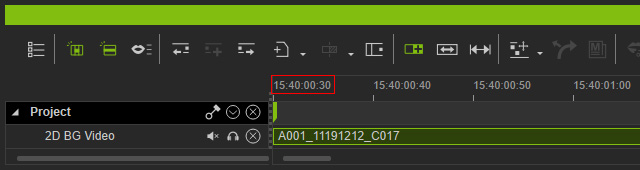
Setting the Initial Timecode for the Project
- Create a new project and launch the timeline.
- Choose the Project > Time Unit > Time Unit > Timecode radio button.
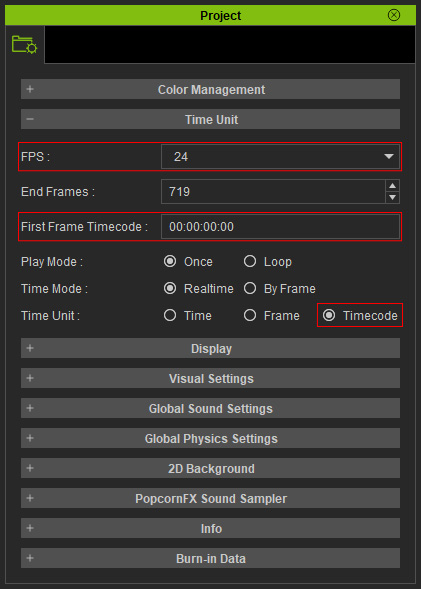
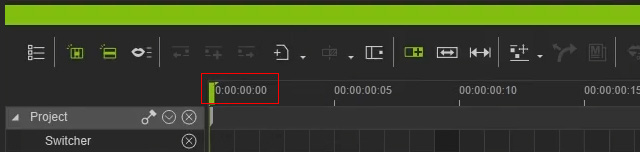
** By default, the timecode start time is set to 00:00:00:00.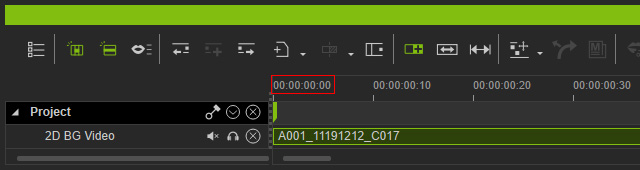
- In the Project panel, type in the desired timecode for the start frame and press Enter.
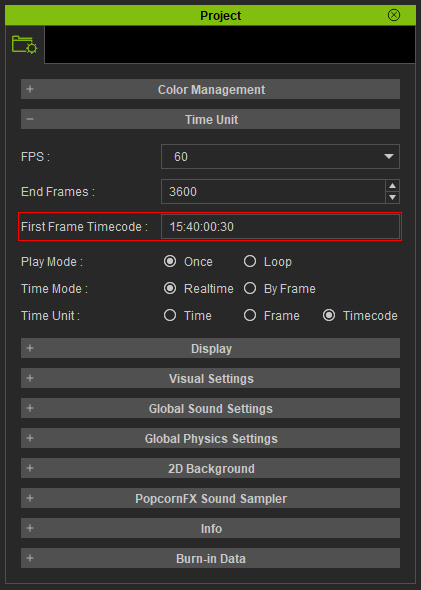
The timecode digits represent hour (H), minute (M), second (S) and frame (F).
- The starting timecode for project and the timeline will be set to your input time.