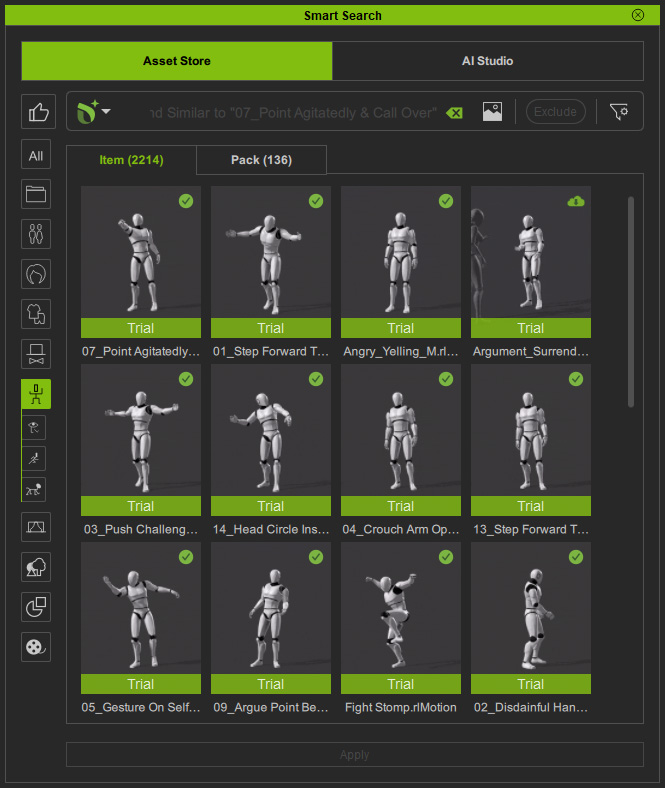
Finding Similar Motions 
Deep Search lets you find ActorCore motions similar or related to motions in Smart Search, Content Manager, and within the timeline.
It's especially useful for enhancing the current animation sequences in the scene.
( Watch Tutorial - How to Search for Animations Using Deep Search )
This feature can be accessed from multiple locations.
 Via the Smart Search panel
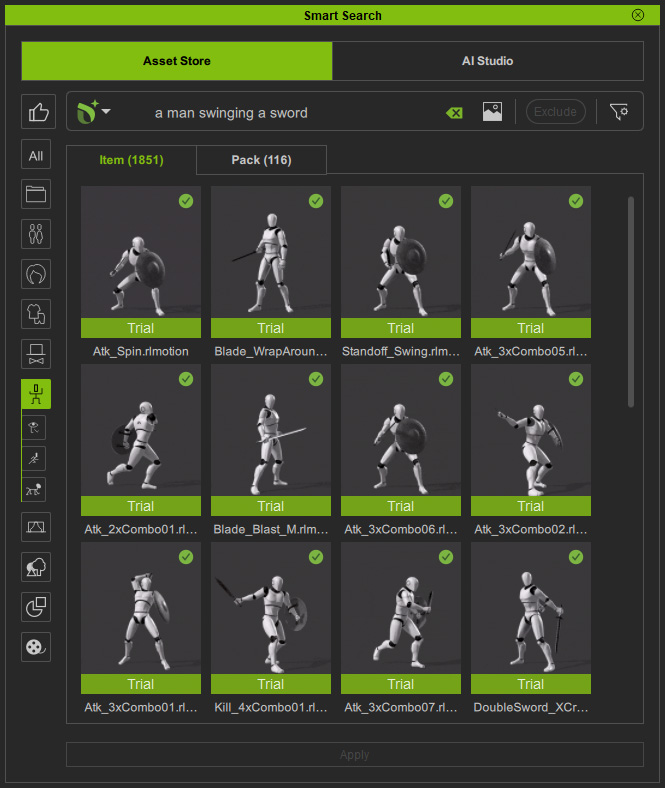
After performing a text search (in this case, "a man swinging a sword") in the Smart Search panel, you can further find similar sequences to expand the action in your scene.
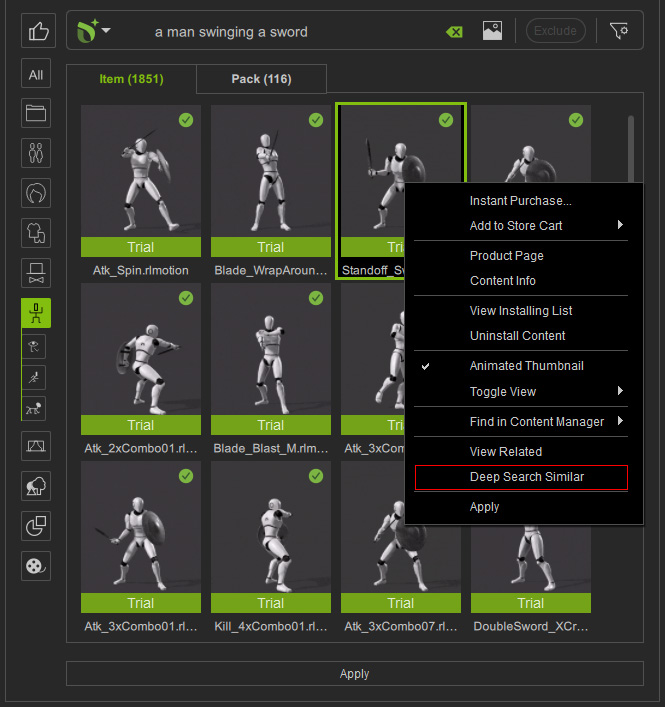
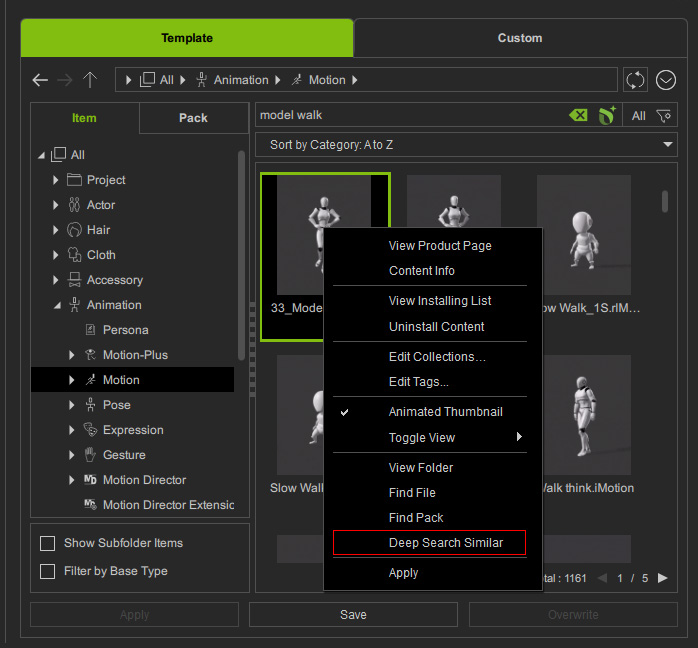
In the search results, right click on a content and choose Deep Search Similar from the context menu.
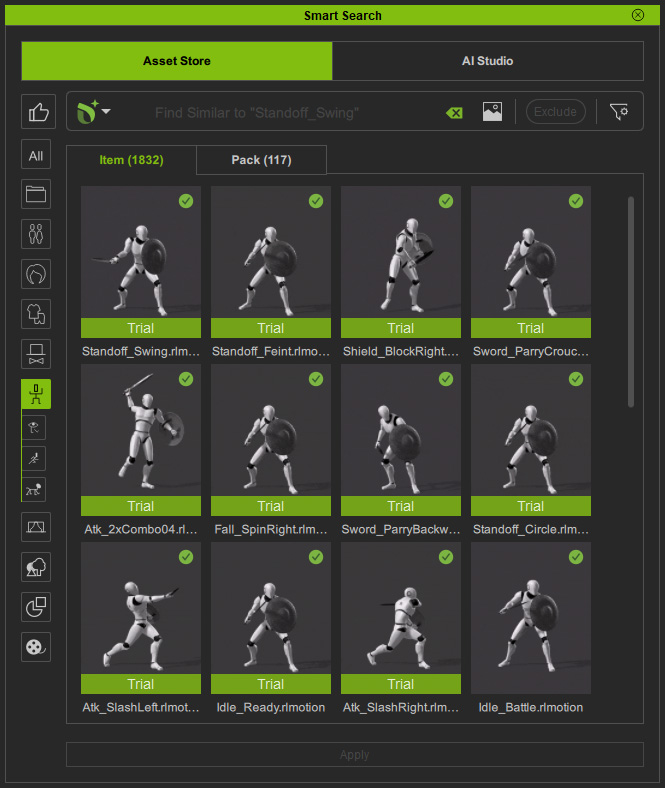
The animation sequence of the selected content will be compared to the asset libraries of ActorCore, and return similar animation segments, such as standoff, shield block and sword parry, under the Asset Store tab.
From the Content ManagerApplying Deep Search on animation results under Content Manager > Template > Item > Motion-Plus and Motion can lead to similar ActorCore animations.
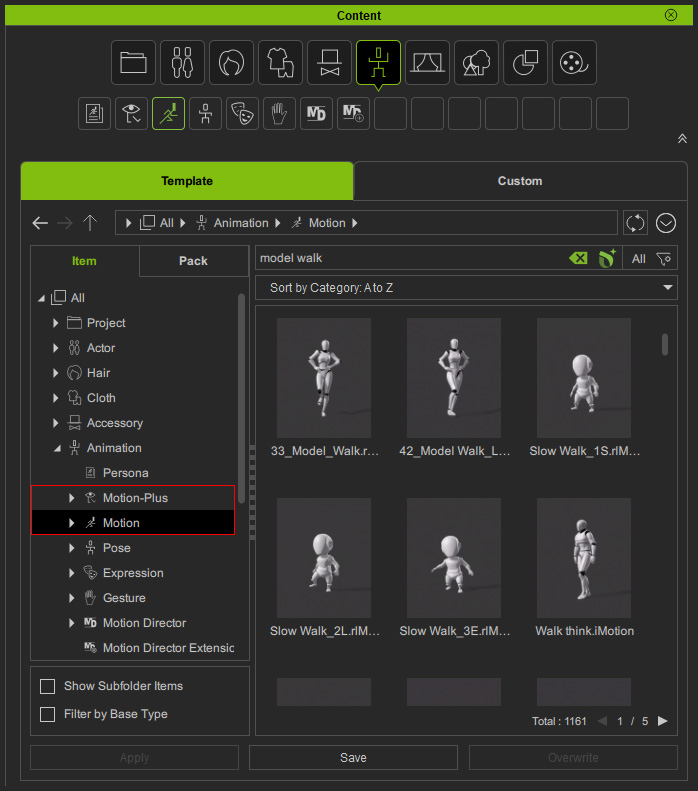
Right click on an asset and execute the Deep Search Similar command from the context menu.
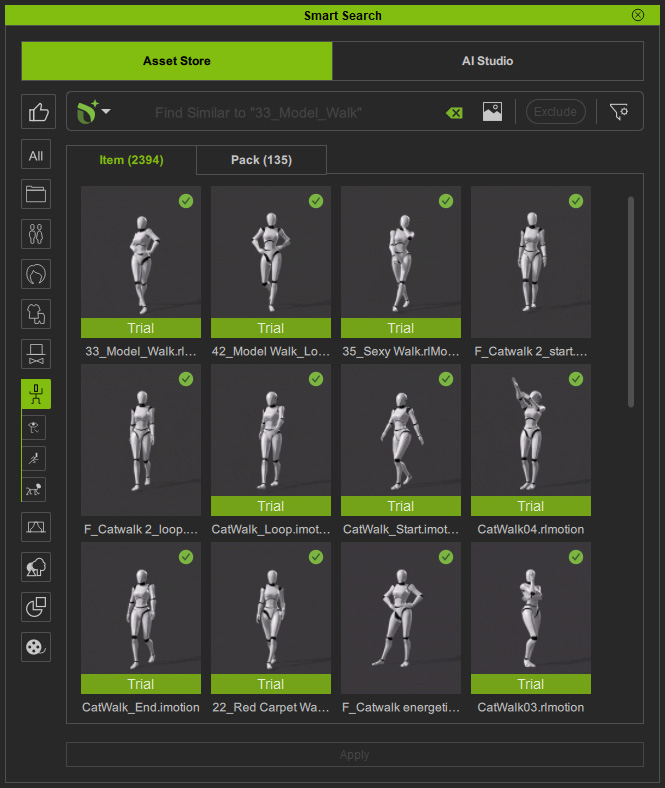
The Smart Search panel launches with the Asset Store open tab to show online content with similar animation sequences.
The content category will be synchronized automatically, in this case, Animation.
From the TimelineAfter applying animation templates (Motion-Plus or Motion), you can explore similar sequences to replace the current one with something more appealing.
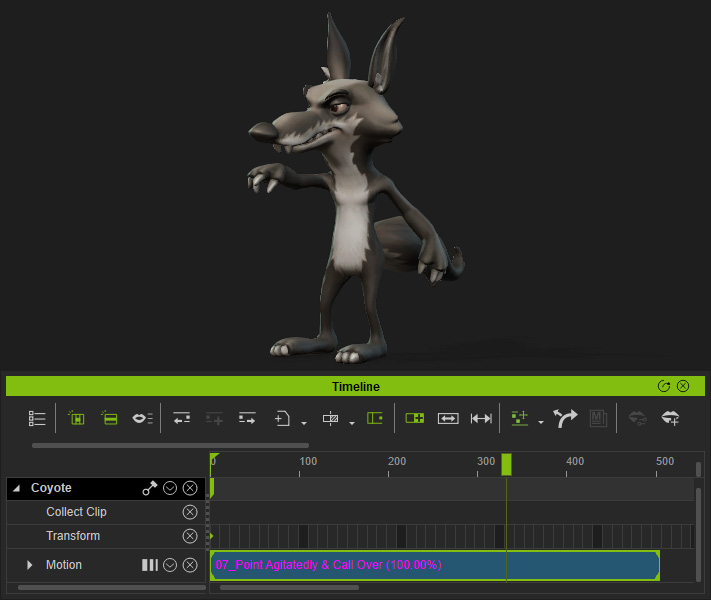
Right click on the applied motion clip in Timeline and choose Deep Search Similar.
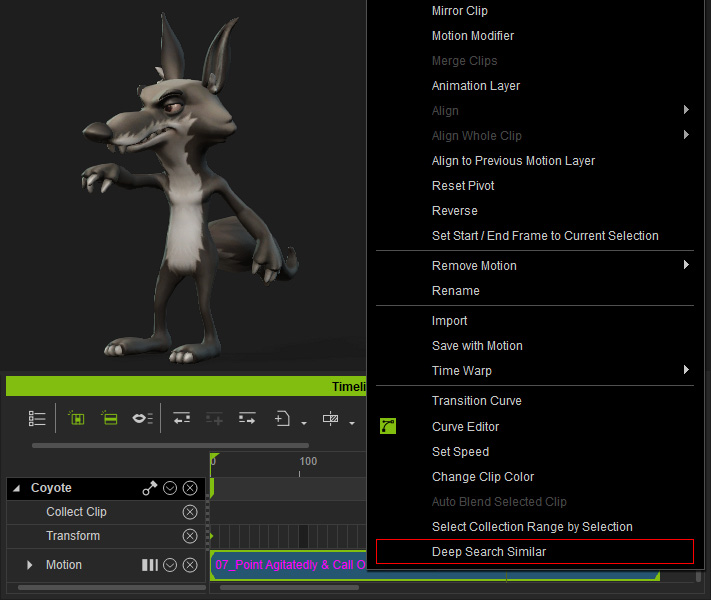
After comparing the animation sequence on ActorCore, the Smart Search panel launches with similar motions displayed under the Asset Store tab.