Pack Item View 
Under Pack View, you can view the contents of Trial packs or downloaded packs in a new tab. This lets you preview the items in a Trial pack before downloading it, preserving your daily Trial pack download limit (3 packs per day for general users).
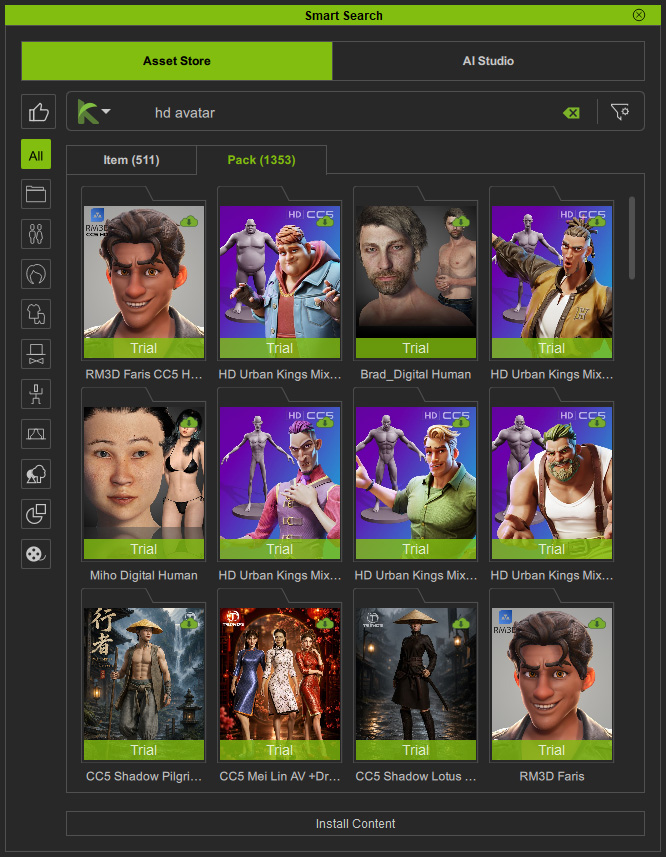
Right-click the Trial pack and choose View Items from the context menu.
The pack opens in a new tab named after the pack, displaying its contents.
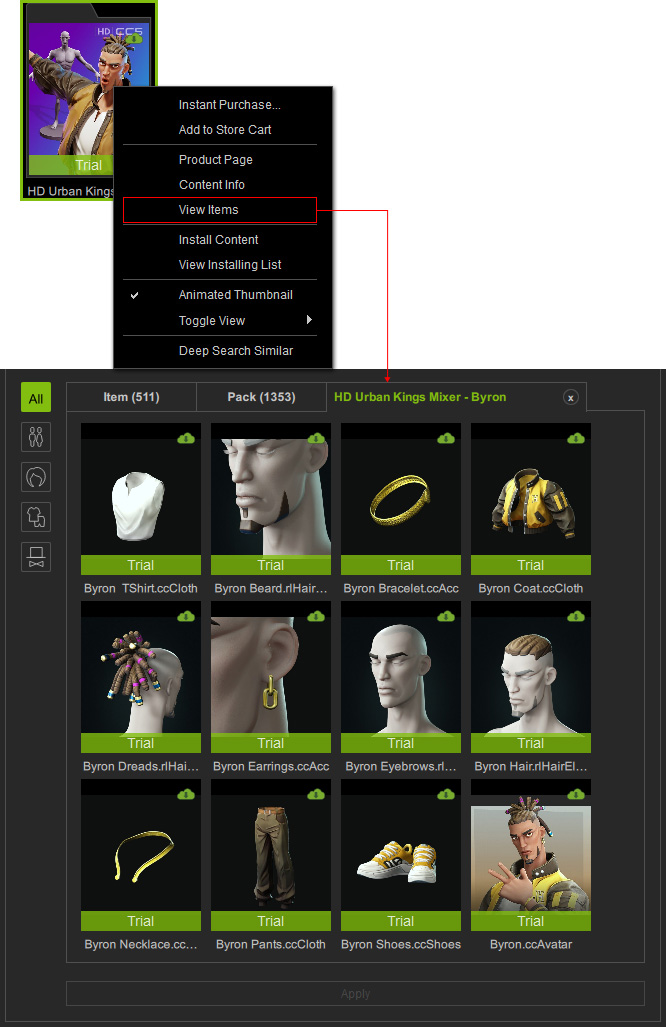
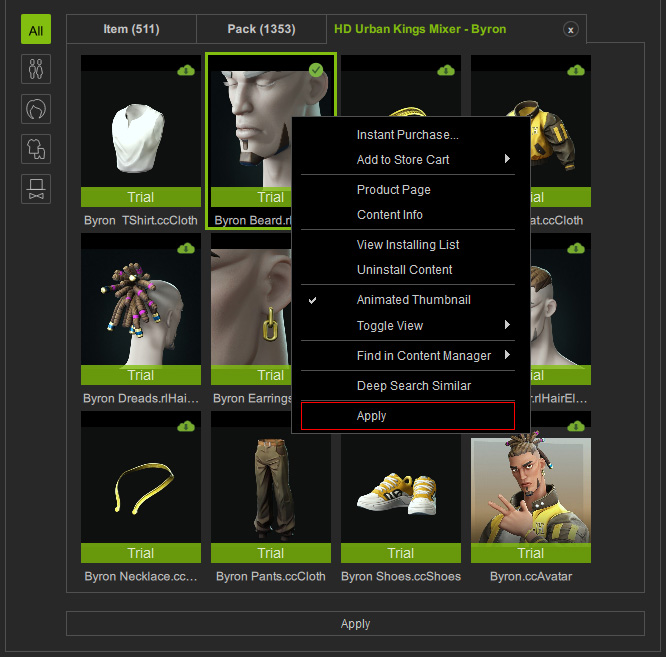
- By default, pack items are displayed under the All category.
Click the category buttons on the left to filter the content by type.
Content Type Pack Items Actor
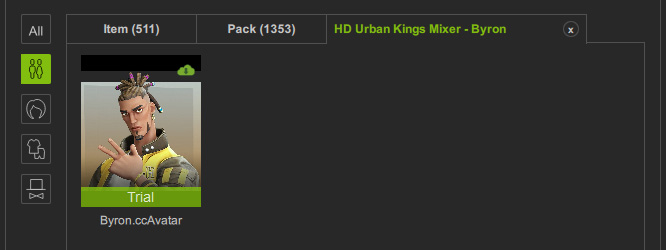
Hair
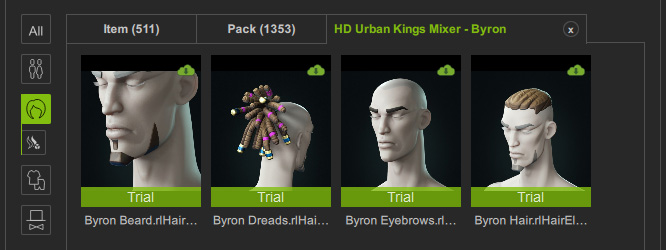
Cloth
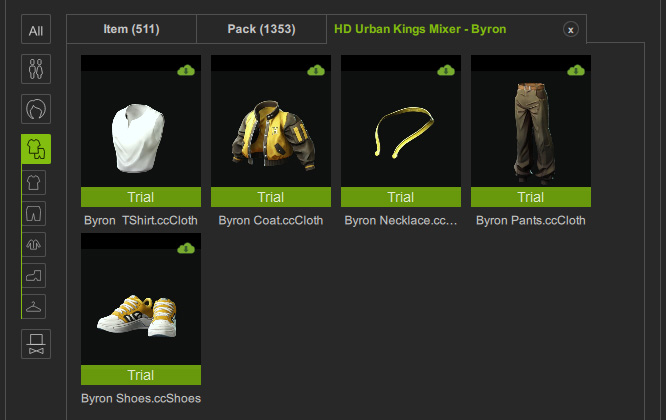
Accessory
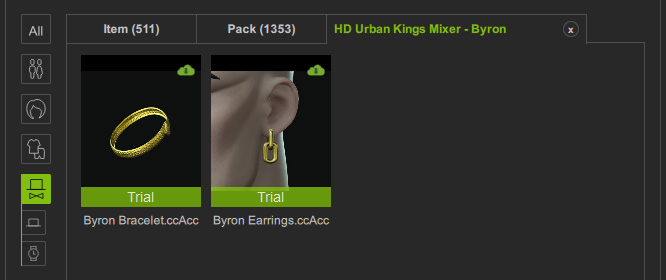
- Pack items can be downloaded, installed, and uninstalled individually.
Once downloaded and installed, they can be applied to the viewport by dragging and dropping them, clicking Apply at the bottom of the panel, or using the context menu.
- Click the X button next to the tab label to close the Pack Item View and return to Pack View. Alternatively, click the Pack tab to return directly to Pack View, then use the same method to view other Trial packs.
- Only one pack can be opened at a time. Selecting another pack automatically updates the Pack Item View with the contents of the newly selected pack.
