Editing Images with Character Consistency (v1.01)
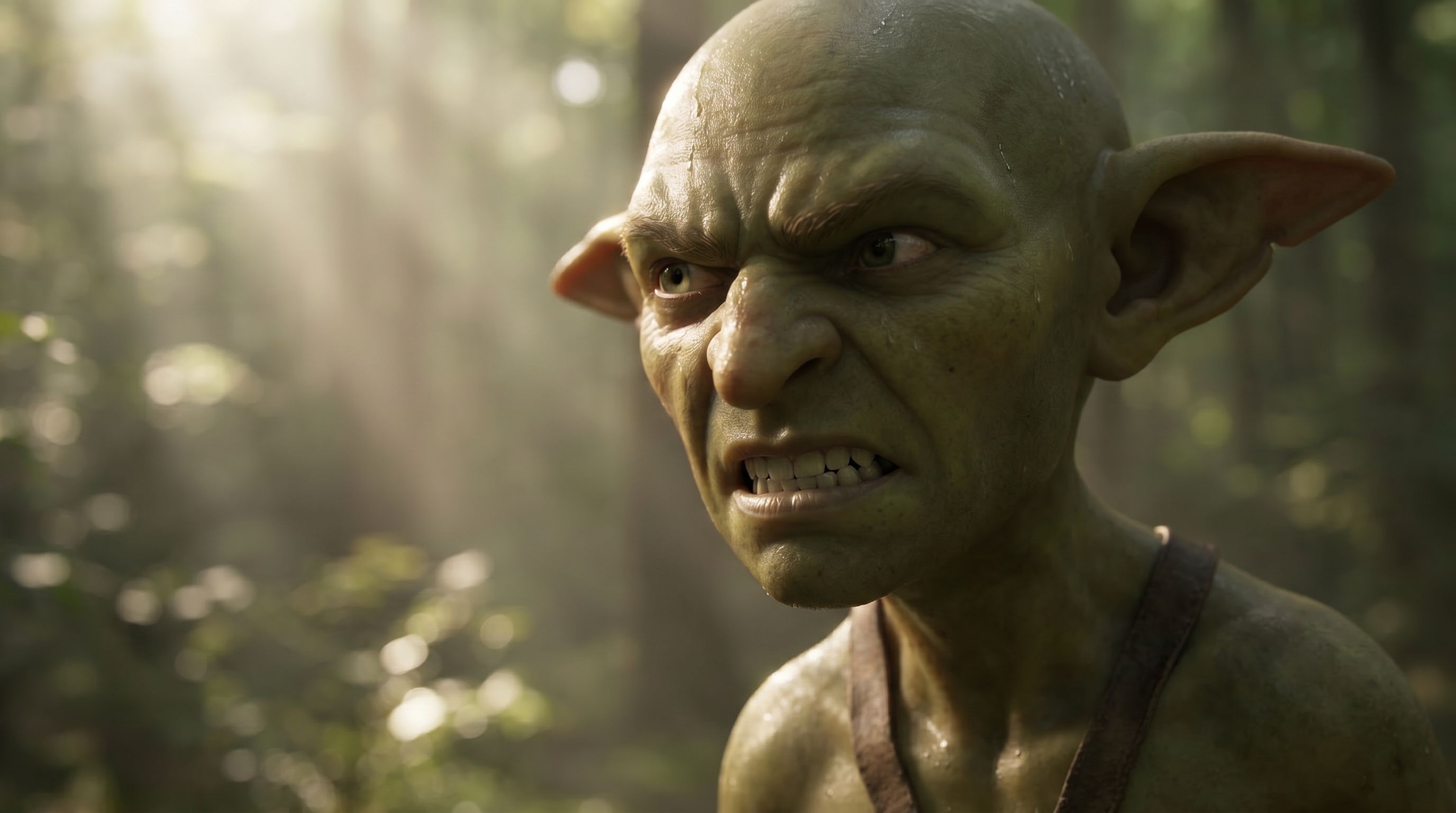
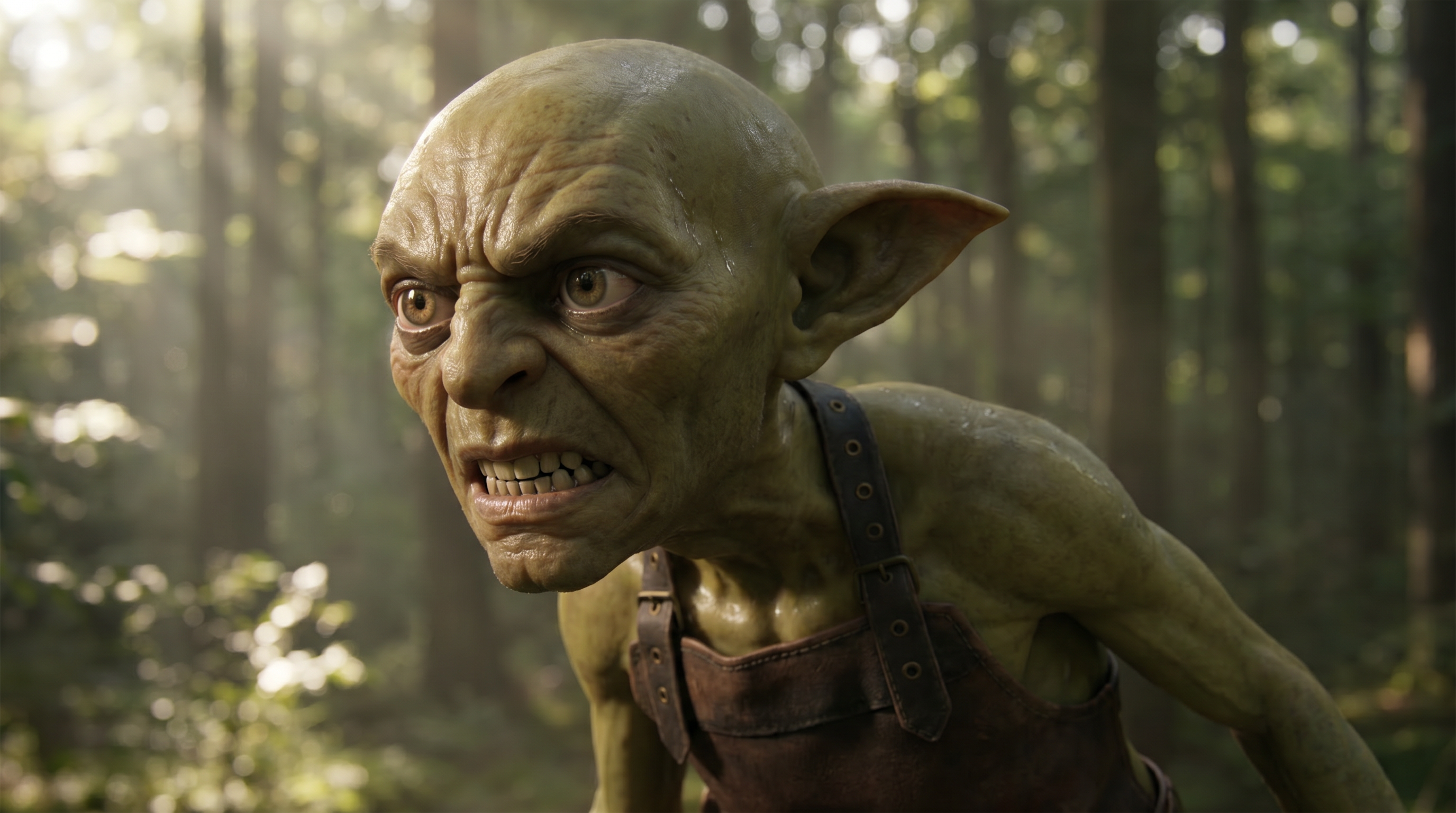
When editing an image from a wide shot to a close-up or a different camera angle, use an AI Actor reference to improve character consistency.
This helps preserve the character's identity when the subject is too small or lacks sufficient facial and appearance details in the original image.
See also: Tutorial - Image Edit with References Images and AI Actors
Original Image (Wide Shot)
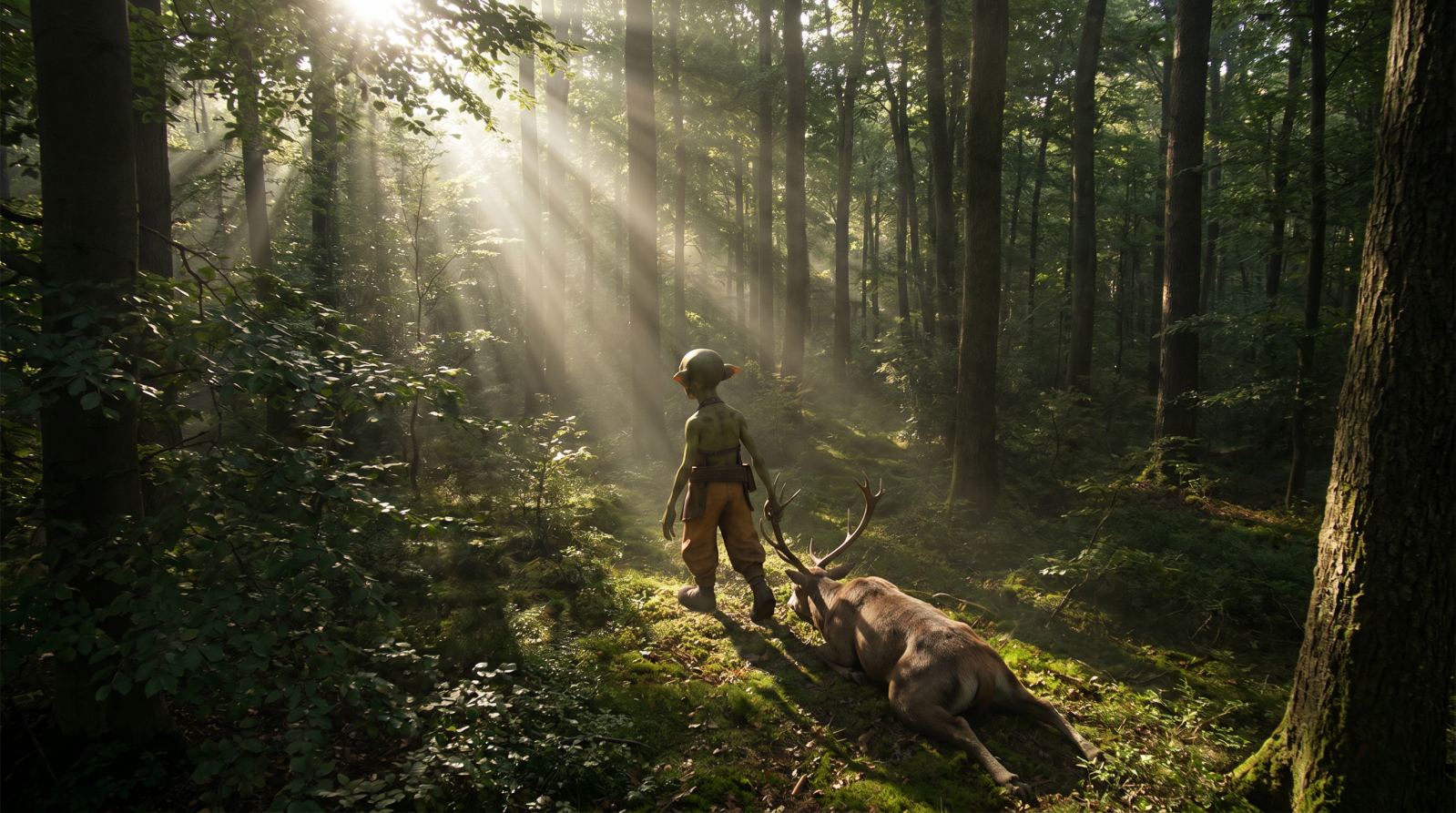
|
Compare the AI outputs with and without an AI Actor reference (using Gibro as an example) to see the benefits of AI Actor-driven character consistency: |
|
|
|
|
|
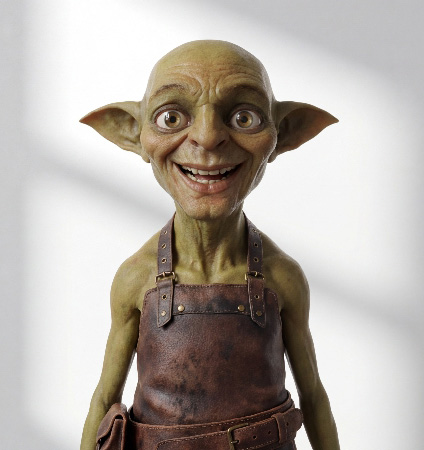
From Wide Shot to Close-Up 1
| AI Output without AI Actor | AI Output with AI Actor | ||
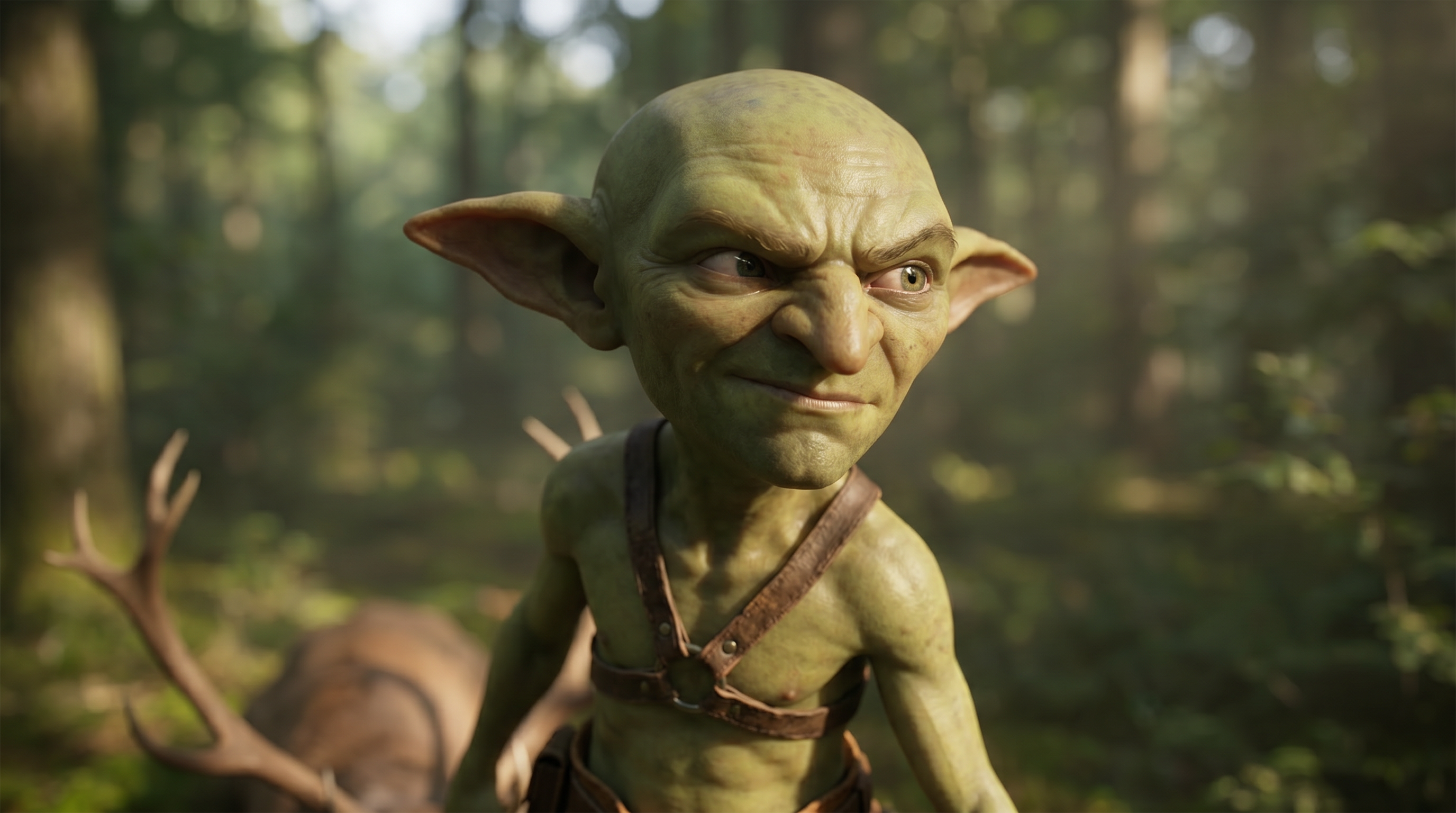
|
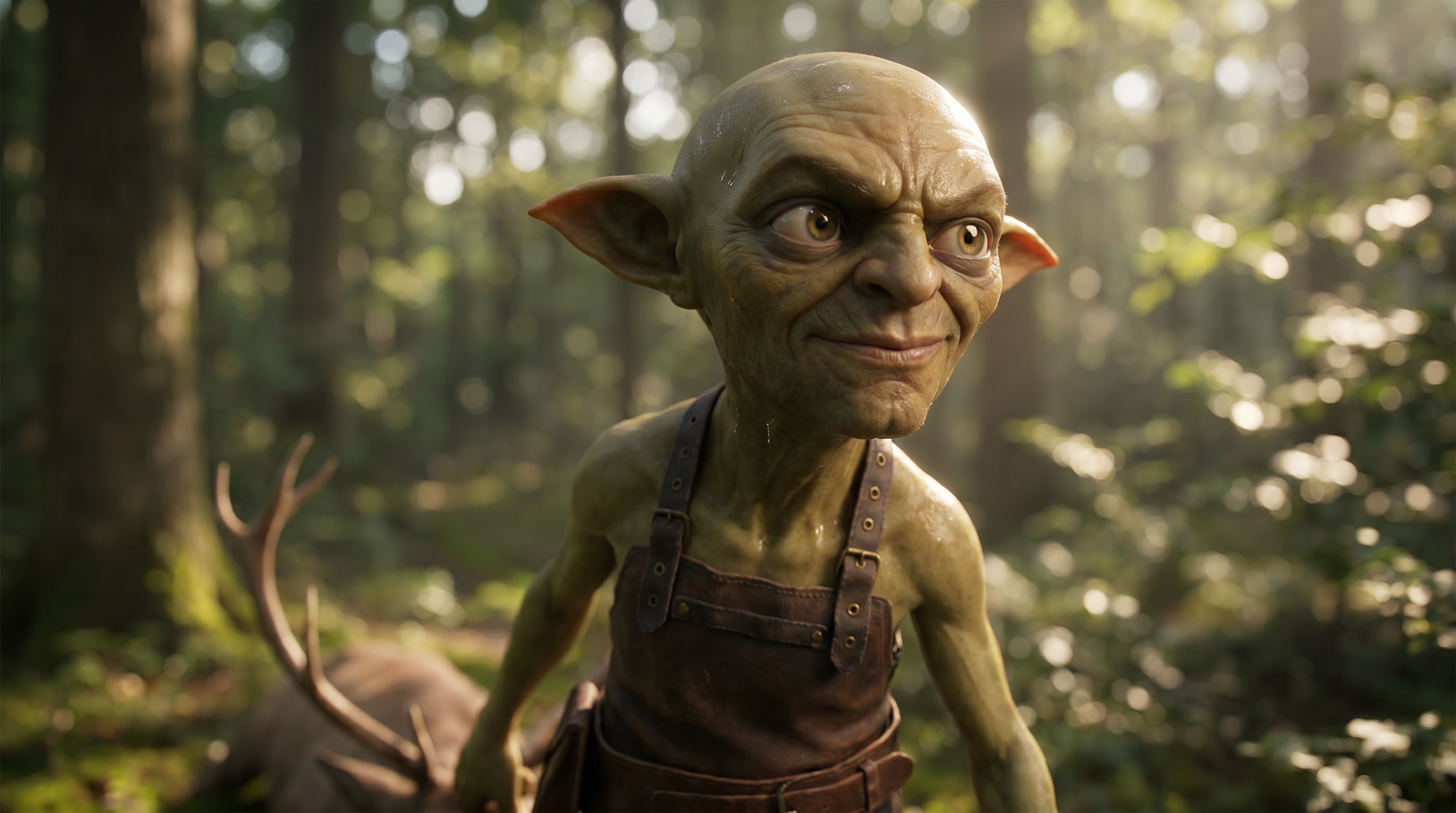
|
||
| AI Actor | Prompt | AI Actor | Prompt |
|
-- |
Maintain the character's movements in Image 1 (including the relative positions of the deer and the character, and the character's walking motion while dragging the deer's antlers)
|
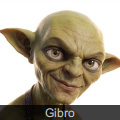
|
Maintain Gibro's movements in Image 1 (including the relative positions of the deer and Gibro, and Gibro's walking motion while dragging the deer's antlers)
|
From Wide Shot to Close-Up 2
| AI Output without AI Actor | AI Output with AI Actor | ||
|
|
||
| AI Actor | Prompt | AI Actor | Prompt |
|
-- |
Maintain the character's movements in Image 1 (including the relative positions of the deer and the character, and the character's walking motion while dragging the deer's antlers)
|
|
Maintain Gibro's movements in Image 1 (including the relative positions of the deer and Gibro, and Gibro's walking motion while dragging the deer's antlers)
|
