Writing Prompts for Modifying Images
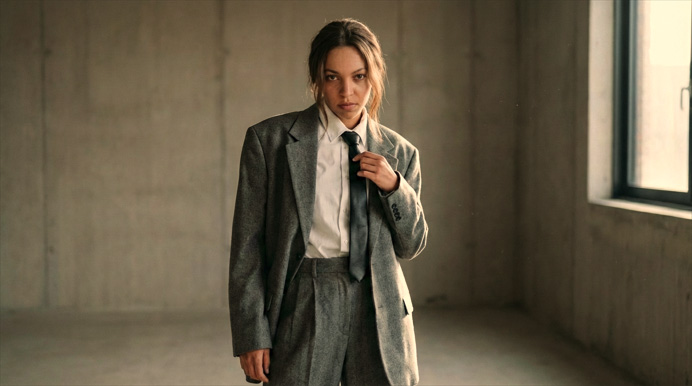
In the Custom Image Editing workflow, you can edit the AI image generation prompt to modify a character’s appearance or clothing, adjust the atmosphere, and change rendering styles or camera angles.
Changing Hairstyle
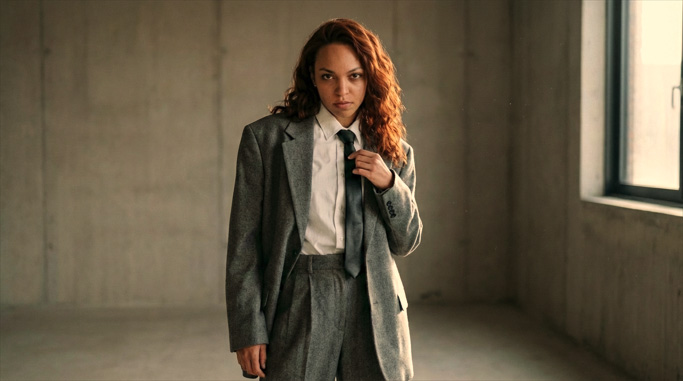
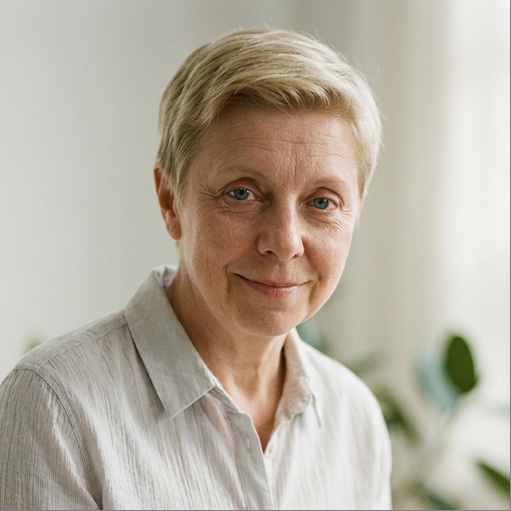
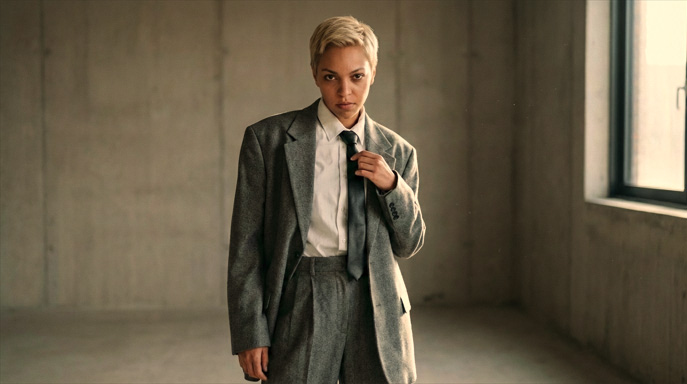
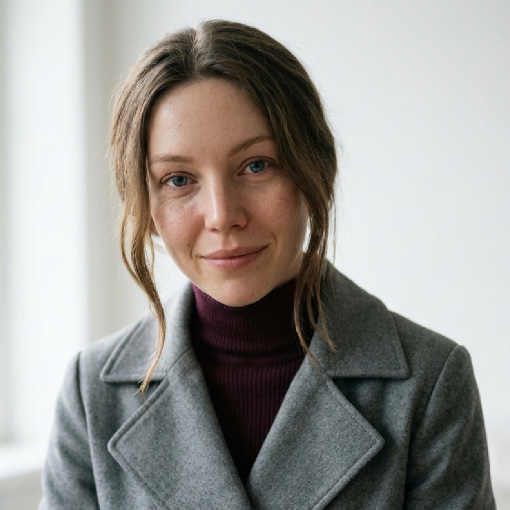
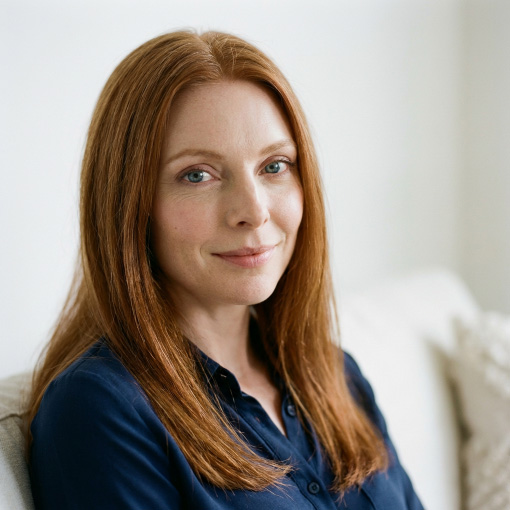
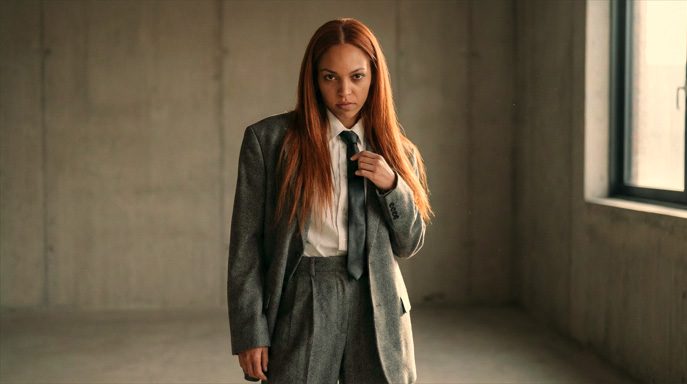
Provide an image reference and describe the desired changes in the prompt to update the character’s appearance.
| Prompt | ||
Change the hair in Image 1 to the hair in Image 2. | ||
| Image 1 | Image 2 | AI Output |
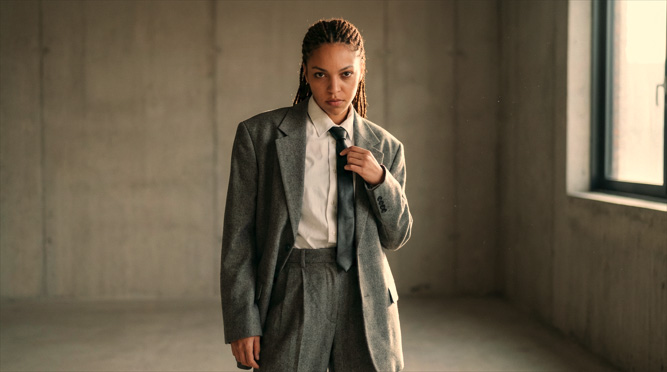 | 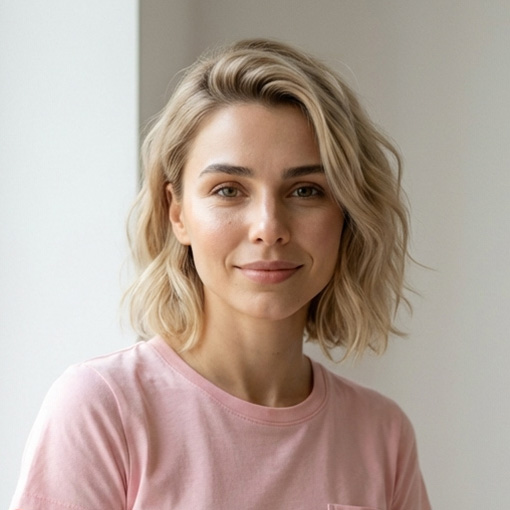 | 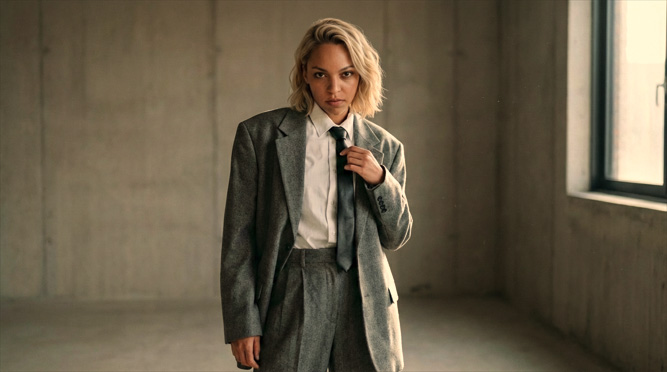 |
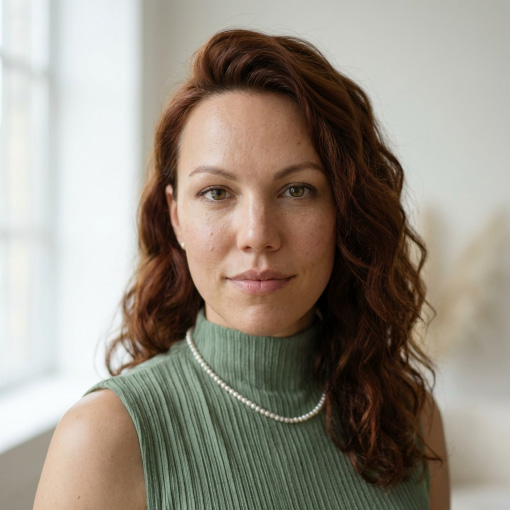 |  | |
 |  | |
 |  | |
 |  | |
Changing Outfit
Provide an image reference and describe the desired changes in the prompt to update the character’s appearance.
| Prompt | ||
Maintain the character's appearance, hairstyle, and pose. Change the Image 1 character's outfit to the Image 2 armor and gloves (without the helmet), and make the armor slightly dirty and worn. | ||
| Image 1 | Image 2 | AI Output |
 | 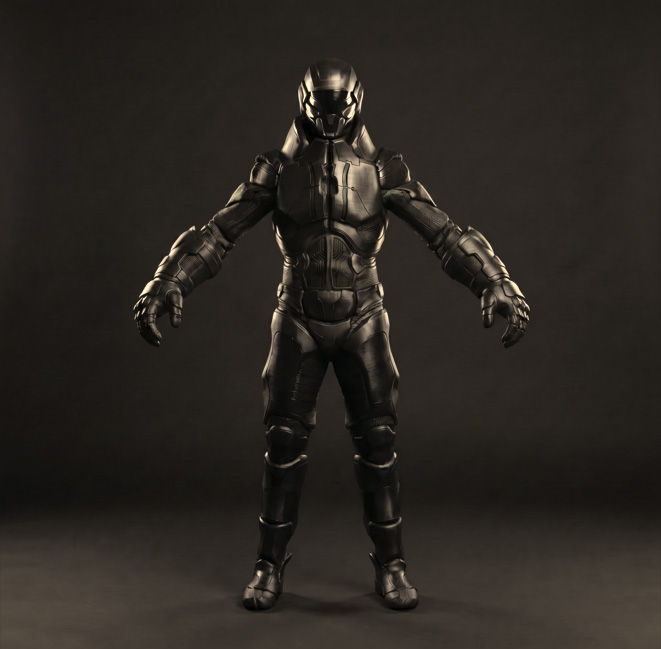 | 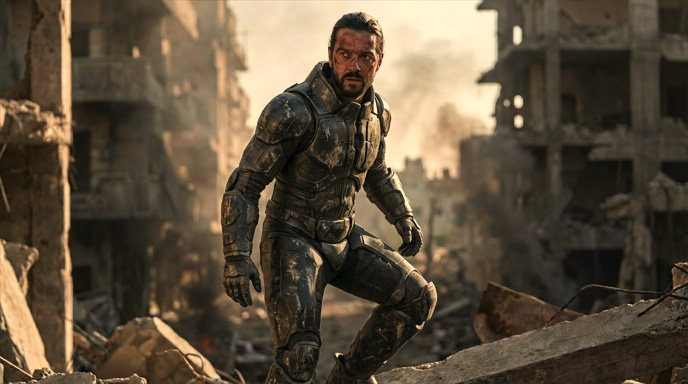 |
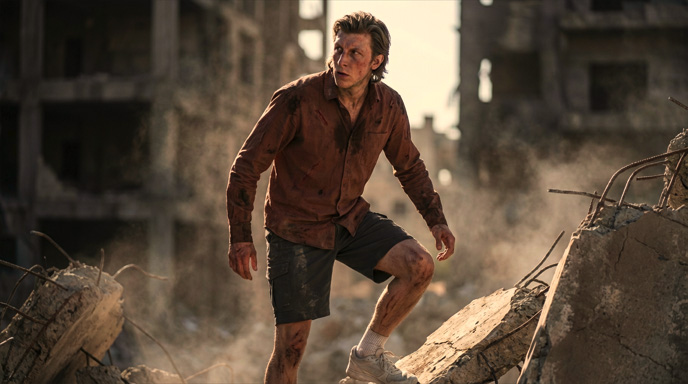 | 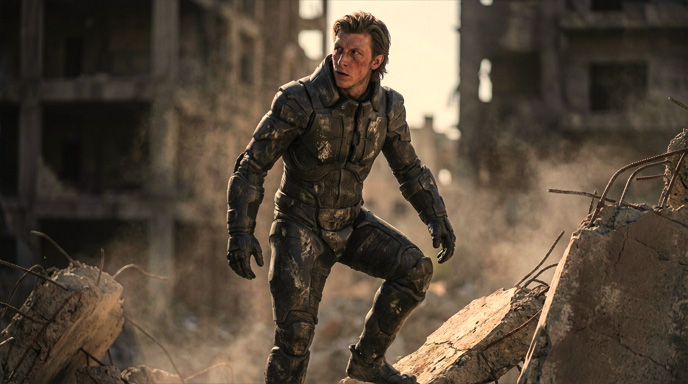 | |
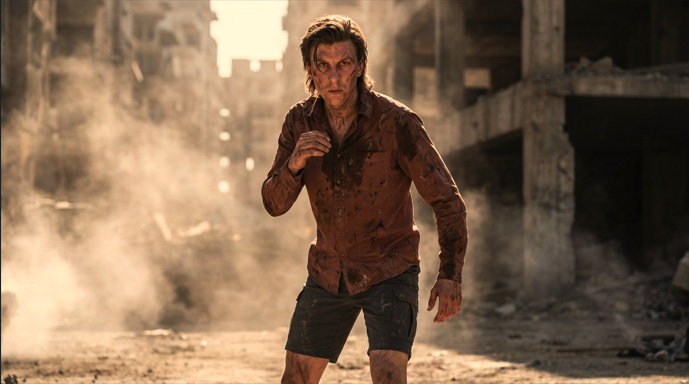 | 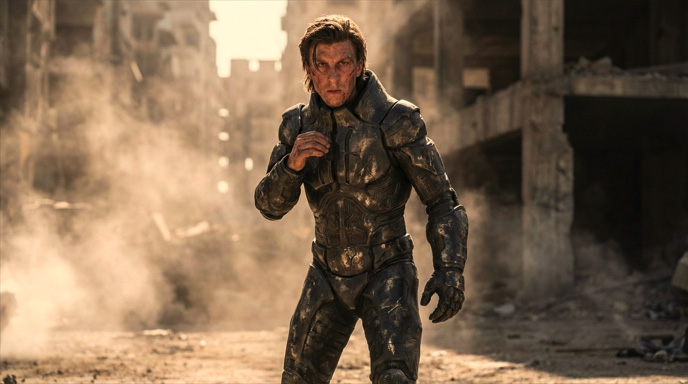 | |
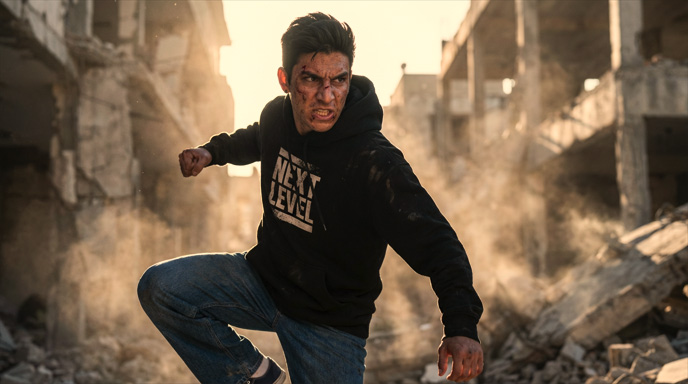 | 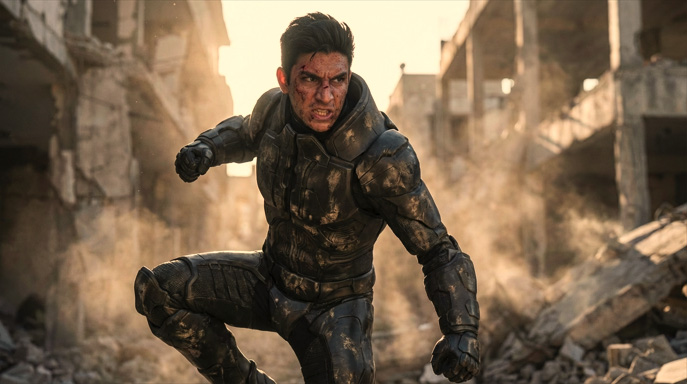 | |
Changing Atmosphere
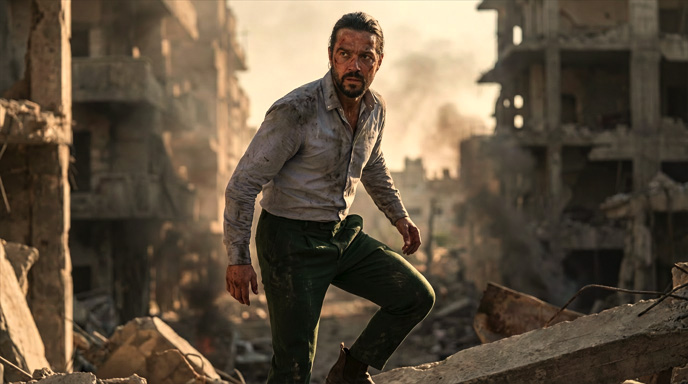
Adjust lighting and scene environment to set the desired atmosphere and mood. Fine-tune brightness, contrast, color tone, and environmental elements to match the intended scene, or use preset lighting to quickly populate the prompt.
| Image 1 | Prompt | AI Output |
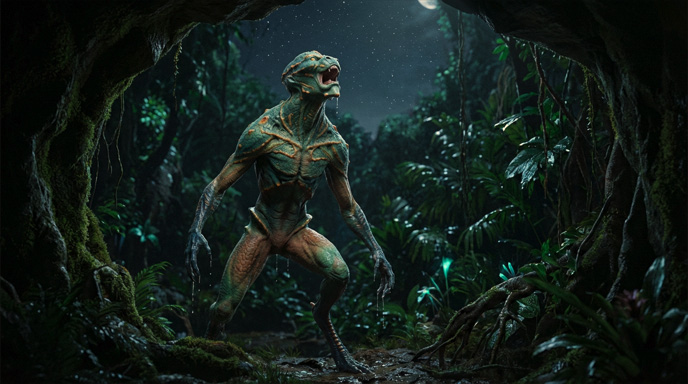 | [light: Golden Hour] [light: Rim Light] | 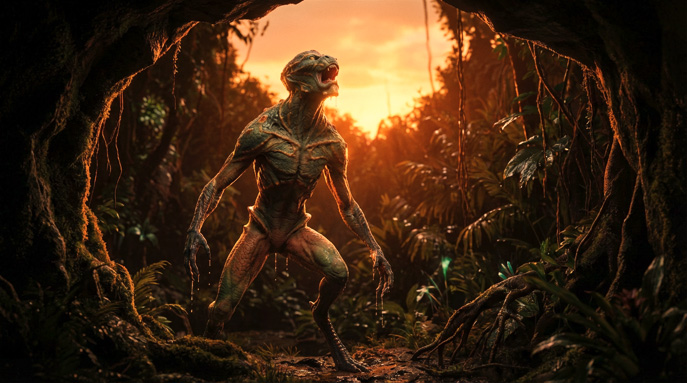 |
[light: Golden Hour] [light: Rim Light]
| 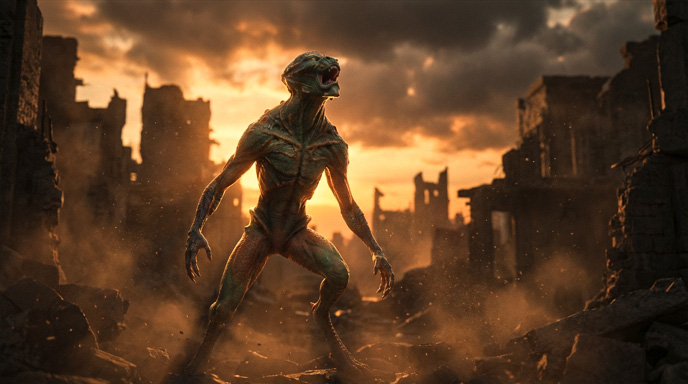 | |
Change the scene and ambient lighting to a cloudy, ruined city, with rim lighting behind the character. | 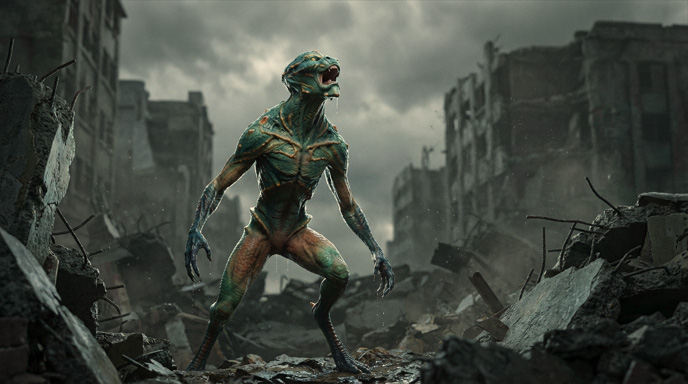 | |
Change the scene and ambient lighting to depict a ruined city at sunset, with the setting sun casting rimlights behind the character. | 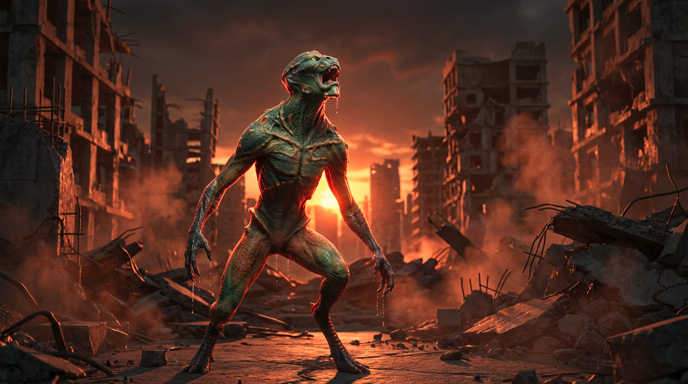 | |
Change the scene and ambient lighting to resemble a ruined city. | 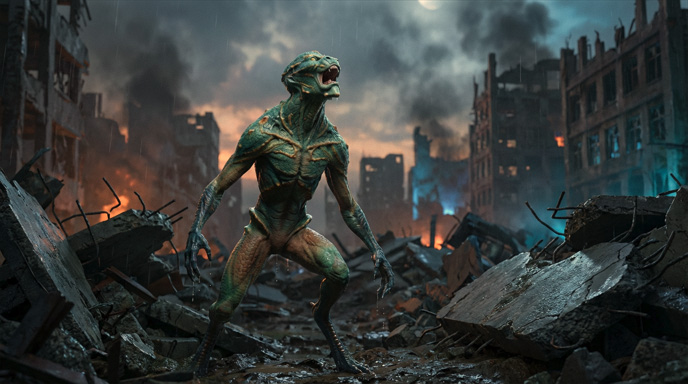 |
Changing Style
Use preset styles to stylize 3D previz assets, actors, and scenes while maintaining visual and narrative consistency.
| Image 1 | Prompt | AI Output |
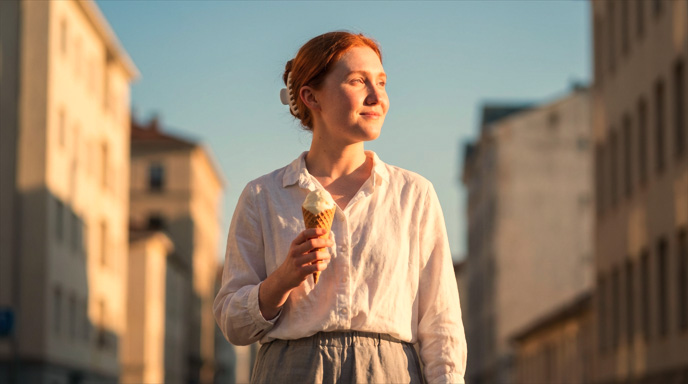 | [style: 2D Anime] | 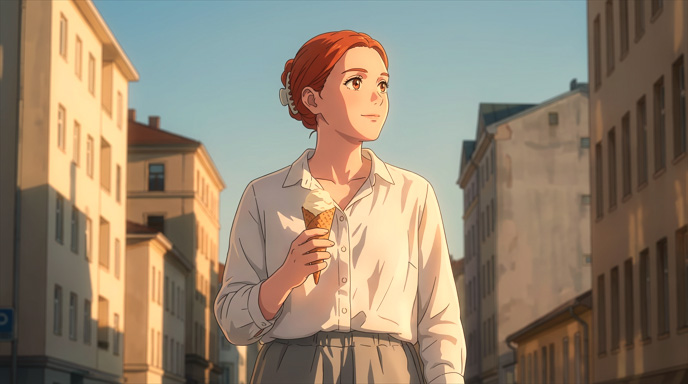 |
[style: 2D Cartoon] | 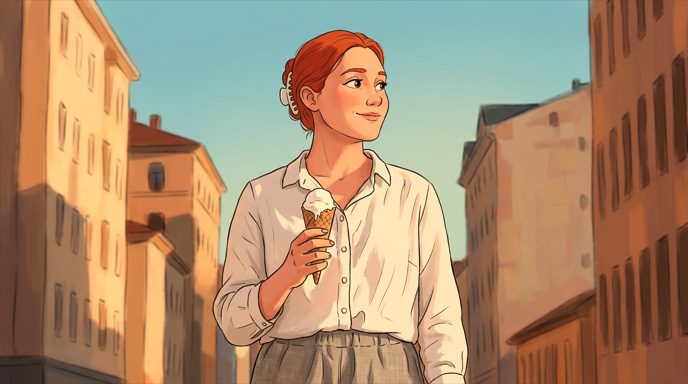 | |
[style: 3D Cartoon] | 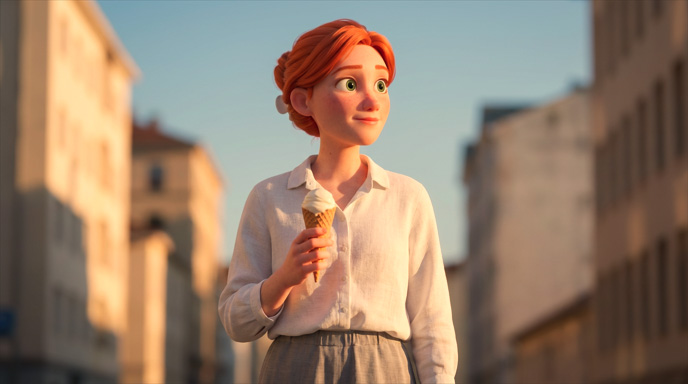 | |
[style: Clay] | 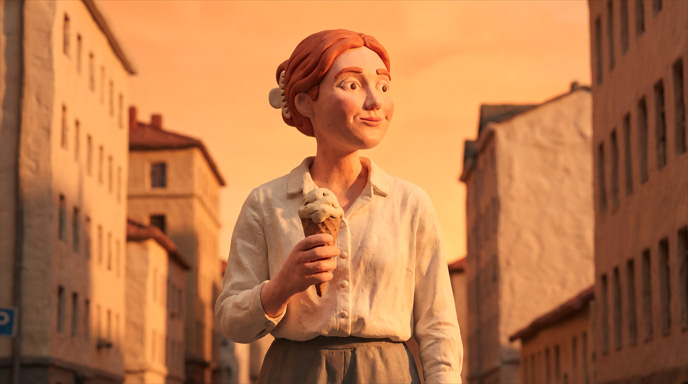 | |
[style: Origami Art] | 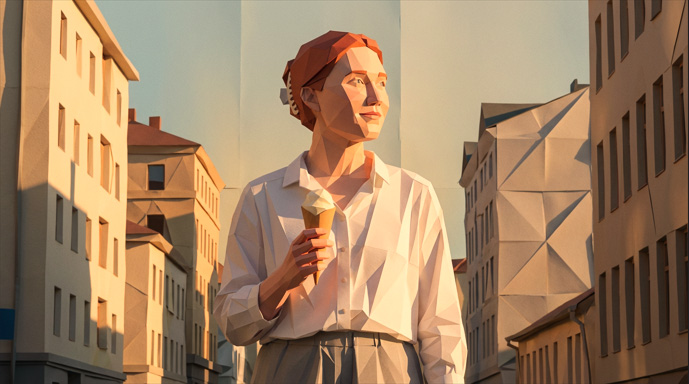 | |
[style: Plush Toy] | 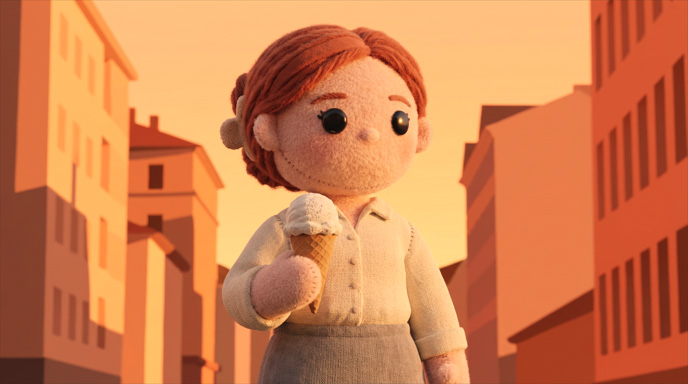 |
Changing Angle
Adjust the camera angle to control shot size and framing, or quickly apply preset techniques to achieve cinematic viewpoints and angles.
| Image 1 | Prompt | AI Output |
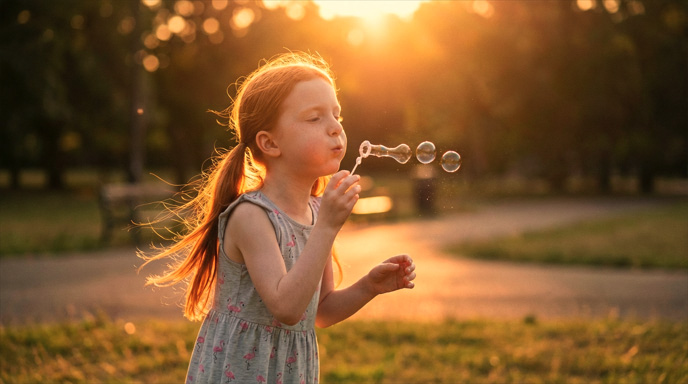 | Maintain the character's facial expressions and movements. Change the camera angle to [camera: High Angle] | 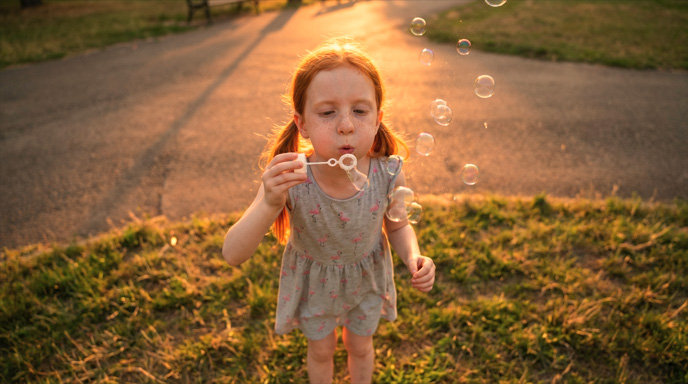 |
Maintain the character's facial expressions and movements. Change the camera to show a close-up of the character's face through the bubbles. | 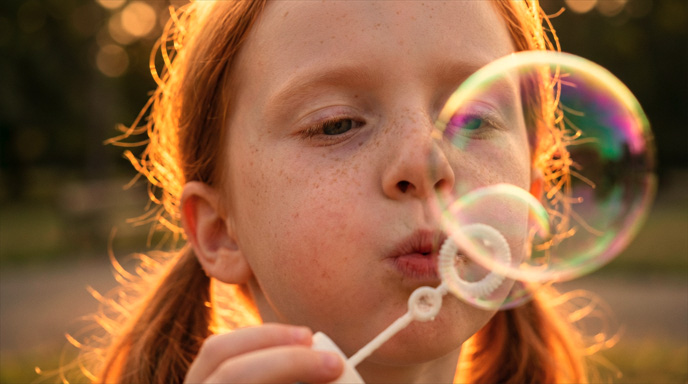 | |
Maintain the character's facial expressions and movements. Change the camera angle to [camera: Miniature] | 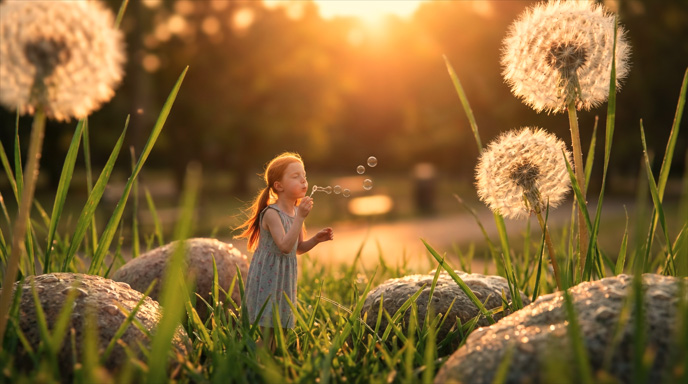 | |
Maintain the character's facial expressions and movements. Change the camera angle to [camera: Full Body Shot] | 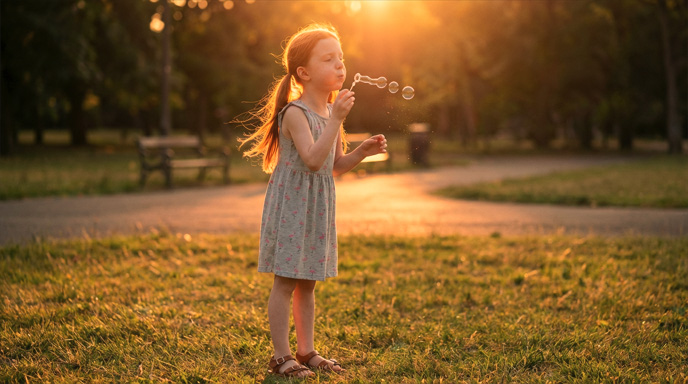 |
