Loading a Scene from the Library
Cartoon Animator contains a Scene library, with templates, for quickly changing the environment of your project.
 Loading a Scene from the Library
- Select a New project.
-
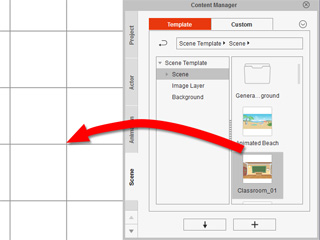
In Stage Mode,
go to the Scene content folder in the Scene tab of the Content Manager and apply a template.
-
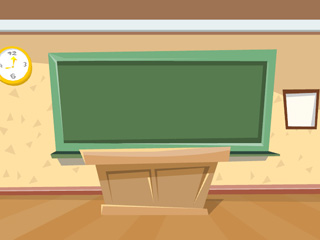
A scene containing various props will then be loaded.
Replacing a Scene
-
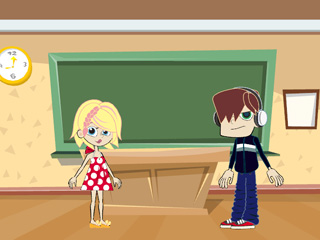
Open a project that already contains a scene.
-
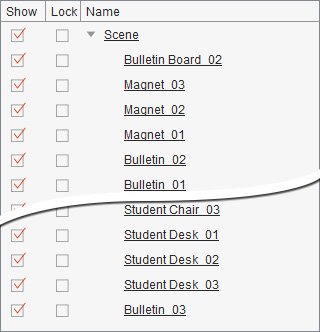
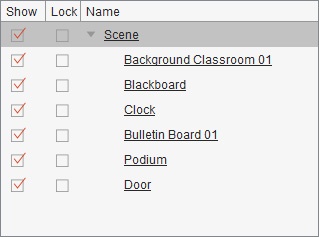
Take a closer look at the Scene Manager and you will see the Scene items and all their
sub props.
-
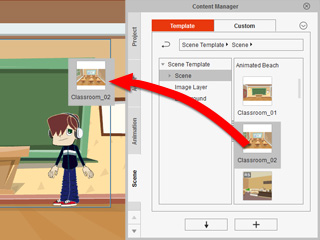
In Stage Mode,
go to the Scene content folder in the Scene tab of the Content Manager and apply a template.
-
The original scene is replaced by the new one.

Observe the Scene Manager to see the differences. The previous props under the Scene are now all replaced.