Flipping the Normal
At times there may be missing faces on a model due to flawed normals direction. This can be fixed by using the Flip function to invert the faces inside out.
Flipping Normal
-
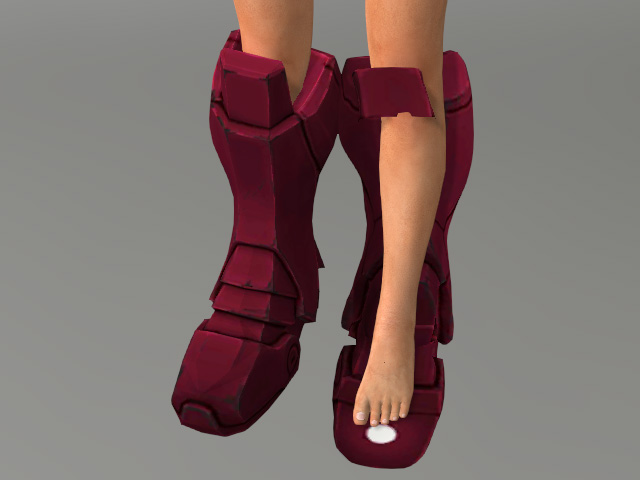
Load an object (a pair of shoes in this case). Notice the left shoe is
flipped inside out.
-
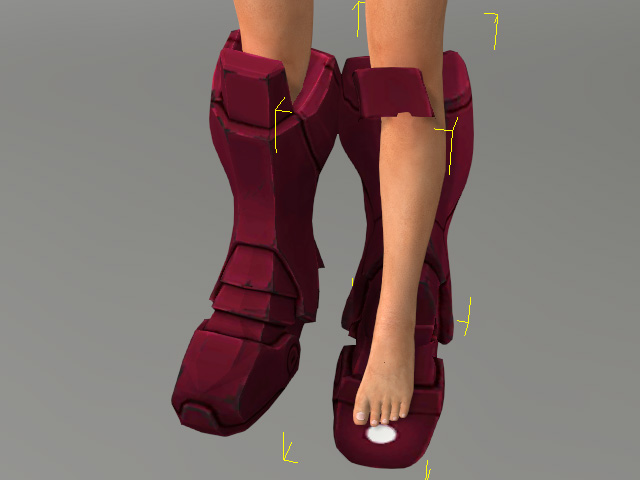
Select the normal-flipped object.
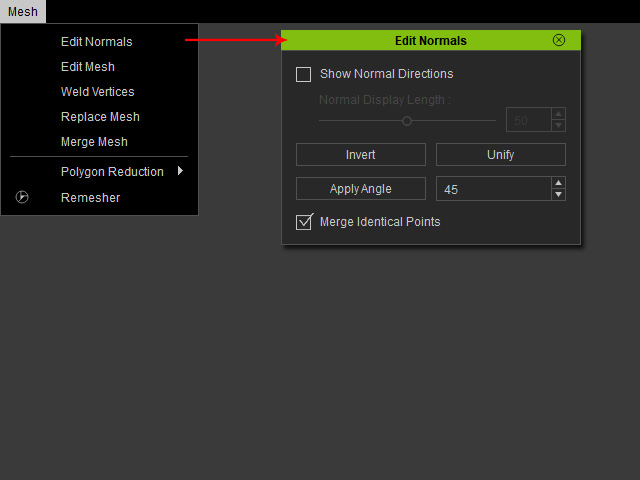
- Open the Edit Normals panel via Mesh > Edit Normals.
-
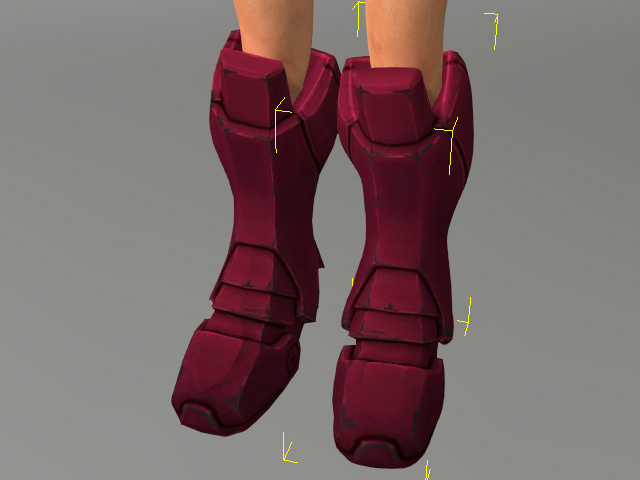
Click the Invert button in the panel.
 Note
Note- See Unifying the Normal if some of the faces fail to render due to holes or cavities on the surface of the objects.
