Using the Animation Player to Check Expression Wrinkles (New for v. 4.2)
If you have gone through the process of applying expression wrinkles, modifying textures / source maps, and adjusting the relevant settings, then you'll want to test out the wrinkles with some expressions. You can do this by applying sample animations from the content library or by using the Animation Player.
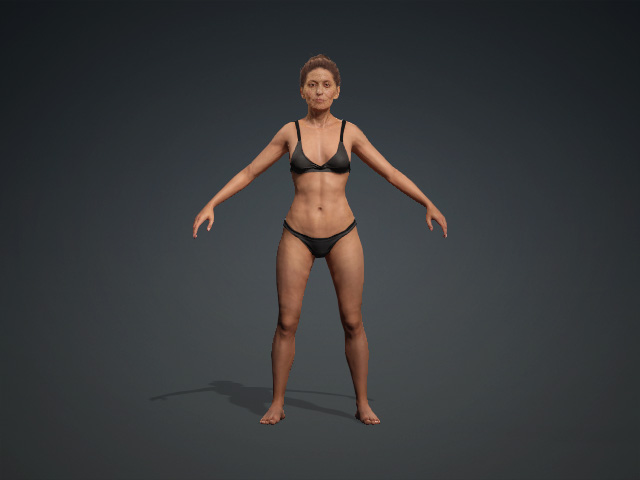
- Create a CC3+ character with an
expression wrinkle effect applied.
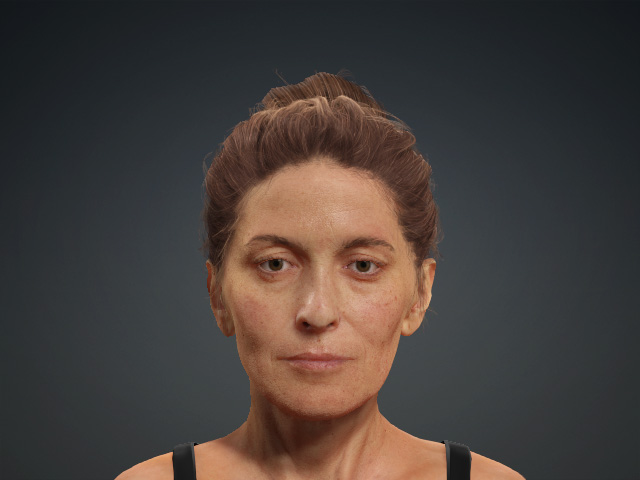
- Advance the camera for a close-up shot of the face.
- Apply an expression to the character from the Animation
Player > Motion > Wrinkle Check submenu.
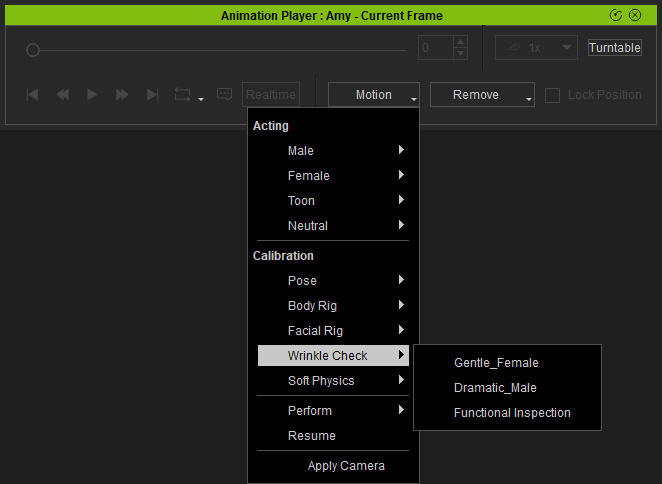
Playback to see the wrinkles activate.
