Writing Prompts for AI Aging Effect Generation
ComfyUI uses both positive and negative prompts to guide the AI in generating the desired aging effects.
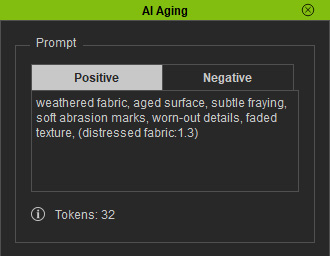
- Positive Prompts: Specifies features or details to emphasize (e.g., worn leather, faded colors).
Use parentheses () in Stable Diffusion to apply weighting and increase the prominence of specific features.
- For stronger emphasis, use (word:1.3).
- For weaker emphasis, use (word:0.8).
- Negative Prompt: Specifies features or elements to avoid (e.g., scratches in unwanted areas, unnatural textures). This helps prevent undesired artifacts and improves visual consistency. This field is pre-filled with default terms such as "blurry", "low quality", and "jpeg artifacts".
Using both positive and negative prompts together ensures the AI generates realistic and consistent aging effects, as illustrated in the examples below.
Example | AI Output | Positive Prompt | Negative Prompt |
Fabric wear | 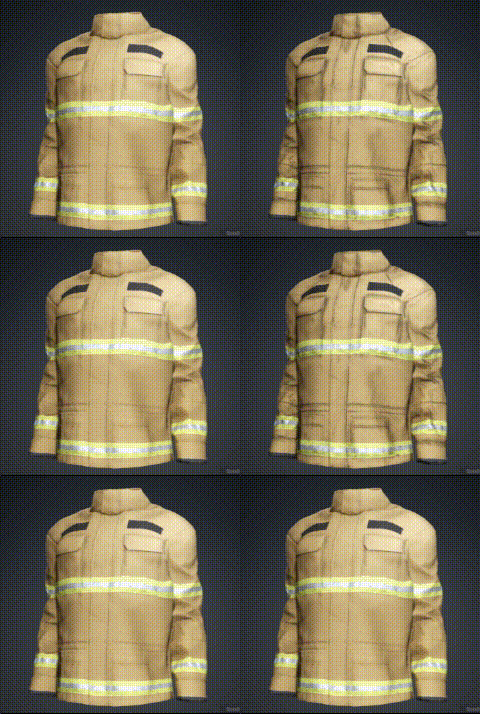 | worn edges, frayed fabric, distressed texture, faded colors, subtle scratches, soft grime, slight scorched effect, aged fabric, weathered surface, vintage look, (rough texture:1.2), (edges lightly damaged:1.3) | low quality, blurry, jpeg artifacts, distortion, deformed anatomy, wrong proportions, deformed eyes and pupils, mutated or extra limbs, missing limbs, floating limbs, ugly, unpleasant, nsfw, nude, semi-realistic or 3d render look, poorly drawn details, mutated hands and fingers, disfigured features |
Leather wear | 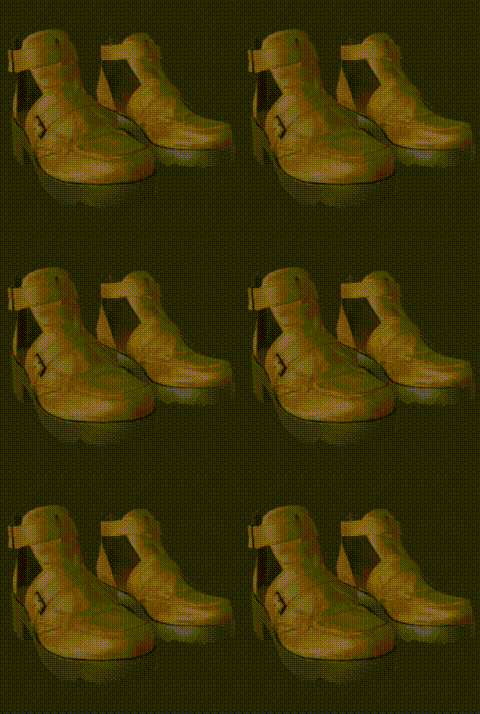 | worn shoe edges, frayed seams, scuffed toe cap, abraded outsole rim, chipped heel edge, rubbed-off leather trim, cracked edge finish, distressed stitching, weathered toe edges, scraped sole border, subtle material erosion, aged shoe outline | |
Metal oxidation | 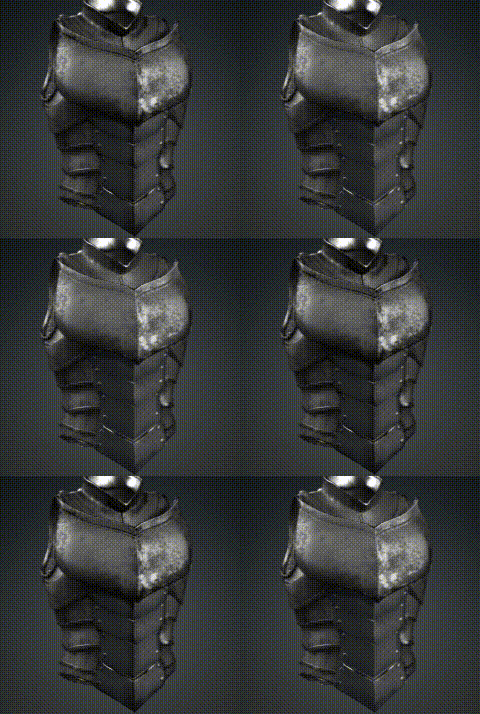 | heavy worn edges, deep scuffs on toe cap, pronounced seam fray, cracked leather edges, eroded outsole rim, scraped sole border, rugged weathered texture, rough surface decay, color preserved but aged, gritty material wear |
