Installation Guide
FashionGen is a plug-in for Character Creator version 4.64 and beyond that enables AI-powered texture generation.
Visit the Product Page and click GET IT NOW.
After receiving the verification email, access it through the latest Reallusion Hub.
See also: Tutorial - Installation Guide for FashionGen
- Log in with Reallusion member account.
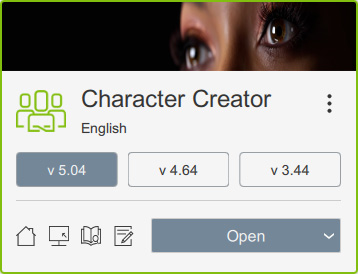
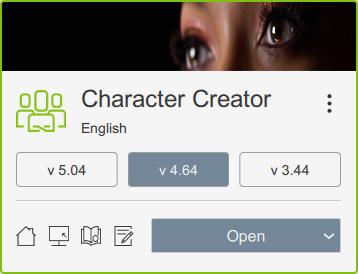
- Select your Character Creator version in the Hub.
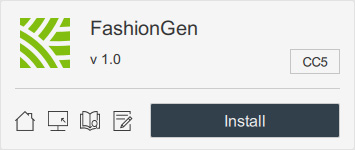
- Locate the product card for the FashionGen plugin, then click on the Install button.
Wait until FashionGen is installed in the same program directory as Character Creator. - Also install a dedicated version of ComfyUI for AI-based texture generation in FashionGen.
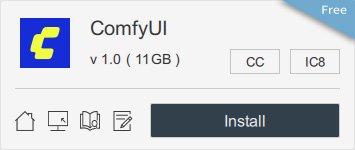
- A dialog will prompt you to ensure at least 11 GB of disk space (SSD recommended) is available for installing ComfyUI, or to select a location with sufficient space.
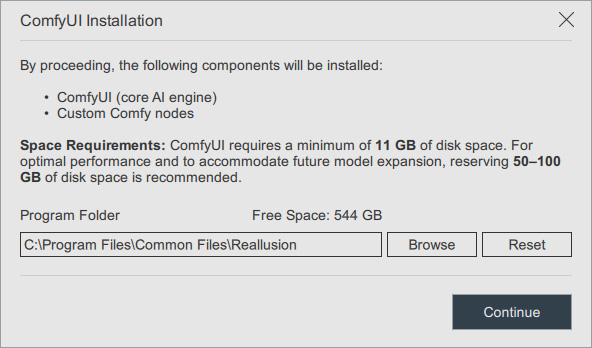
- Click Continue to proceed with the installation.
Once complete, the product card will display "Installed".