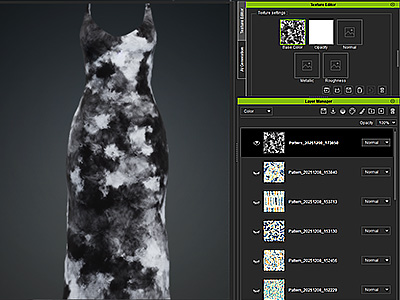
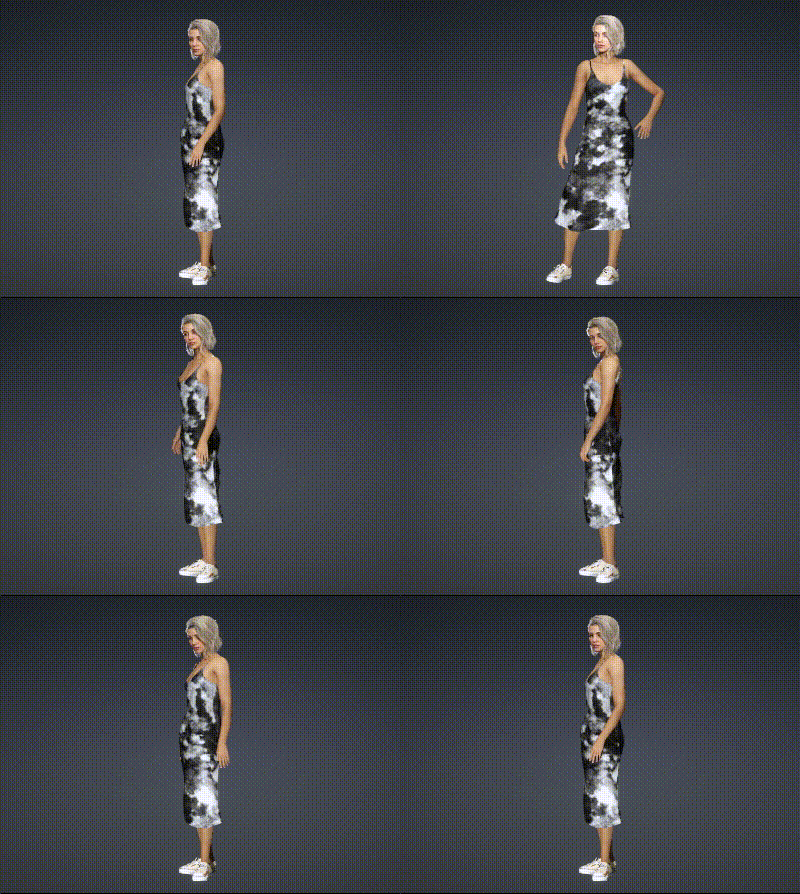
Sending Textures to Character Creator
If the clothing item in Character Creator is left alone, you can send it back from FashionGen after editing, with options to balance between file size and texture quality.
Access the data transfer command from the main menu or the toolbar.
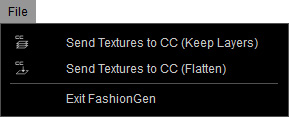
| Sends the created texture layers back to Character Creator, preserving layer information for a master version that can be re-edited in FashionGen. File size may increase depending on the number of layers. |
| All texture layers created in FashionGen are merged upon transfer to Character Creator to reduce file size, creating a lightweight version suitable for character animation.
If the current viewport resolution is 1024 or 2048, you can choose to transfer the textures at the existing resolution or upscale them to improve quality.
|
 Send Textures to CC (Keep Layers)
 Send Textures to CC (Flatten)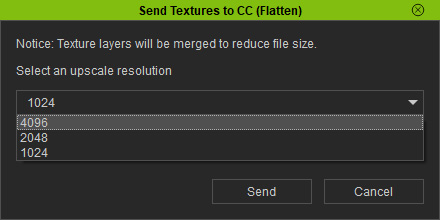
Ensure the item in Character Creator remains unchanged throughout the editing process to enable data transfer.
The generated textures will be applied when the clothing is updated.
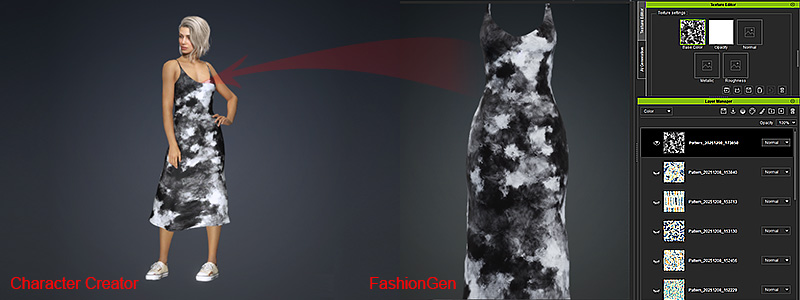
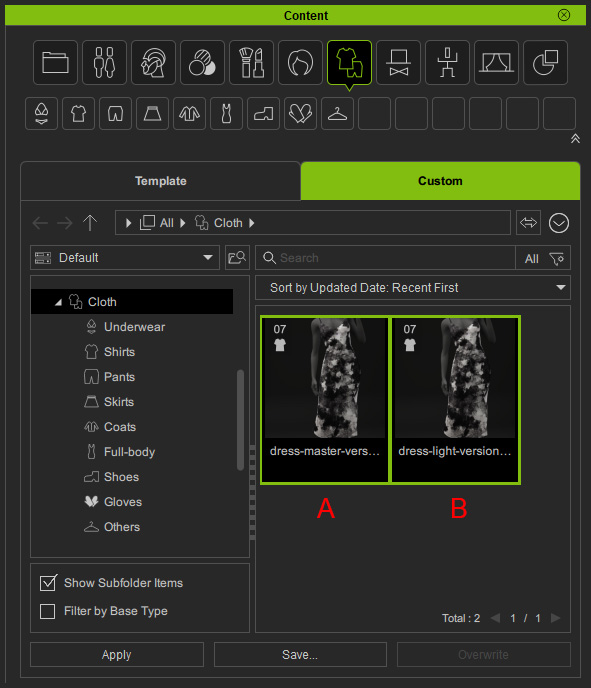
If satisfied with the modified clothing, save both the master (layers intact) and lightweight (flattened) versions to the Custom library in the Content Manager. You can then remodify the item in FashionGen and restore the editing layers at any time.
 |
|