Lighting
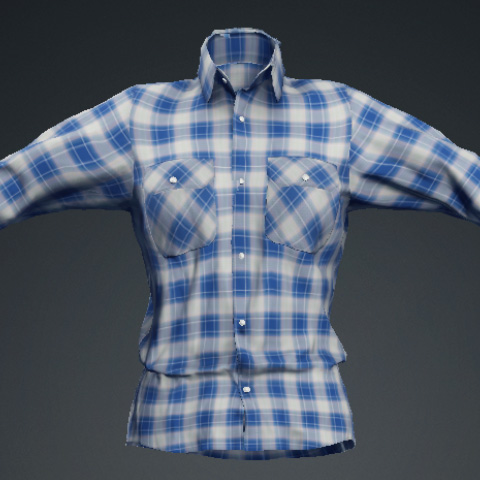
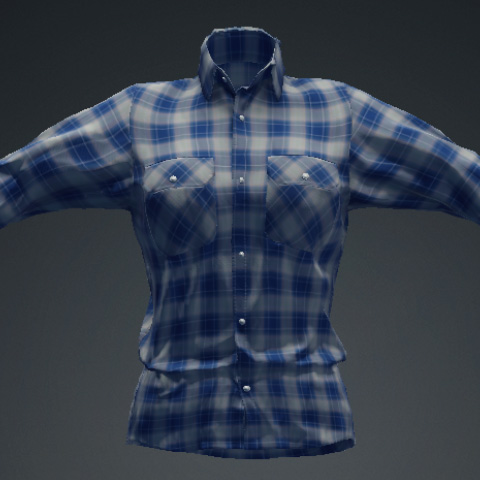
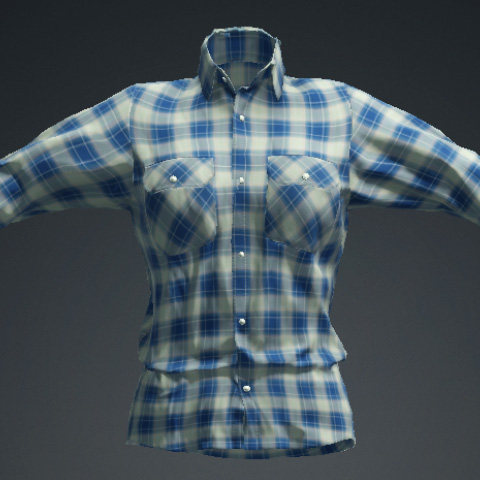
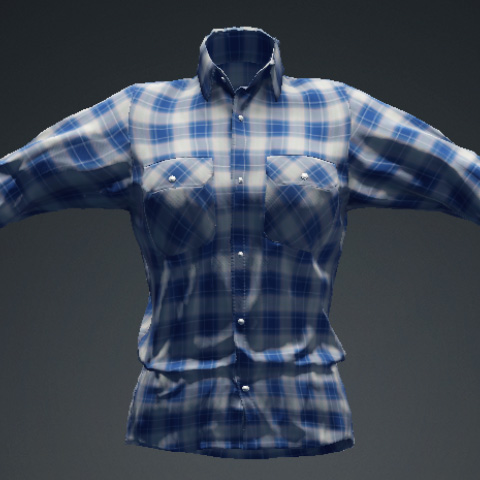
FashionGen provides 4 lighting presets for viewing the clothing under different lighting conditions.
To switch among the presets, select one from the drop-down list in the toolbar.

|
|
|
Default: The default lighting mode, with light evenly distributed across the clothing. |
Dim: A low-light mode with deep shadows and reduced brightness. |
|
|
|
Soft: A soft glow lighting mode with gradual transitions from light to shadow, minimizing harsh edges. |
Top Down: A lighting mode where the light source is positioned above, creating dramatic shadows and highlights. |
