Reuploading Specific Item to Marketplace via Packager
If there is any update on a single item, you can quickly reupload it to overwrite the existing item with identical Content ID in the RL Marketplace.
- Make sure you have uploaded the single item or content pack to the RL Marketplace.
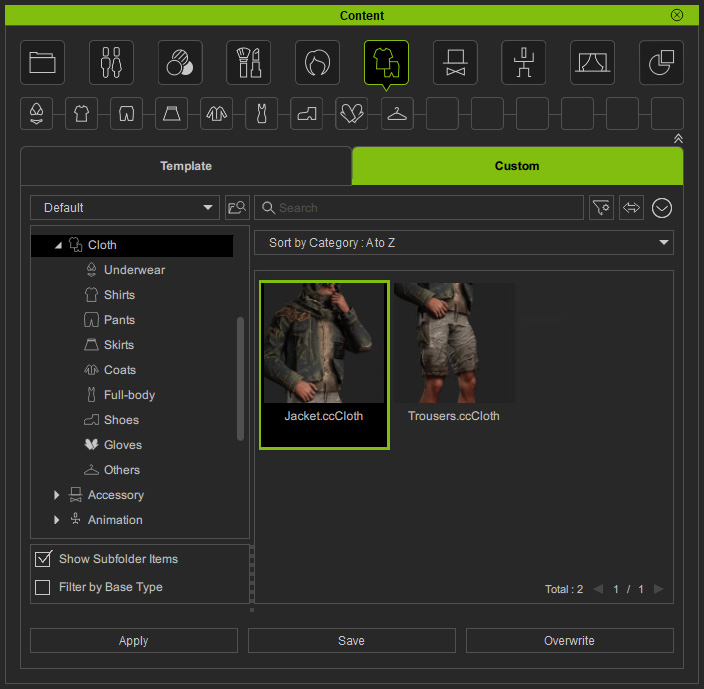
- Find the original content under the Custom tab of Content Manager.
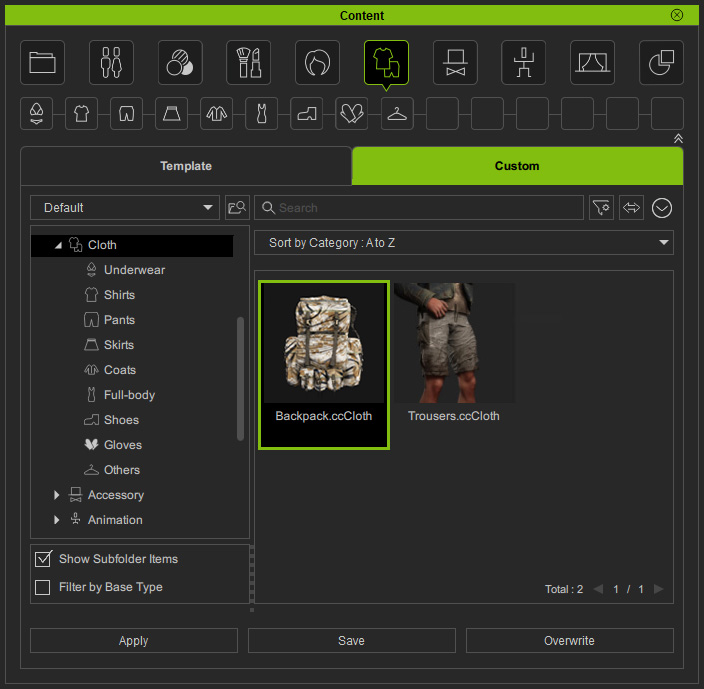
- Update the custom content and rename it.
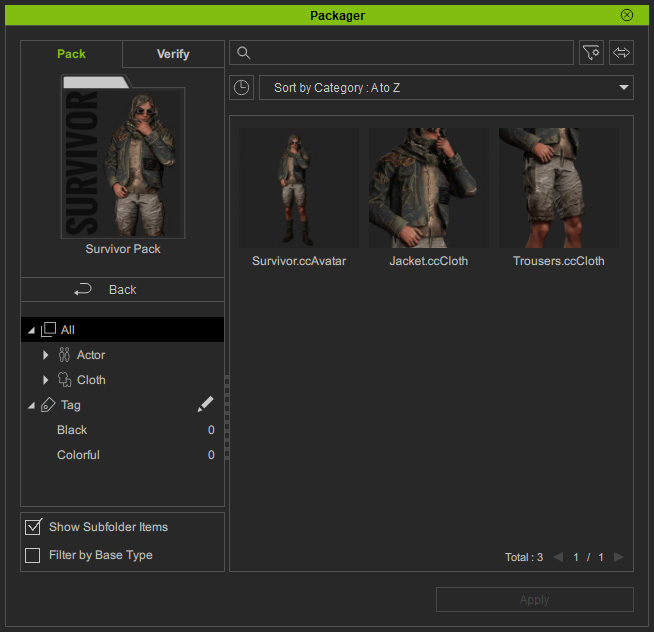
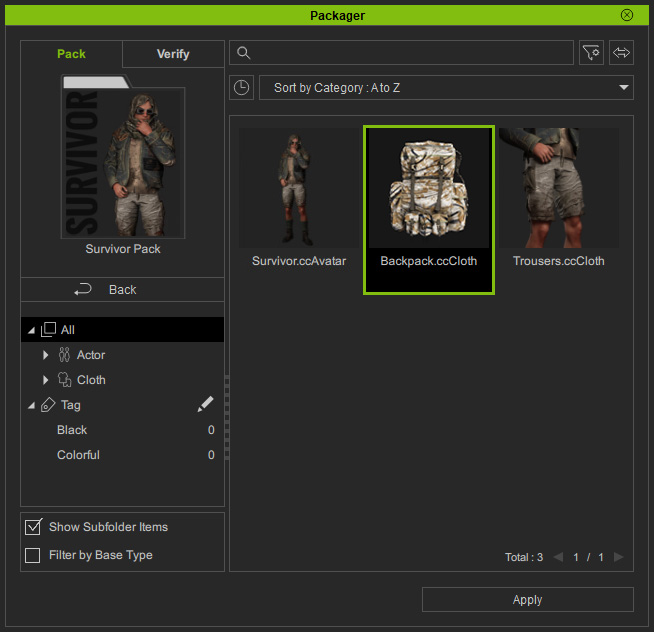
* The changes on content format or category are not supported for reuploading items. - In the Packager panel, the virtual item in the pack will be updated.
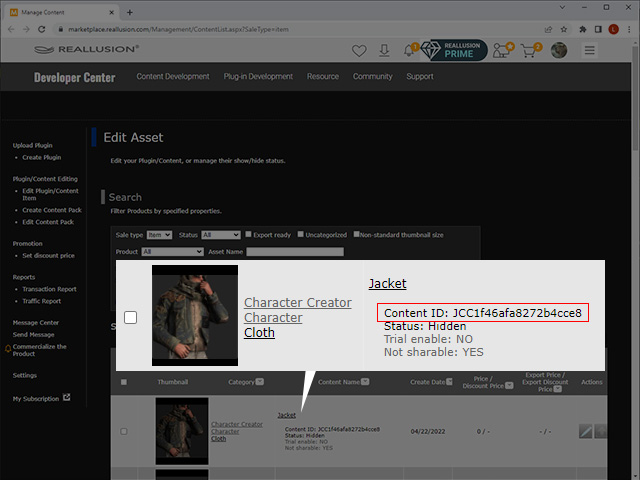
- Go to the RL Marketplace and find the item's Content ID.
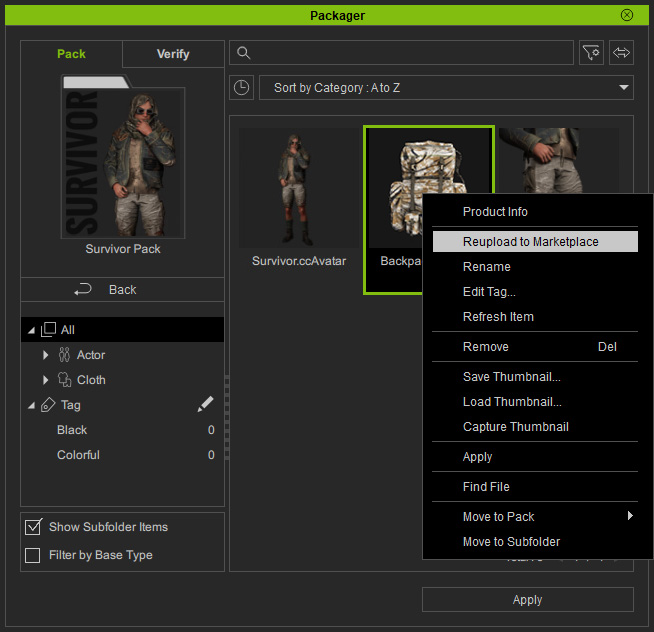
- Back to the Packager, right-click on the item and choose the Reupload to Marketplace command from the context menu.
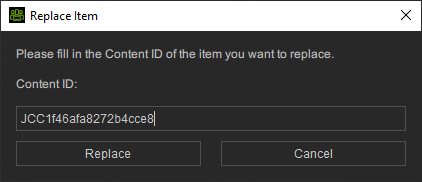
- Enter the item's Content ID in the Replace Item dialog and click the Replace button.
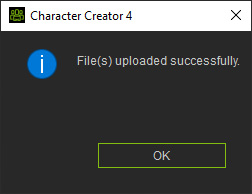
- Click the OK button after the upload is done.
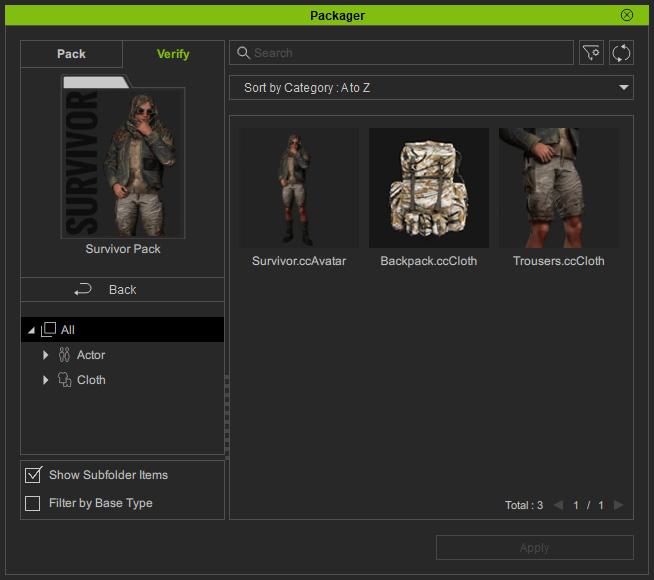
- Switch to the Verify tab of Packager.
Right-click to refresh the uploaded pack.
An
 icon will show on the upper-right corner of the pack.
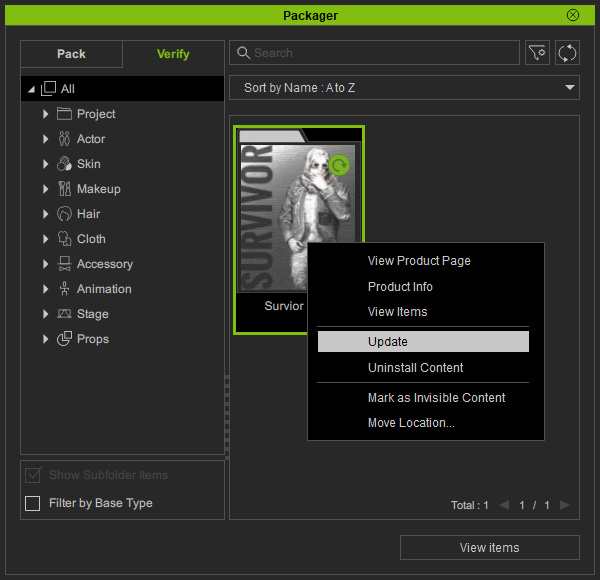
Right-click on it and choose the Update command from the context menu.
icon will show on the upper-right corner of the pack.
Right-click on it and choose the Update command from the context menu.
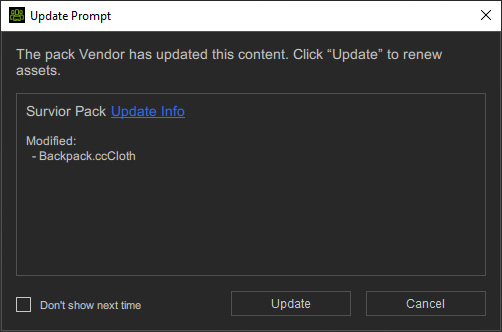
- Click the Update button to update the local database.
- Open the pack and you will see what the customers will see after they buy and install this pack.