Main Menu - Plugins
The Plugins menu in the main menu bar holds commands for the plugins
installed in iClone.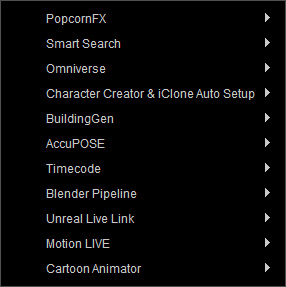
Visit the following online manuals to learn about each plugin:
- PopcornFX
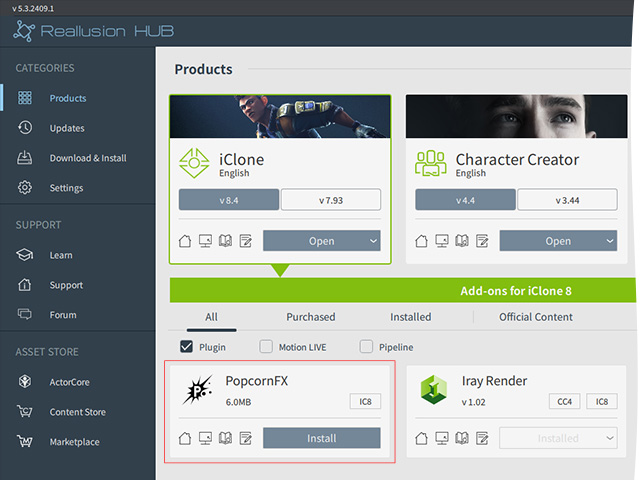
 Installing PopcornFX
- Open Reallusion Hub (Start > Reallusion > Reallusion Hub).
- Click the Install button for
PopcornFX.
- Smart Search: It is automatically installed along with iClone.
- Omniverse
Installing Omniverse
Refer to the Omniverse Plugin online manual > Installation Guide section for more information.
- Character Creator and iClone Auto Setup
- BuildingGen
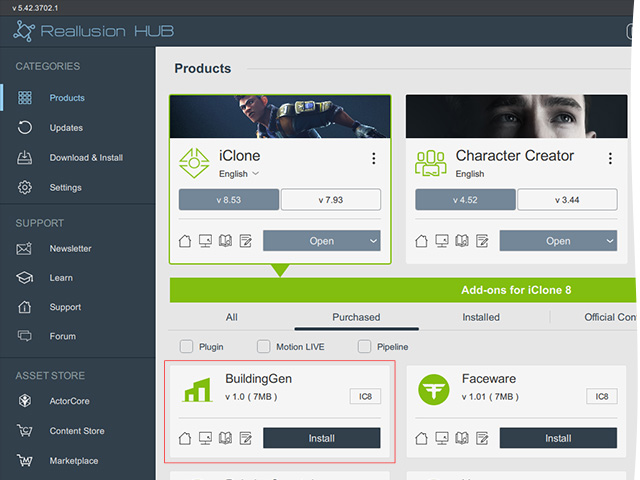
Installing BuildingGen
- Open Reallusion Hub (Start > Reallusion > Reallusion Hub).
- Click the Install button for
BuildingGen.
- AccuPOSE
Installing AccuPOSE
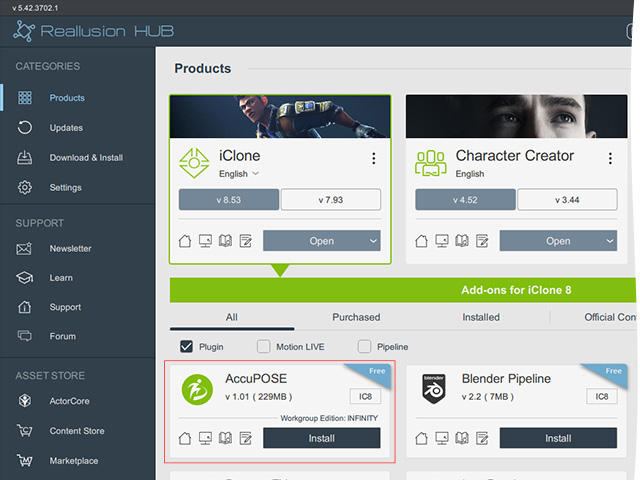
- Open Reallusion Hub (Start > Reallusion > Reallusion Hub).
- Click the Install button for
AccuPOSE.
- Timecode
Installing Timecode
- Open Reallusion Hub (Start > Reallusion > Reallusion Hub).
- Click the Install button for
Timecode.
- Blender Pipeline
Installing Timecode
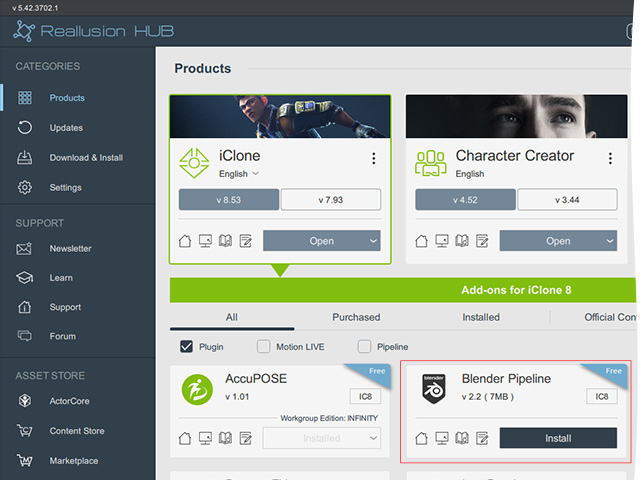
- Open Reallusion Hub (Start > Reallusion > Reallusion Hub).
- Click the Install button for
Blender Pipeline.
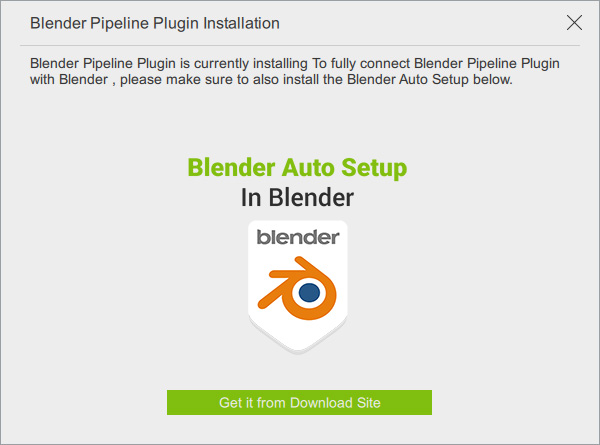
- A message will pop up. Click the Get it from Download Site button.
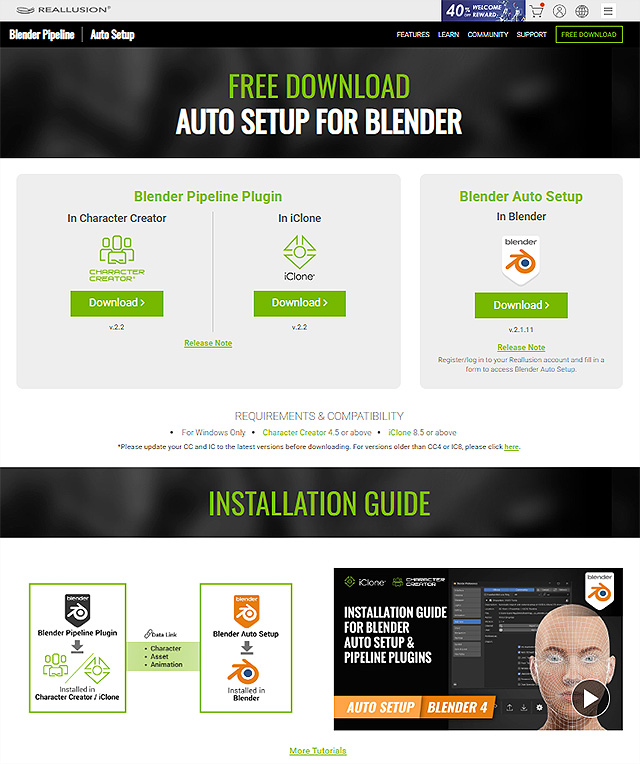
- You will be directed to the official website for more installation guides.
- Unreal Live Link
Installing Unreal Live Link
Refer to the Installation Guide section for more information.
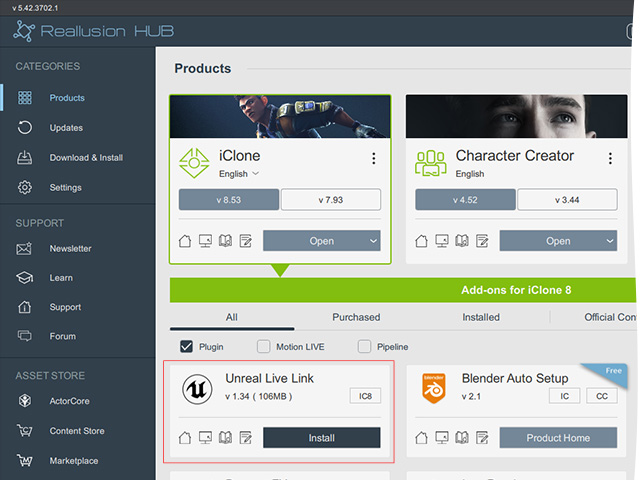
- Motion Live
Installing Motion Live
This plugin embedded into iClone.
- Cartoon Animator: In order to send motions from iClone to Cartoon Animator, you must first install the Cartoon Animator Motion Link Plug-in for iClone and Motion LIVE 2D Plug-in for Cartoon Animator. After these plug-ins are installed, iClone and Cartoon Animator can be connected to each other through the plug-ins.
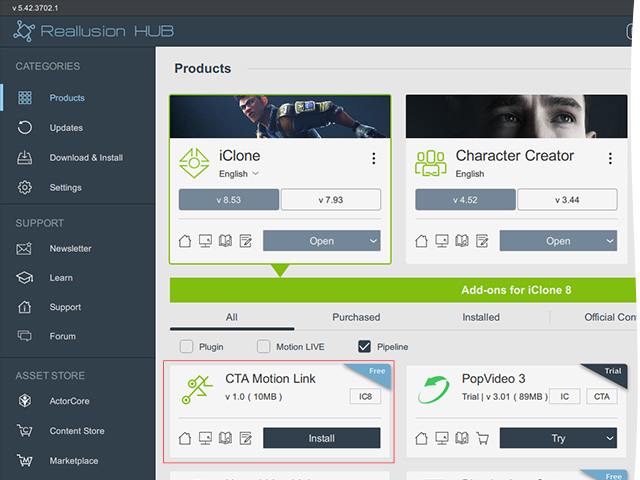
Installing CTA Motion Link
- Open Reallusion Hub (Start > Reallusion > Reallusion Hub).
- Click the Install button for
CTA Motion Link.