Using Pose Offset for Fixing Limbs Angles
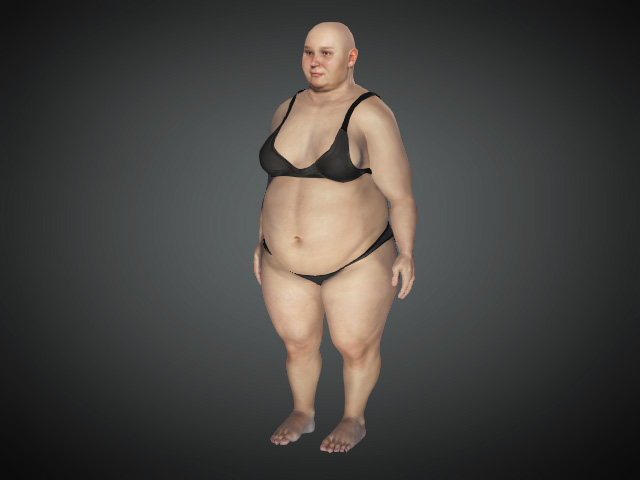
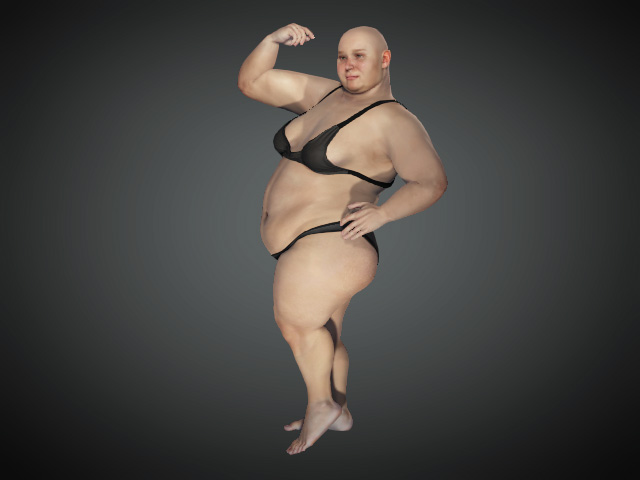
Applying motion to exaggerated body morphs can cause the body and the limbs to intersect in certain areas. The Pose Offset feature can be used to mitigate these problems under most circumstances.
** For Standard and Humanoid characters only.
- Create a new project and deploy a character.
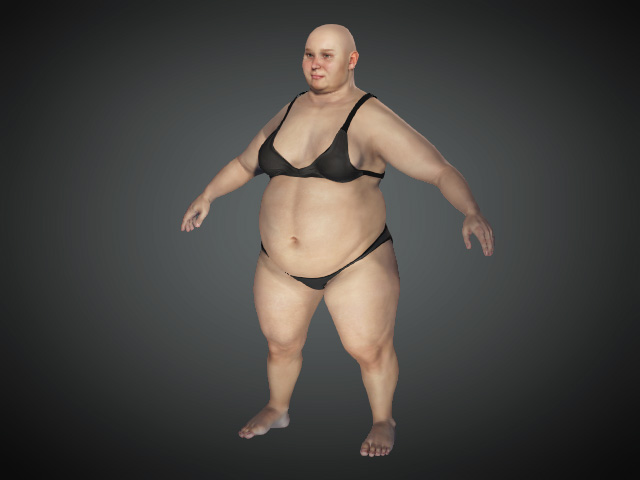
- Apply a pose to the character. With this example, the arms
penetrate into the body due to their extreme girth.
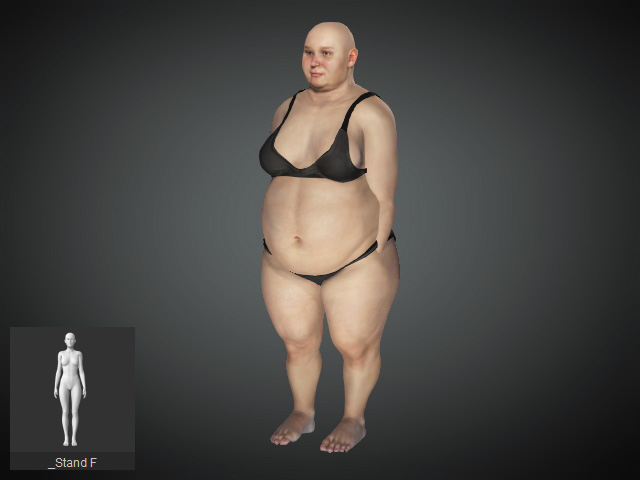
- Click the Modify Panel > Attribute tab > Character section > Pose Offset button.
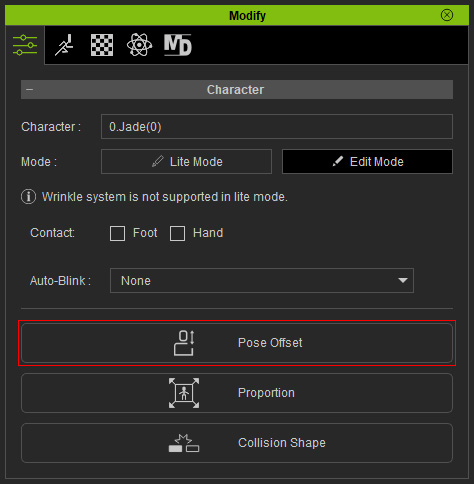
- You will see the Pose Offset panel as shown:
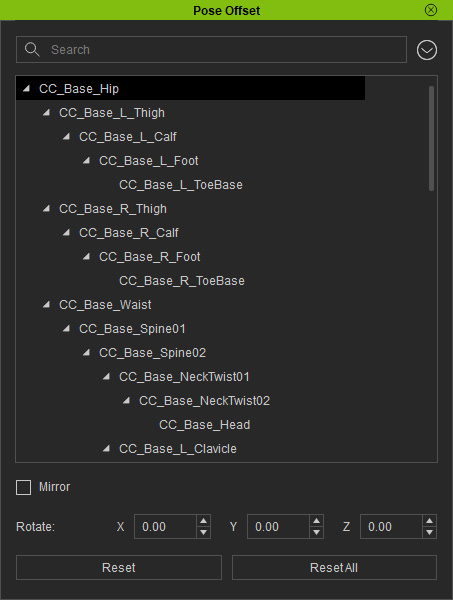
- Tree List: Provides a list of all the bones that can be chosen.
- Mirror: Activate the checkbox to simultaneously adjust the bilateral bones orientation.
- Rotate: Type in the XYZ values to adjust the orientation of the selected bone. You can also use the Rotate tool to adjust the bone angle.
- Reset and Reset All: Click the Reset
button to discard the adjustments of the three sliders for the selected bone. Click the Reset All button to discard
all the effects of the three sliders for every single bone.
- The penetration is now solved for other embedded motions as
well.