Scaling CC Characters in iClone
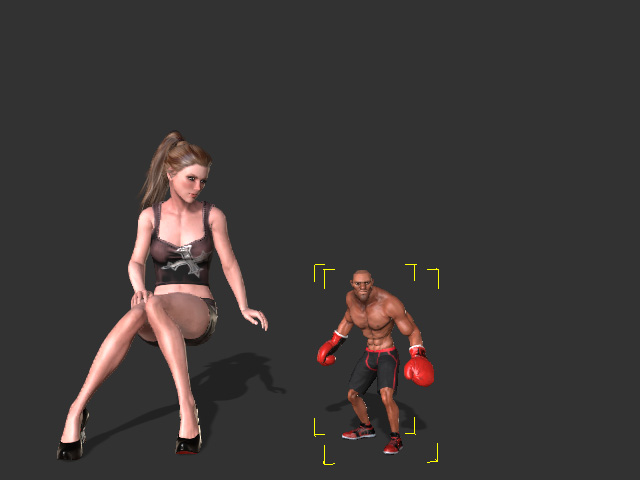
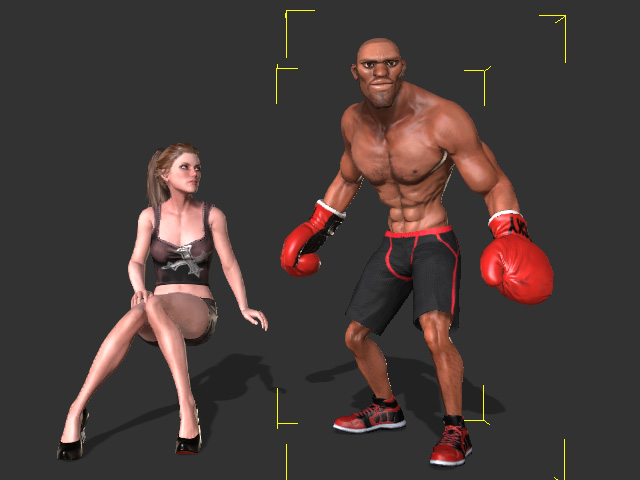
Besides using Character Creator for modifying the body proportion for CC characters, iClone (version 7.1 or above) is also able to apply a uniform scale (for CC1, CC3 and CC3+ characters only).
-
Apply a CC character from the Actor library and make sure the character is selected.
- In the Modify panel, go to Attribute tab >> Character section.
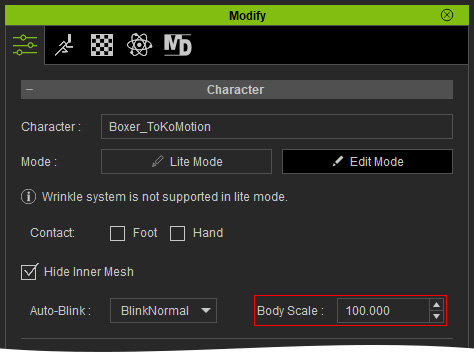
- Set a scale value in the Body Scale field (in this case, 45.000).