Applying Smart Hair Templates
Before applying Smart Hair templates, you need to be familiar with the Smart Hair
system; see the graph below: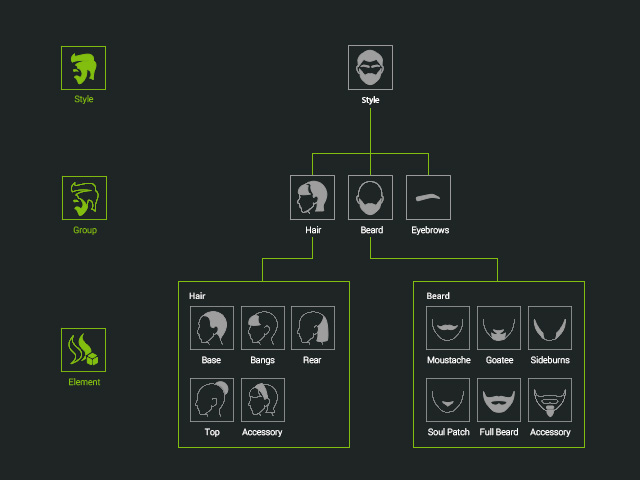
Applying Style Templates
Given a character without templates applied from the Smart Hair category.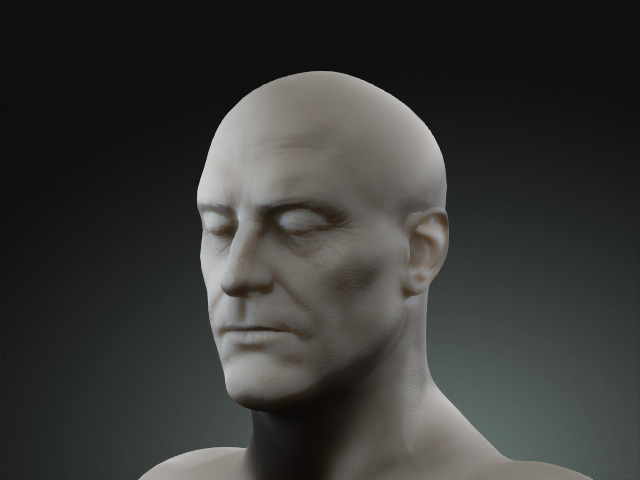
-
If you apply any of the templates in the Style sub-folder of the Hair
category, then the hair style will be deployed instantly.
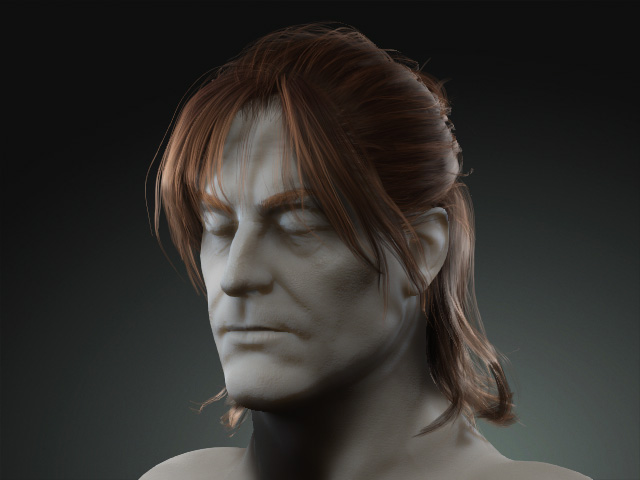
- The entire hair style, including the hair, eyebrows and beard, will be replaced if you apply any other template from the sub-folder.
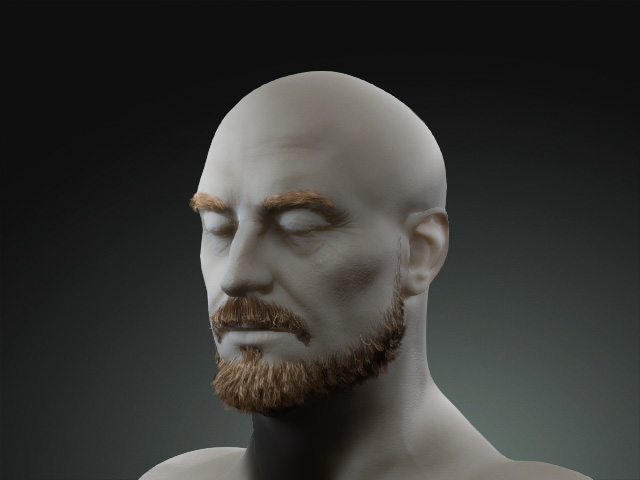
Applying Group Templates
The Group templates can be used to replace the specific hair parts, including the Hair, Eyebrows or Beard,
while leaving the other parts untouched.
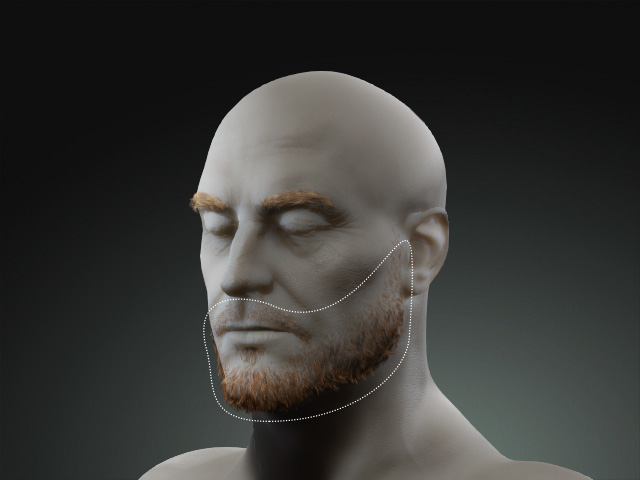
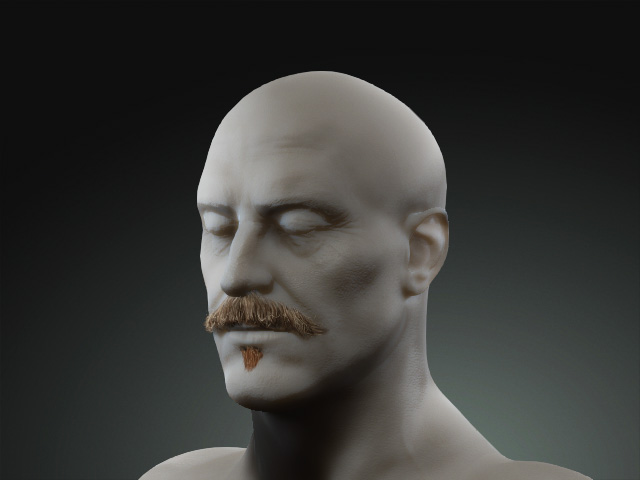
- Given an example as shown in the following illustration:
- Once one of the Group templates is applied, the specific hair part will be replaced.
Applying Element Templates
The Element template can apply or replace specific components of the hair so that you can create various look of the facial hairs with these embedded elements.
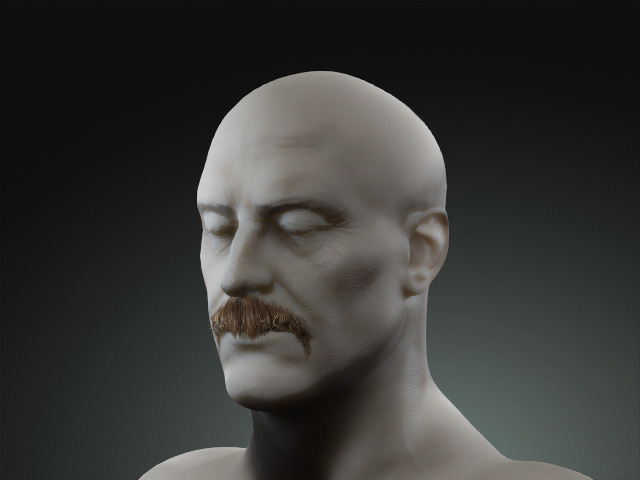
Given the same example provided at the start of this page:
- The result after applying one of the Element templates:
- Apply any other element, and the element already applied will be left untouched.
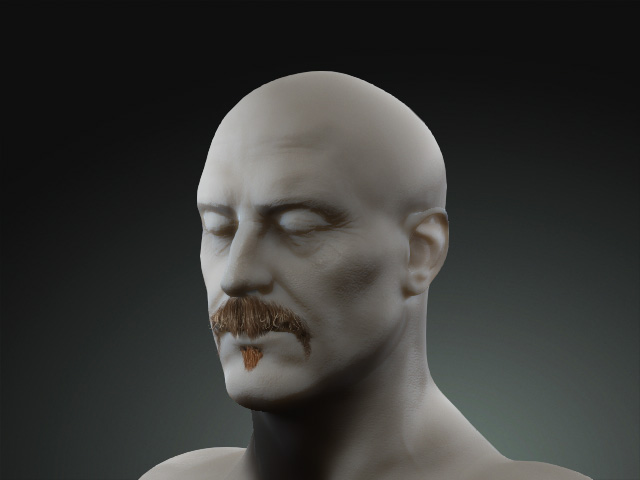
- However, once you apply an element to which another element has already
been placed, you will be asked if you want to Replace or Add
to the current arrangement.
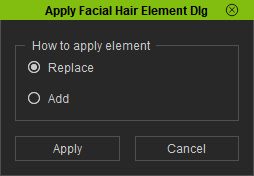
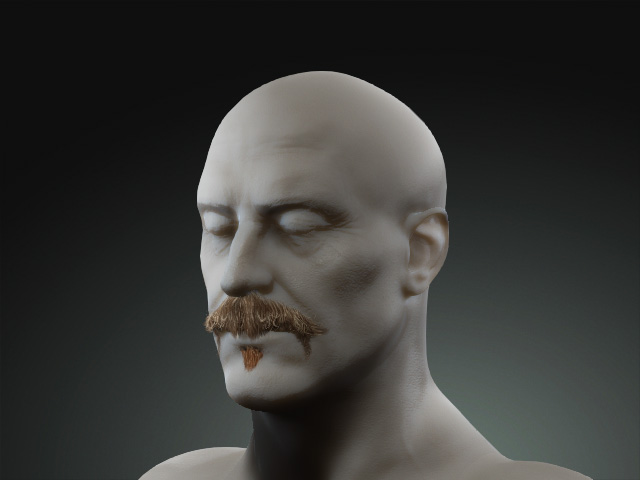
Replace: Only the new element stays.
Add: The new and old elements exist together.
