Lights Flickering Issues
Caused by Emissive Elements (Material Glow Map, Self-illumination and Particle)
In the following animation, the object (with Glow texture) contribute light in GI, which brightens the scene but the lights are constantly flicking.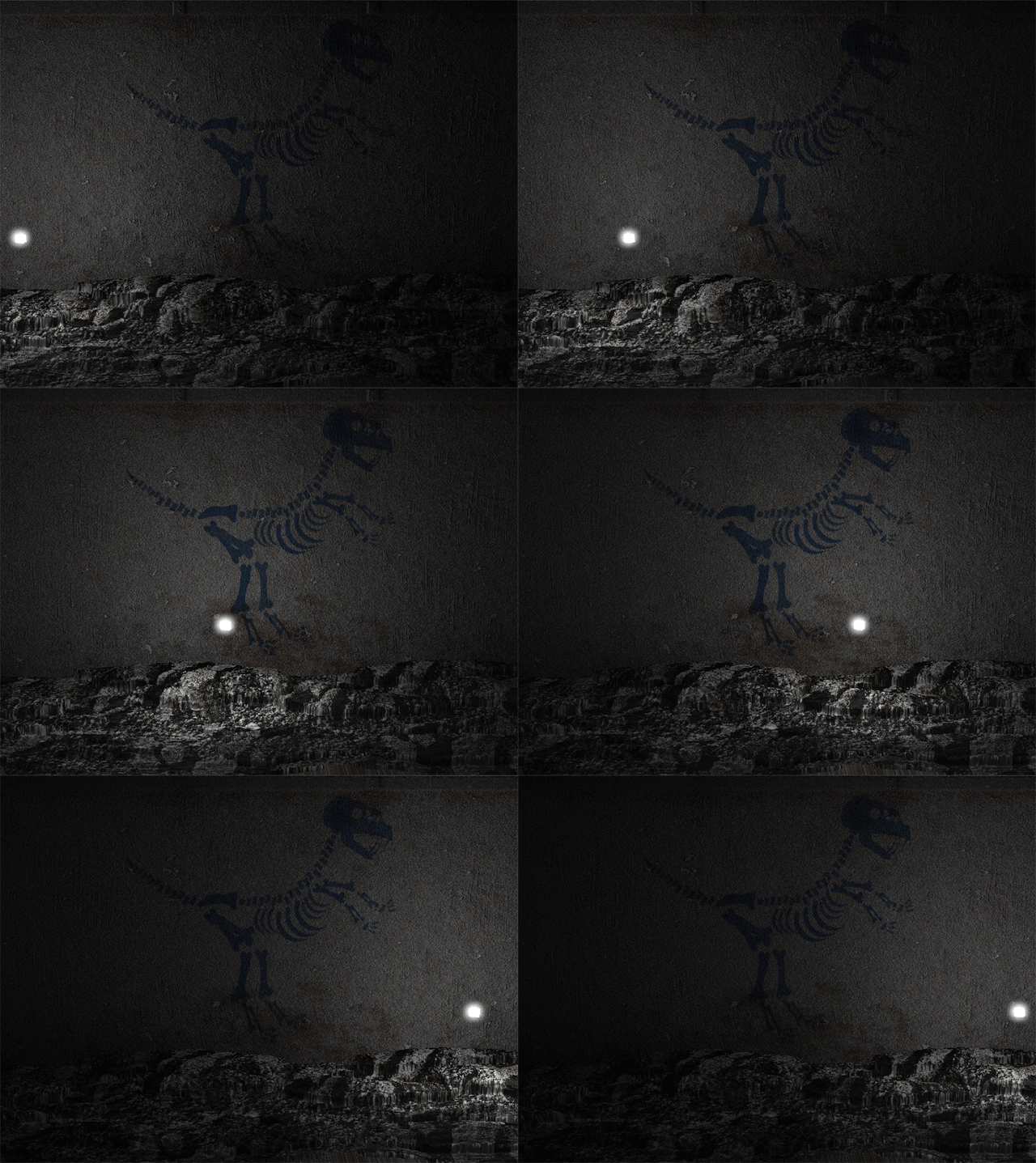
The Reason
The light sources are much smaller than the voxel cubes. When the light sources move within a voxel, the light weights from it in the voxel changes along with the movements, which causes the flickering issue.
The Solution
Activate the Super Sampling box as shown in the illustration blow to effectively mitigate the light flickering.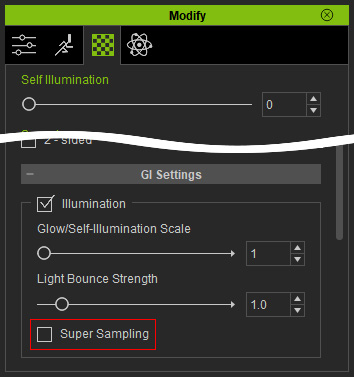
The result after the feature is activated.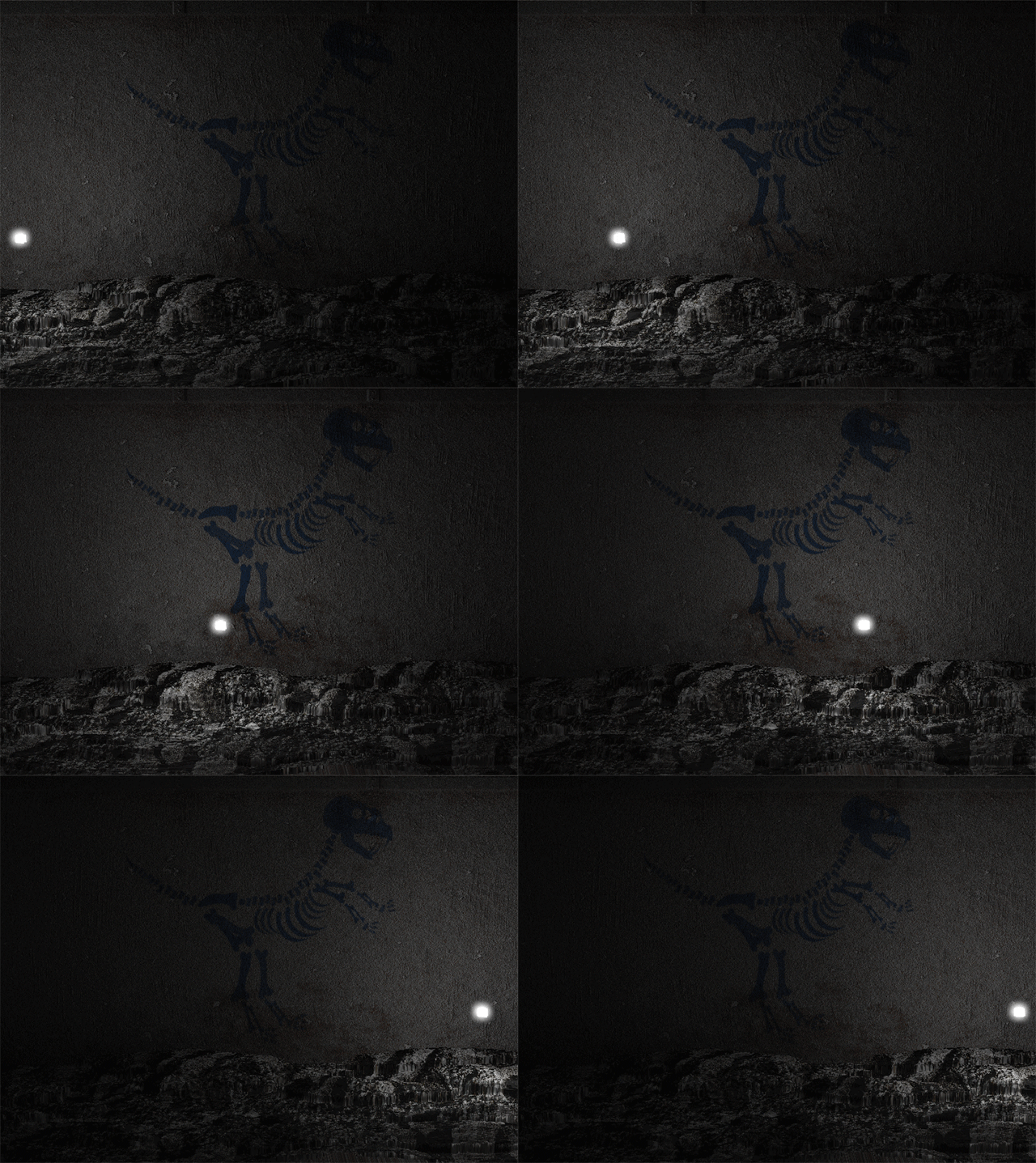
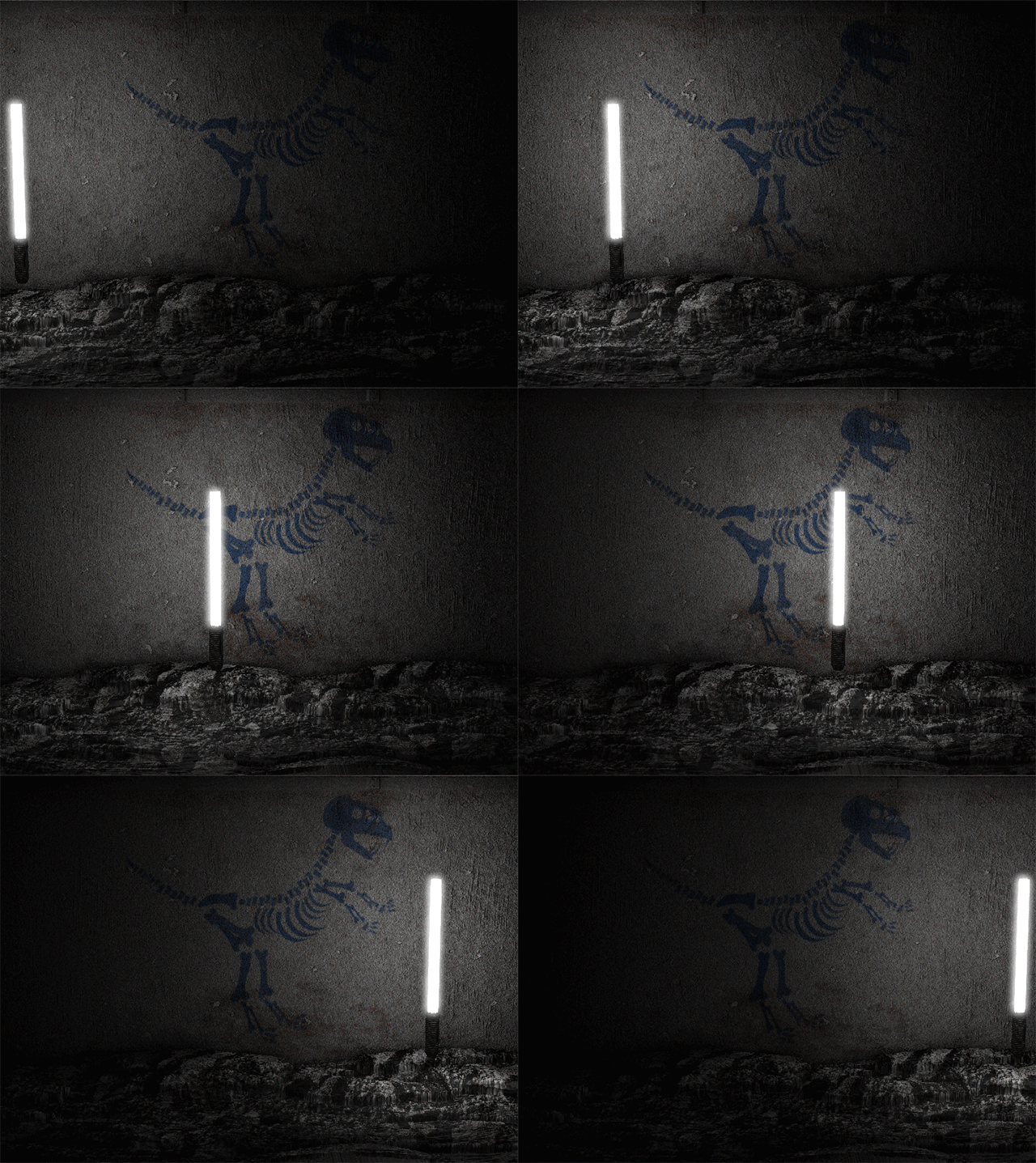
Caused by Moving Objects
In the following animation, the object moves as well, which also causes light flickering zone by zone even though the object is bigger than the voxel cubes.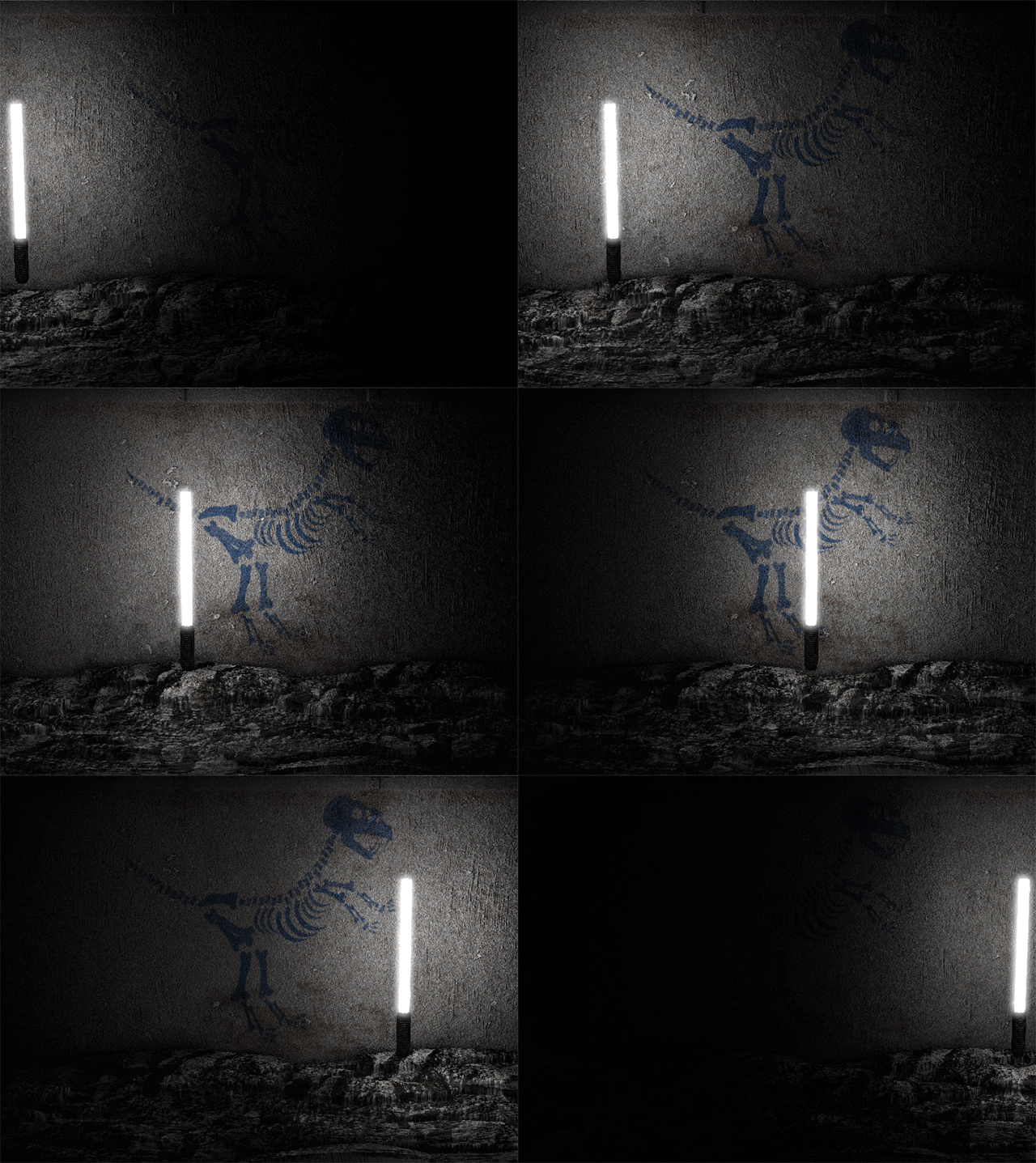
The Reason
When the light sources move from voxel A to voxel B, objects covered by A suddenly lost its light sources while the ones in B suddenly get more light sources, which causes the flickering issue.
The Solution
Activate the Suppress Light Flicker box in the Project Setting panel to effectively decrease the flickering.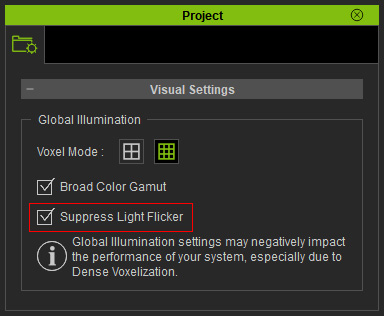
This feature can eliminate the flickering issue.