Combining Image Layer Objects
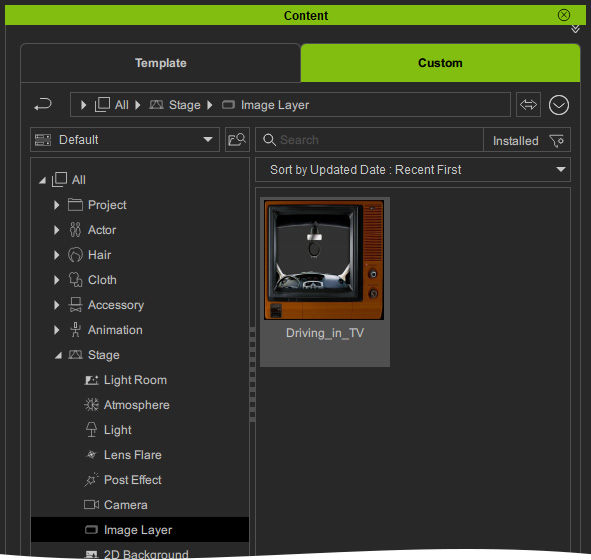
When you have a huge number of image layers in one single project, you can add them to the Custom > All > Stage > Image Layer library.
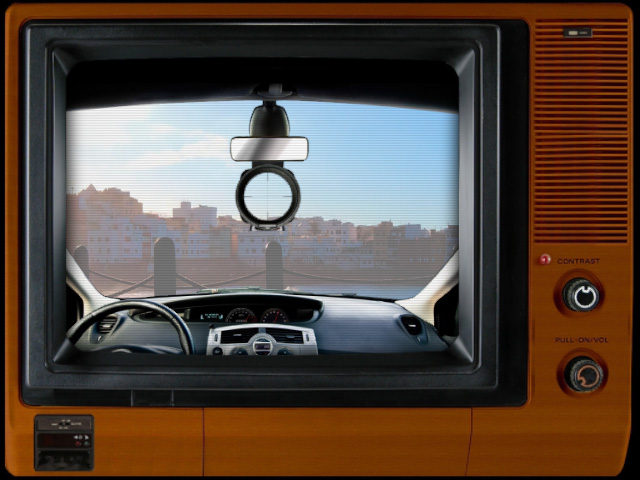
- Create a project and apply multiple image layers.
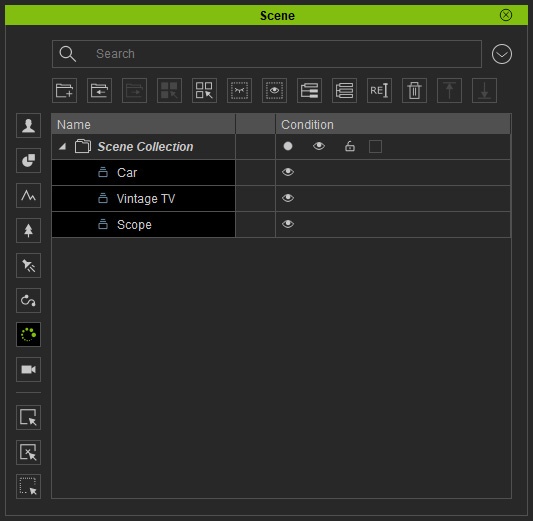
- Select all the Image Layers in the Scene
manager.
-
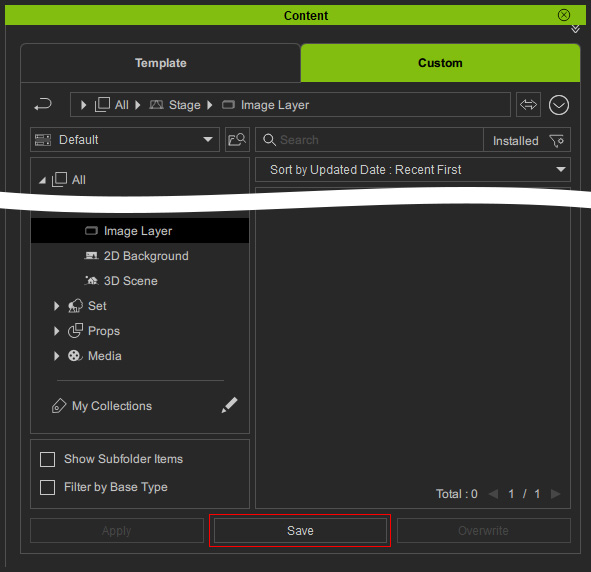
Click the Save button
in the Content manager.
-
All the Image Layers are now saved in the Custom library.
You can apply the saved image layers from
Custom library.