Ambient Light
The Ambient Light is the light for giving an overall tone to the whole scene in iClone. Changing the color of the ambient light allows you to create atmosphere.
iClone provides only one ambient light with changeable color
settings. You cannot set
keys to it, but you can only set the light color to affect the whole project.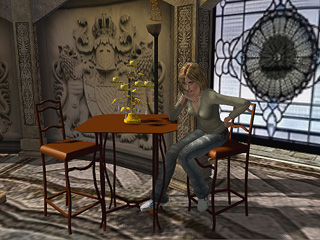
Changing Ambient Light Color
-
In the Visual Panel, switch to the Atmosphere > Ambient Light section.
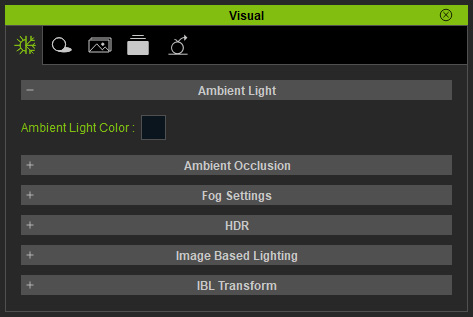
-
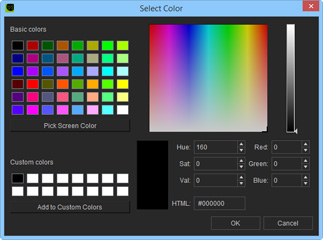
Click the color box in the Ambient Light section. Pick the desired color from the palette panel.

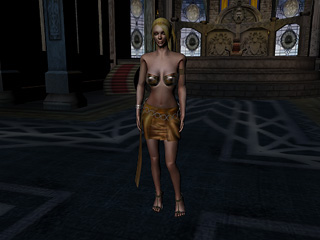
Black Ambient Light

Red Ambient Light
 Note:
Note:-
If you want to turn the scene dark then pick Black or
Dark Gray as the ambient light color.
- The Ambient Light is not selectable neither in the Scene Manger nor the 3D Viewer.
- Please refer to the Comparison of Lights for more information about the Ambient Light characteristics.
- For more information about generating dynamic ambient light effect, please refer to Utilizing IBL Effect section.
-
If you want to turn the scene dark then pick Black or
Dark Gray as the ambient light color.
