How to customize Shadow Color
In addition to the darkness of the shadow, you can also set its color for individual lights.
- Create a scene and deploy a light (for example, a spot light).

- Select the light, open the Modify panel and switch to the Attribute tab.
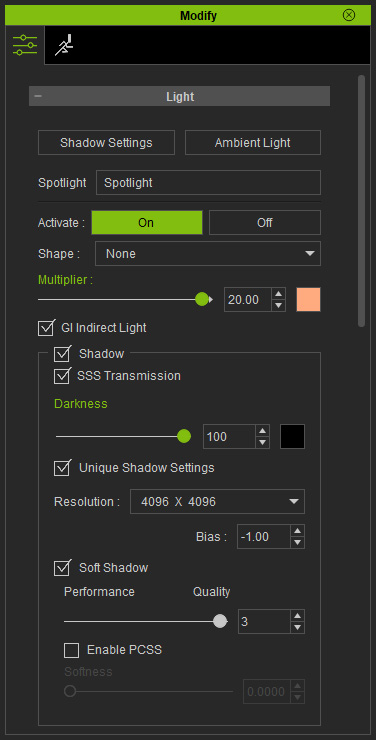
- Use the color picker next to the Darkness setting to set the shadow color.
Instead of complete black, choosing a color for the shadow can have
a convincing effect.
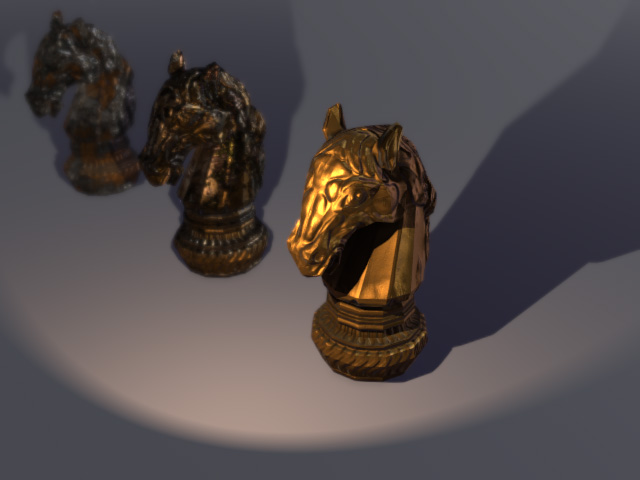
Shadow Color = Black
Shadow Color = #1E143F (dark purple)
