Dummy as a Looked Target
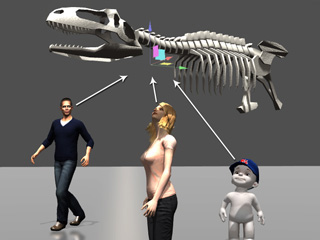
When you need a prop to be looked at from head to toe by other characters or props; as it only have one pivot, the other objects can only looks at its pivot. By using dummies, the other objects can thus look at the prop's different parts.
-
Apply a main prop. The other objects such as the characters can only look at its pivot.
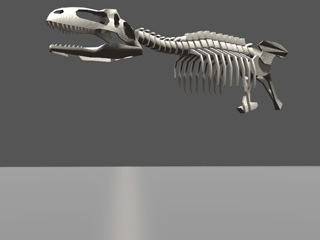
-
Apply several primitive props spreading around on the target prop. You may optionally remove all the textures from these dummy-to-be props to downsize the project.
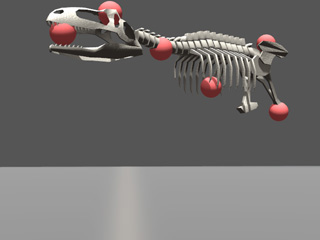
-
Select the primitive props and individually enable the Set as Dummy box in the Prop section under its attribute tab of the Modify
panel.
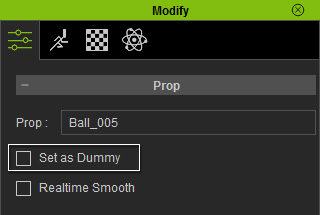
-
Attach all the dummies to the main prop.
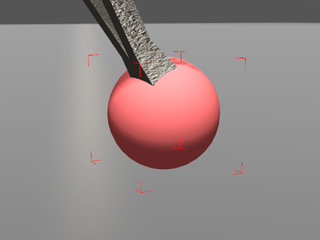
The highlight of the dummy prop turns to red.
-
Use the Look At feature of the other objects to look at these
different dummies.
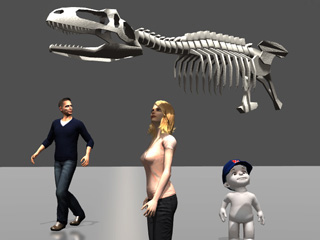
Please note that you may show / hide the dummies by using the shortcut, Ctrl + D.
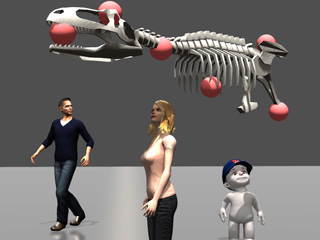
Characters look at the dummies.
Dummies are hidden.
