Settings for Time Elapse
If you want to create a time elapsing animation, then please follow the steps below.
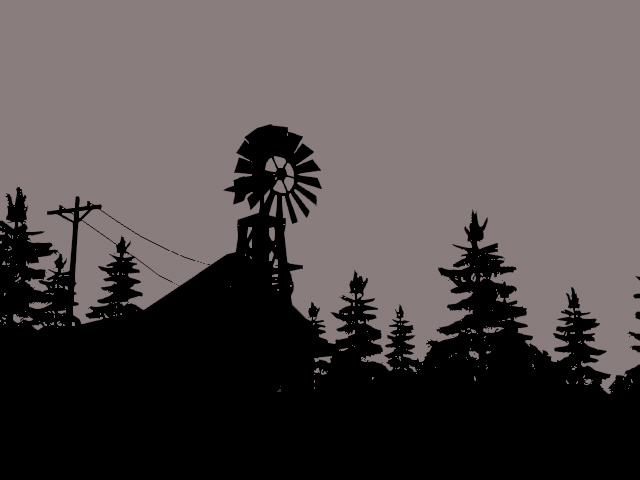
- Create a scene without any light.
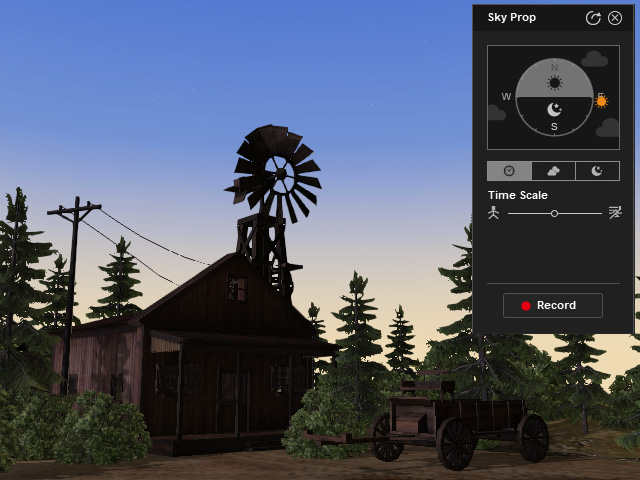
- Apply the Sky Tool from the prop library. You will instantly see the sky and light in the scene and a panel on the preview window.
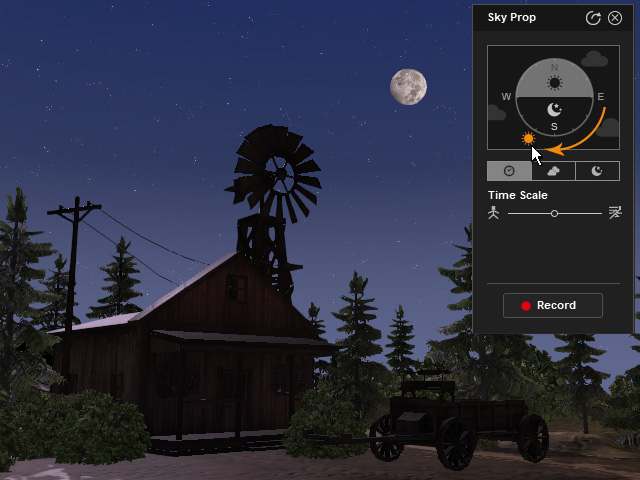
- Drag the sun icon in the panel to the position to determine the time of the day for starting your animation. In this case, it is set to the night time, therefore the moon comes up.
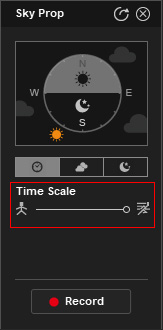
- Make sure the time tab is chosen and adjust the Time Scale to determine the speed for the time to move on (in this case, maximum speed).
- Click the Record button to start recording the animation. The moon, sun and lights will orbit simultaneously and the animations will be recorded.
- Playback to view the result. You can always re-record again with different settings if you are not satisfied with the result.
