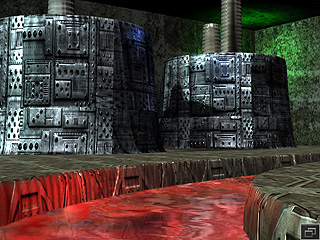
Tiling Cliffs on Height Map Terrain
After you have applied materials to a height map terrain, you may
occasionally find texture stretching issues on the cliffs or the
vertical surfaces as shown below: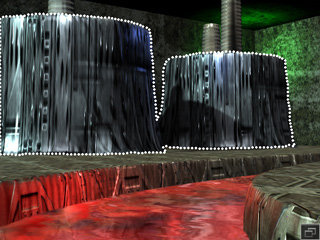
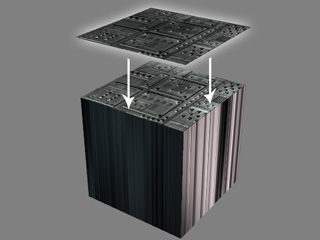
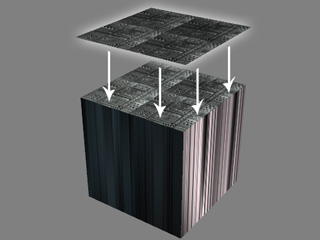
This is because the texture of the material projects vertically from above the entire terrain and even if you adjust the UV tiling numbers, the stretching issue is still unable to be solved because these two settings only affect the tiling time on the UV plane.
|
|
|
Increasing UV numbers can not resolve the texture results on the vertical surfaces. |
|
Tiling Texture on Cliffs
In order to solve this problem, iClone provides another parameter, W (in addition to the UV settings), which allows you to adjust the vertical tiling parameters.
-
Select the terrain in the Scene Manager.
Switch to the Material tab in the Modify panel.
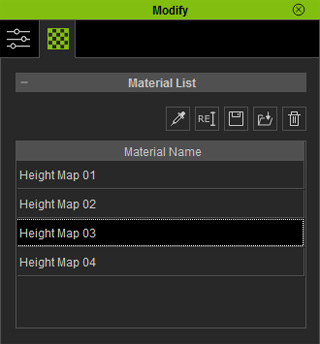
-
Click the Picker
 button
and click on the desired area to retrieve the desired material.
button
and click on the desired area to retrieve the desired material.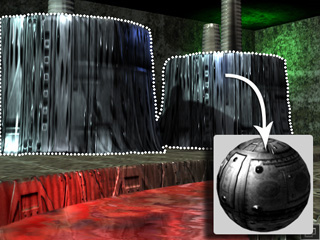
-
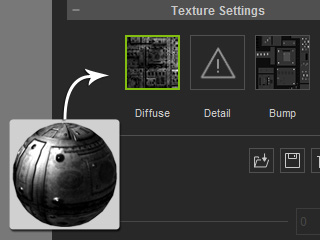
The textures in this material will be put into different channels in the
Texture Settings section.
-
Scroll to the UV section and increase the W value (in this case, 8) to tile more on the vertical surfaces.