Advanced Water Parameters - Reflection
You may want to change the way water reflects more of the surrounding environment to create a
different look.
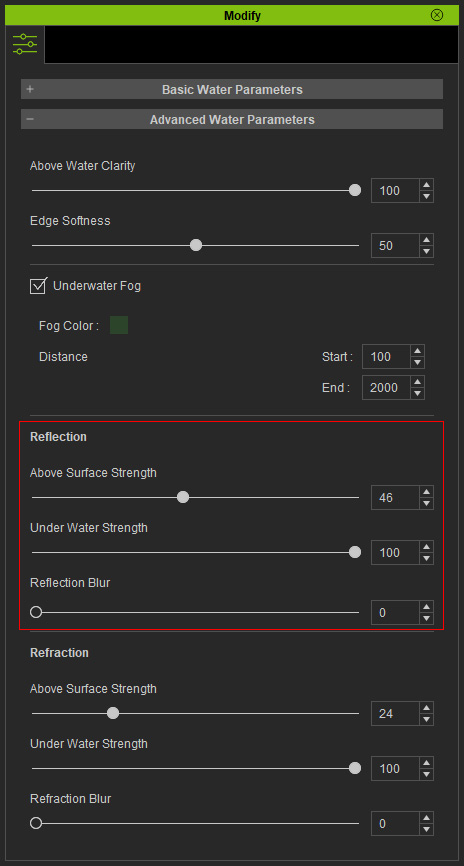
Reflection above the Water Surface
- Go to the Advanced Water Parameters section in the Modify panel.
- Scroll up to the Reflection parameters.
-
If you intend to modify the reflection strength above the water surface, drag the
Above Surface Strength slider.
The higher the value, the stronger the reflection shows on the water. -
Increase the Blur value so the reflection becomes
less clear.
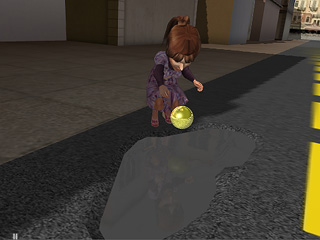

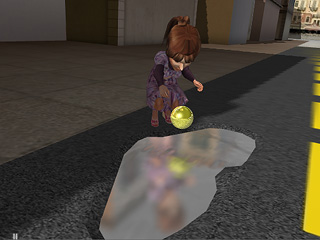
Reflection = 10
Reflection = 100
Blur = 2
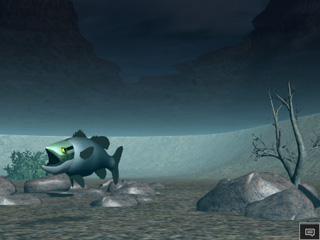
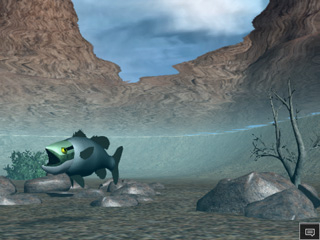
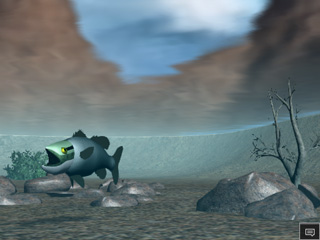
Reflection under the Water Surface
You may follow the same steps as above to adjust the reflection under the water surface. This time use the Under Water Strength slider.
|
|
|
|
Reflection = 10 |
Reflection = 100 |
Blur = 2 |
 Note:
Note:
If you can not see the result, try to adjust the Above Water Clarity slider since it can change the Transparency of the water, which weakens the effect of reflection.
