Basic Water Parameters - Wave
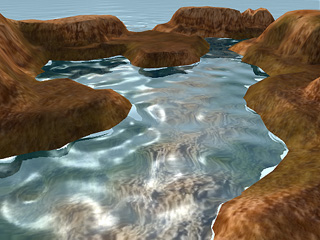
The wave of the water utilizes the Normal mapping technique so that the face count of the water remains minimum while the waves can still be extremely realistic.
Change the Wave
-
Please click the Launch button to start your favorite
image editor to paint on the
image. Remember to save the image after editing.

-
Go back to iClone, and you will see the result.
 Note:
Note:- You do not have to worry if you paint a color or a grayscale image because iClone automatically renders the image as a grayscale one.
-
You may alternatively click
 button to load an image
to form the waves.
button to load an image
to form the waves.
Click the button to remove the wave style and
click the
button to remove the wave style and
click the  button to save the style as an image file.
-
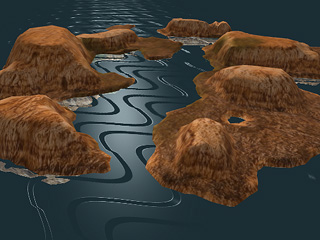
It is highly recommended to wrap around the edges of the image to prevent sharp edge lines
and provide a seamless flow.

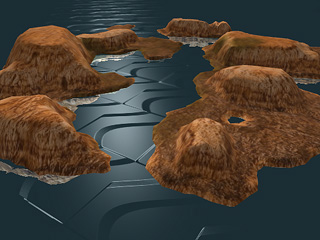
Non-wrapping images will cause the water to look unrealistic.
Size and Strength
You may specify the density of the wave image in the water prop by setting the Size value. If you want to change the amplitude of the wave, adjust Strength.
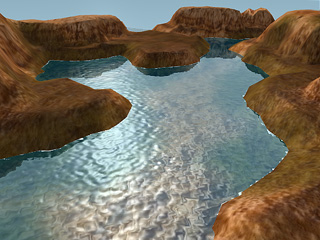
Size = 5 |
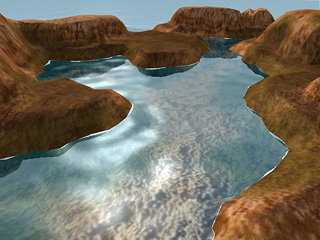
Size = 30 |
Size = 30 |
