Converting to Digital Human Shader
In order to use the Digital Human Shader, you need to manually convert from the default PBR Shader for the character.
Note that only the G3 character from Character Creator is supported for converting to Digital Human Shader.
- Create a project in which the character is applied with the default PBR Shader.
- Make sure the character is selected and switch to the Material tab in the Modify panel.
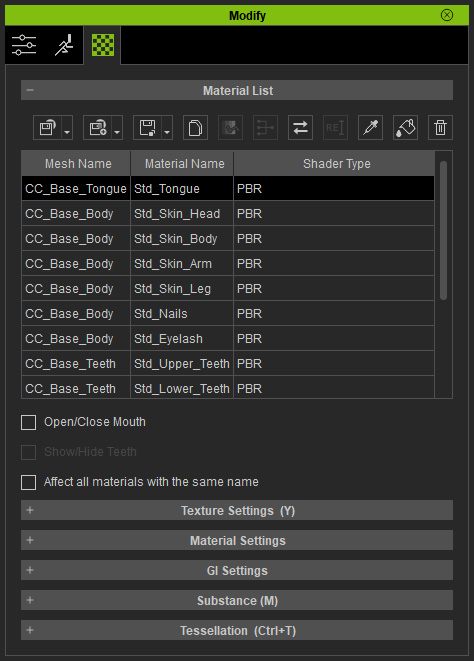
- Click the Convert Object Shader button on the top of the material list.

- In the Convert Object Shader to panel, select the Digital Human Shader from the Shader Type drop down list.
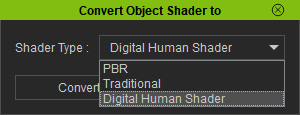
- Click the Convert button.
- The adequate shaders for different body parts will be automatically assigned accordingly.
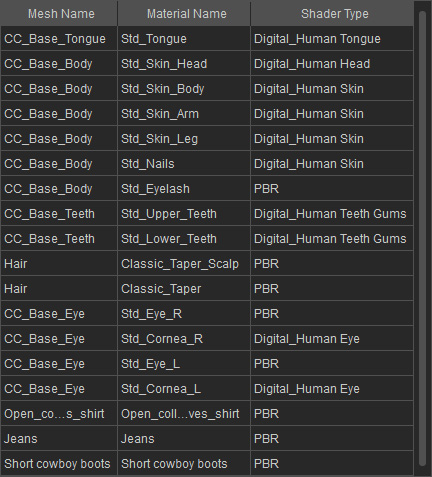
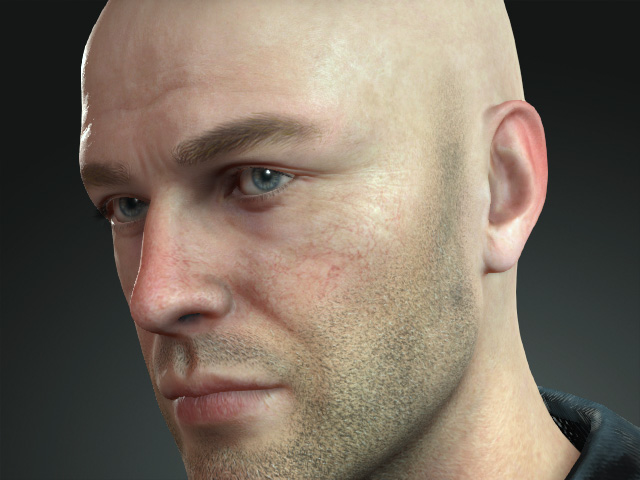
 Note:
Note:The shaders for Head, Teeth, Tongue, Eyes and Skin are converted to proper ones. However, the shader of the hair must be manually converted.
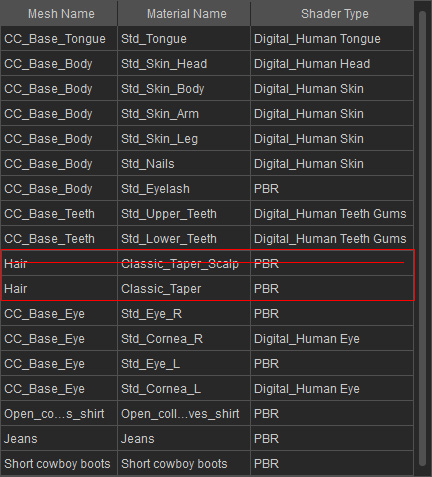
- Select the materials under the hair mesh but exclude the one named with a "Scalp" suffix.
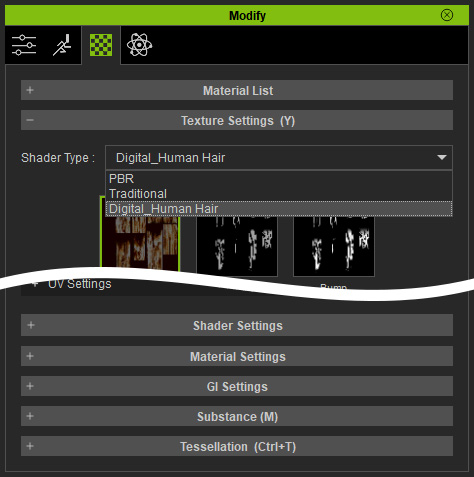
- In the Texture section, change the Shader Type to Digital_Human Hair.
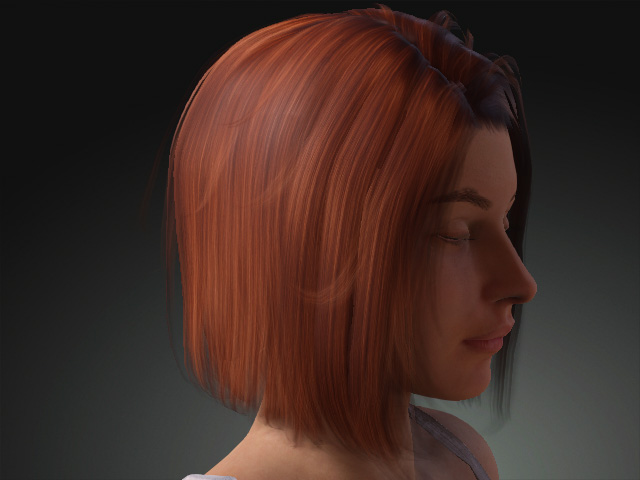
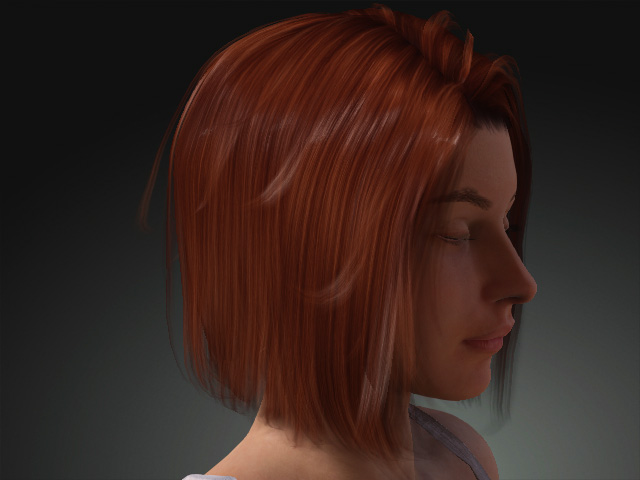
- The hair applied with the shader looks more realistic due to the SSS effect.
- Select the materials under the hair mesh but exclude the one named with a "Scalp" suffix.
