Copying and Pasting Shader Parameters
For SSS Shader materials, you can copy and paste the shader parameter values from one material to another.
- Create a project with objects.

- Select one of the materials applying with the SSS Shader, in this case, the material of the torus.
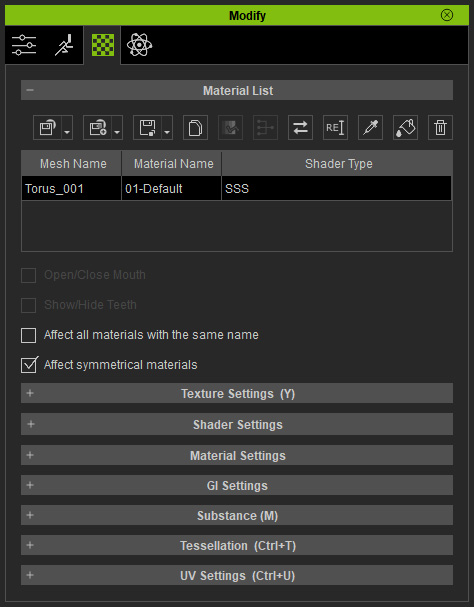
- For material cohesion between different objects, click the Copy Shader Parameters button above the
Material List.
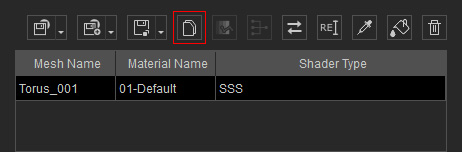
This step will copy the parameter values in the sub-sections aforementioned. - Select the other object.
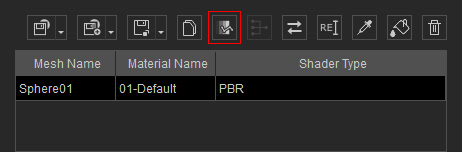
- Click the Paste Shader Parameters button above the material list to paste the values to the relative settings.
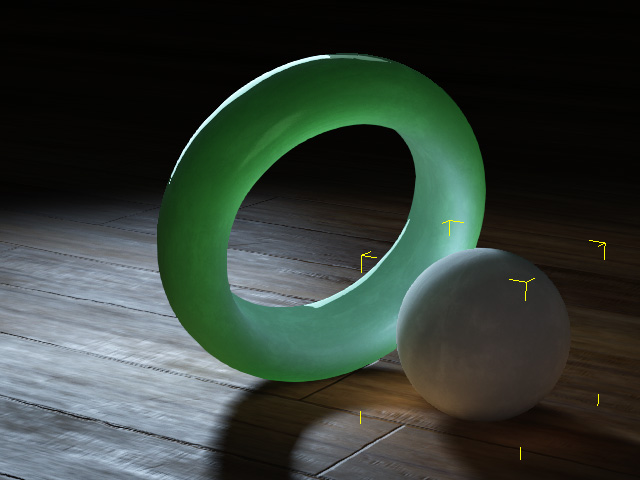
- The target material will instantly applies with the same settings as the source materials to change the look.
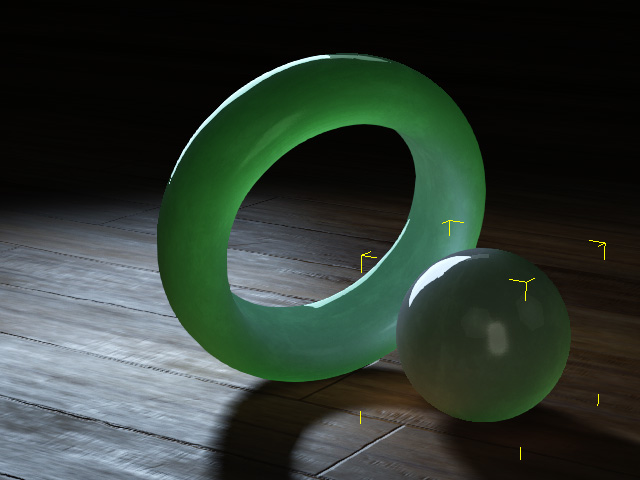
- In the Material Setting section, change the color of the materials.
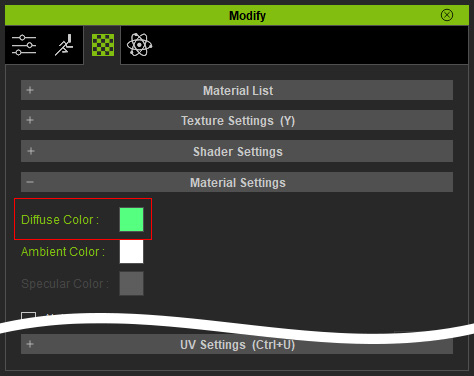
The object becomes different material.