Resetting Textures
Each shader in the SSS Shader group contains individual textures for specific purposes. You are allowed to freely modify these textures for enhancing the result and reset to factory defaults whenever you like.
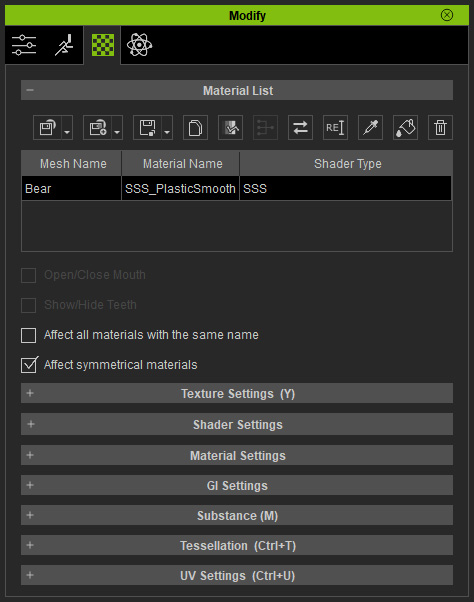
- Pick the material whose Shader Type is SSS from the material list.
- Open the Texture sub-section in the Shader Settings section.
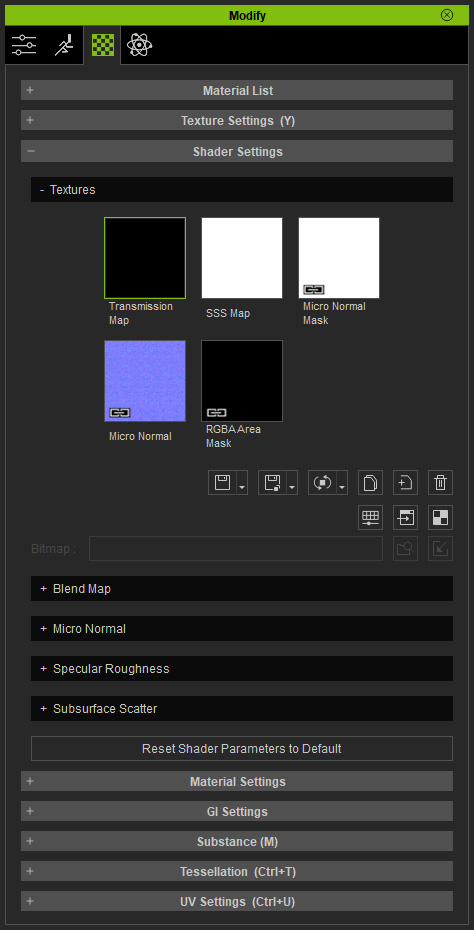
- If you see a link icon shown at the corner of the texture's thumbnail, click the Embed Texture button to have it embedded.
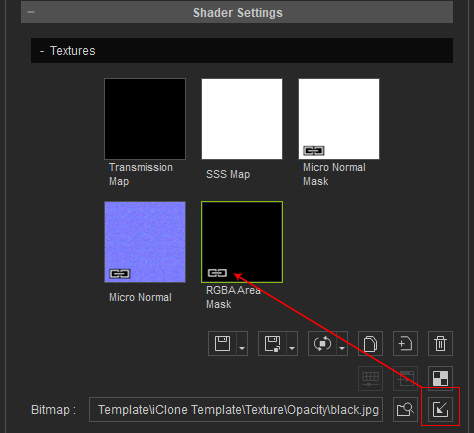
- Modify the texture.
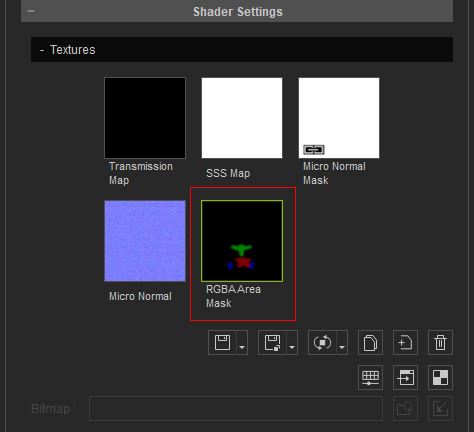
- Repeat the above steps for other textures if desired.
- Click the down arrow button beside the Reset Texture button. You
will see the drop down menu.
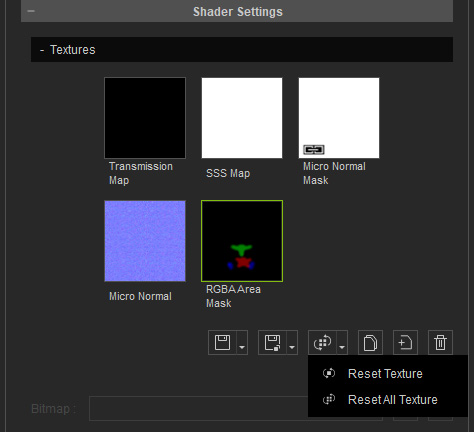
- Choose either one of the command from the menu.
- Reset Texture: Reset the currently selected texture only.
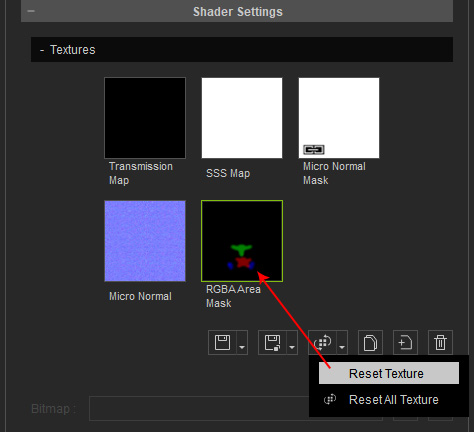
- Reset All Textures: Discard all modifications and reset all of the textures.
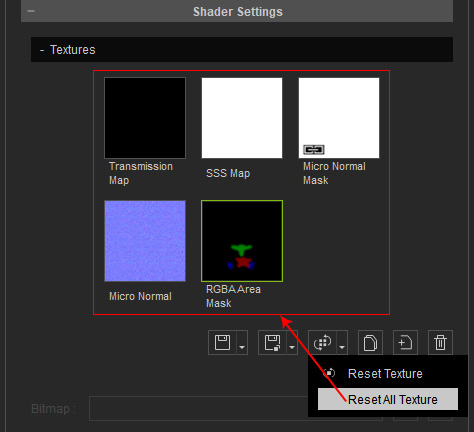
- Reset Texture: Reset the currently selected texture only.
