Baking Textures
Baking Substance Texture to Eight Channels
If you like the results created by the Substance Material and you do not want to adjust them afterward, then please follow the steps below to bake it to the material of the prop:
-
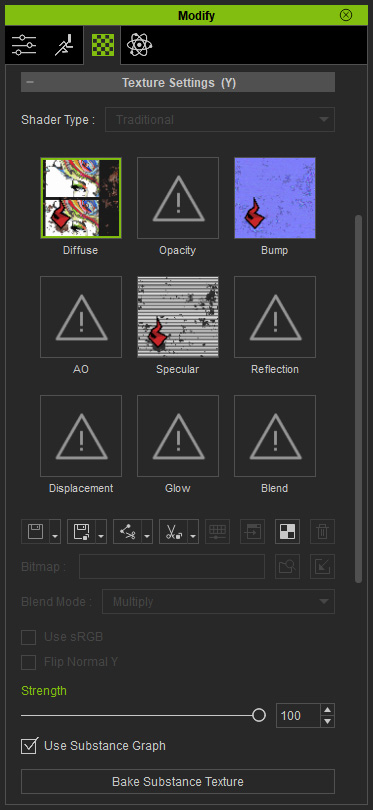
Select one of the eight channels of the prop to which you want to bake
the texture from the Substance Material.
-
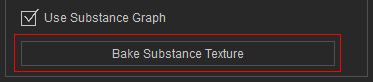
Click the Bake Substance Texture button.
The red "S" mark of the channel will be removed, which indicates that the texture from the substance material is baked to the prop.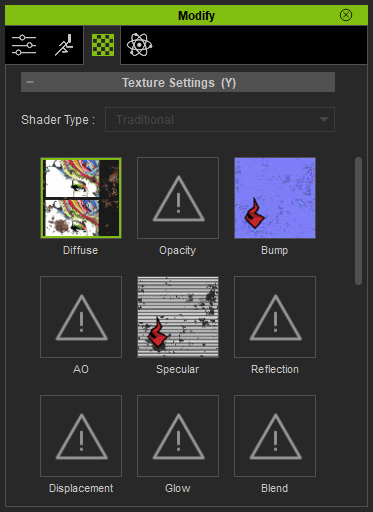
 Note:
Note:Adjusting the slider values does not influence the texture after this step.
-
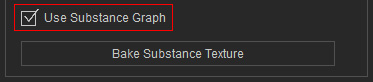
If you want to adjust the texture by the substance parameters again, then activate the
Use Substance Graph box before further modifications.