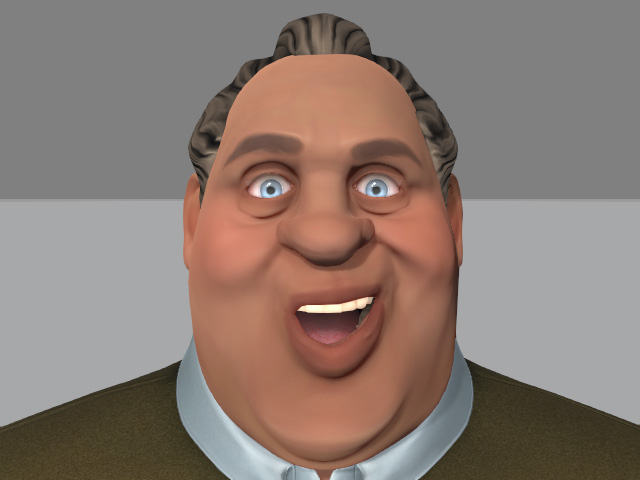
Adding Face Keys - Layer Editing
After you have created facial expressions for your character you can fine-tune the expression by using the Face Key technique. These keys will be overlaid and blended with any already existing facial expressions.
-
You can create expressions by using puppeteering techniques or applying templates.
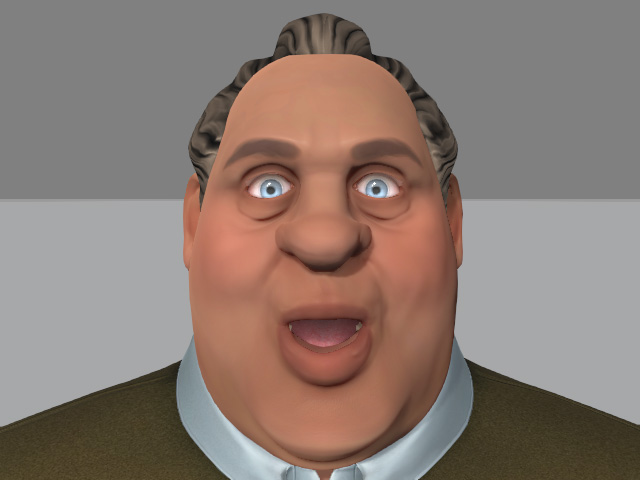
-
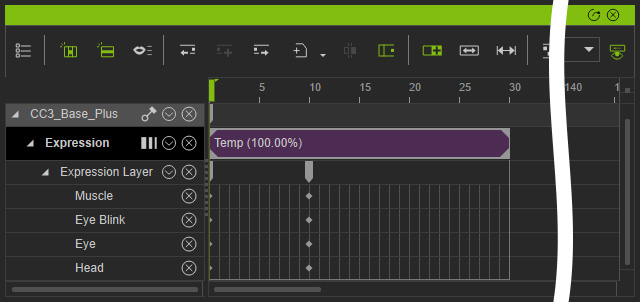
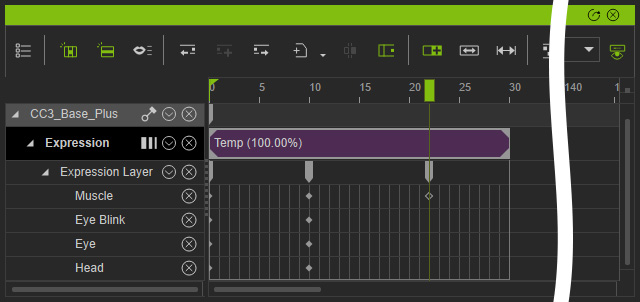
After you have created the clips, open the timeline panel. The clips
will be recorded in the
Expression
track.
- Open up the Face Key panel to create the Facial Layer keys.
-
Click and select the muscles you want to use to create an expression with.
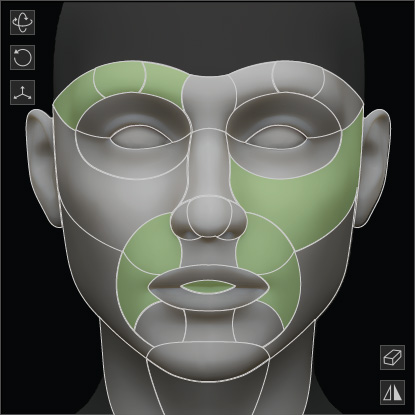
Move your mouse in the interaction area and the facial expression will change instantly. -
Fine-tuning the expression using this method will create a new key in the
Facial Layer tracks.
- Repeat the same steps to create
the ideal facial expressions by using face keys.