How to use inverse effectors
When you open the Edit Motion Layer panel, you will see small boxes around the hands (purple) and feet (green). These are the inverse effectors.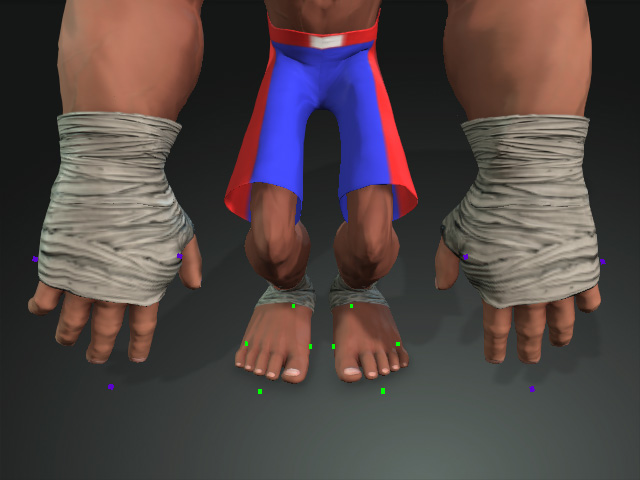
Movements
- When you move either one of the effectors, you are actually move the hands or the feet bones.
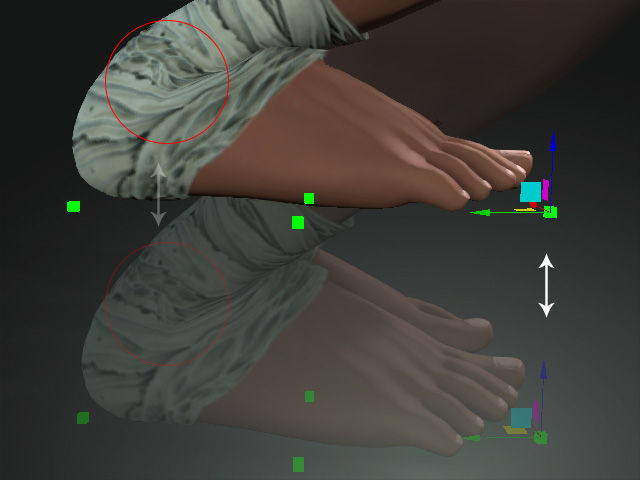
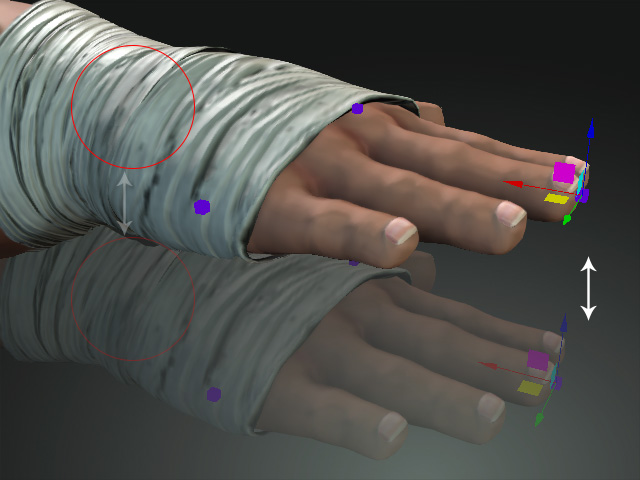
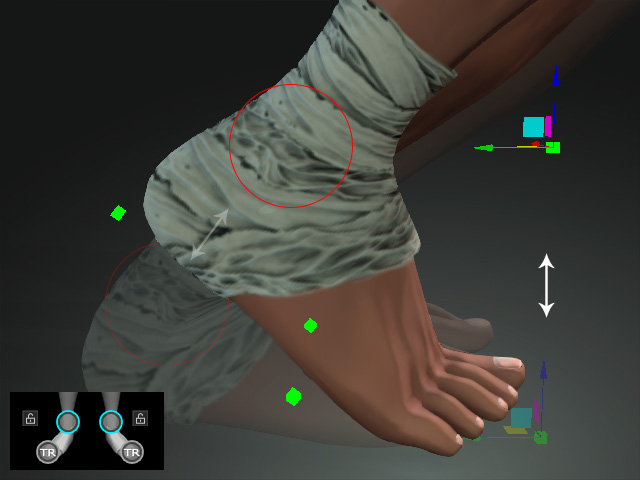
- If you lock the toe bones and move any of the effectors, you can create tiptoe poses, because moving the effectors
actually causes the foot bones to move.
Rotations
- When you rotate any of the effectors, you are actually rotate the hands or feet bones. However, different effectors have different results.
- Front Effectors: When you rotate the front effector, you are rotating the hands or feet bones by taking the effector as the center.
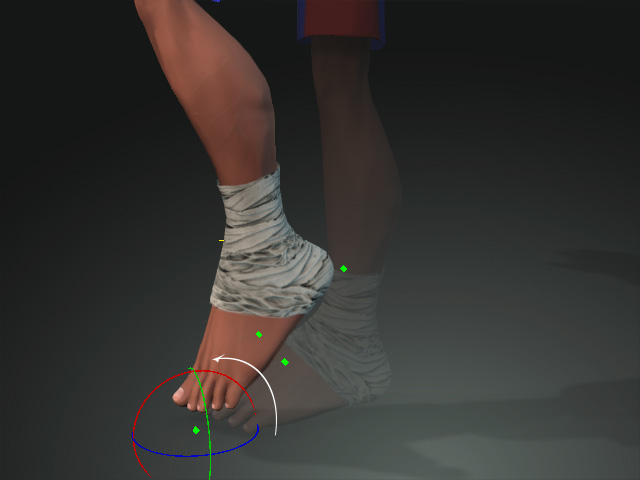
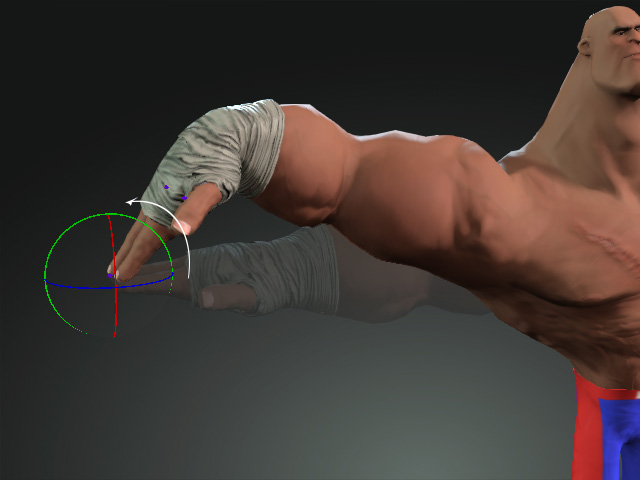
- Side Effectors: The side effectors can be used to flip feet or hands with the effectors pinned where they are.
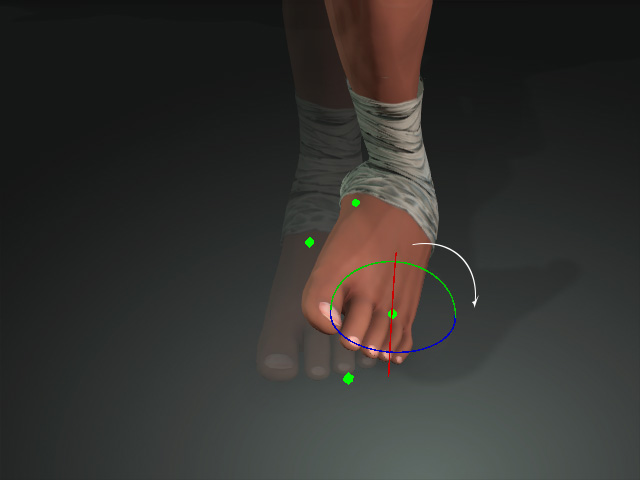
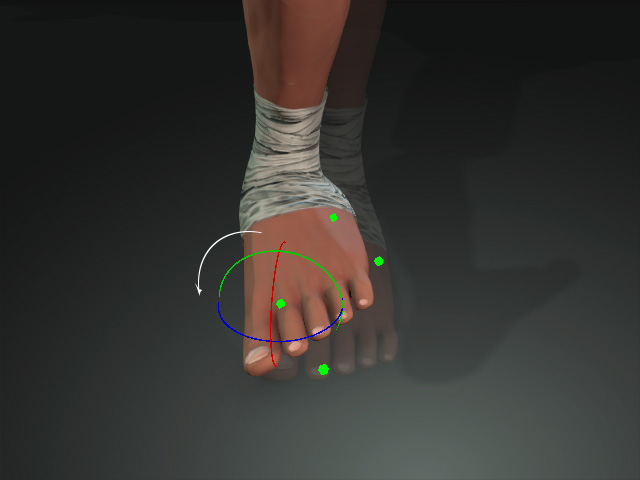
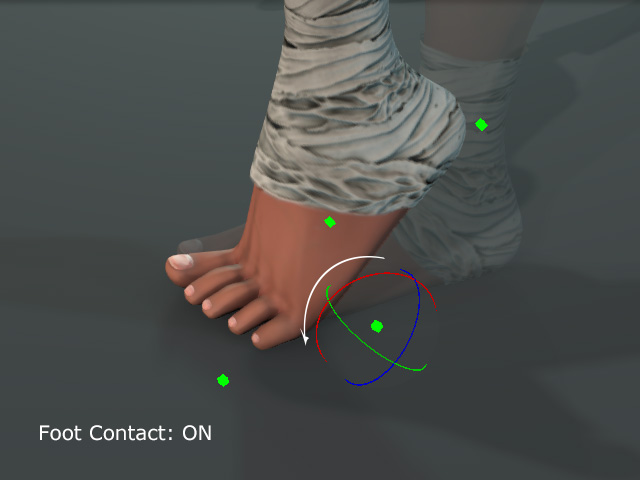
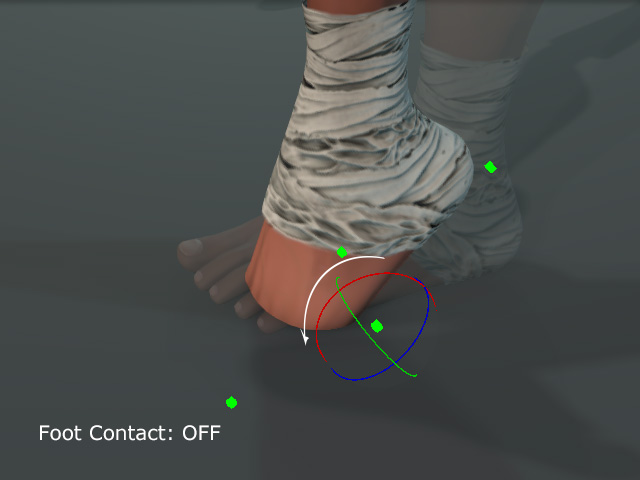
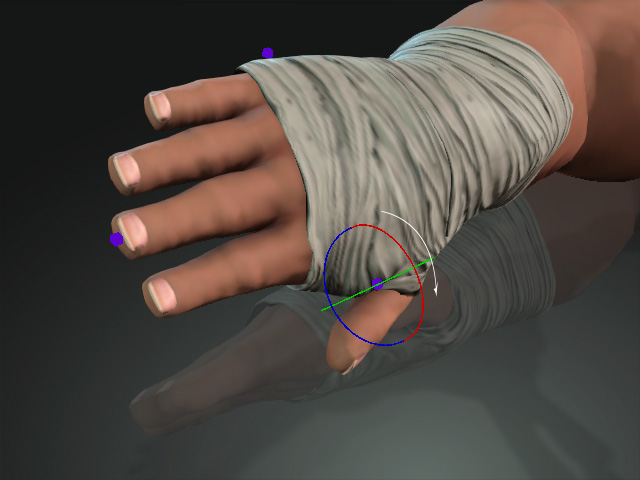
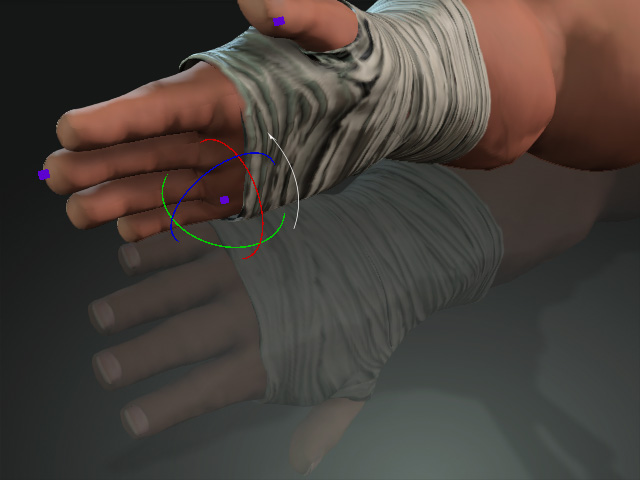
- Back Effectors: When you rotate the back effectors, you are rotating the hands or feet bones by taking the effector as the center.
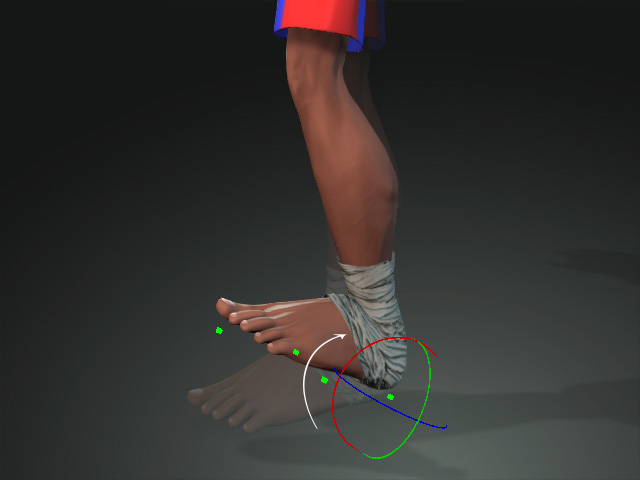
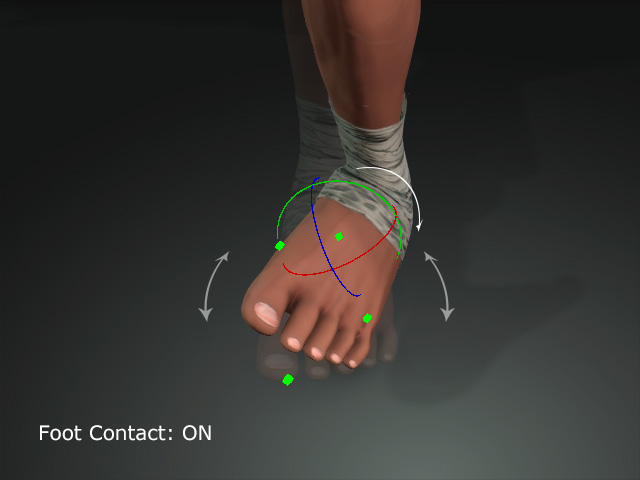
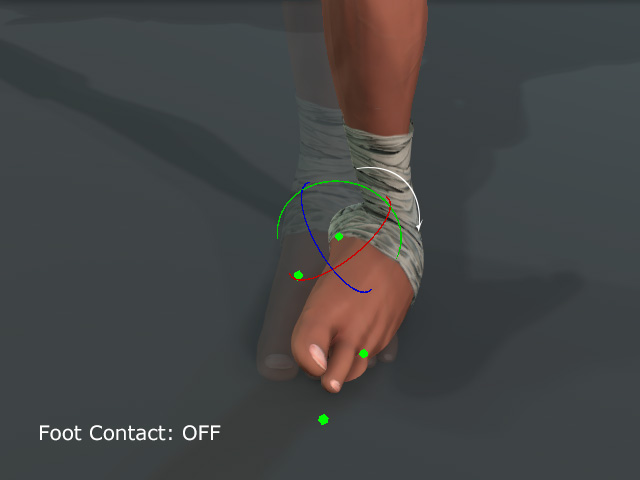
- Front Effectors: When you rotate the front effector, you are rotating the hands or feet bones by taking the effector as the center.
