Jumping from Path to Path
In iClone, you can create multiple paths in a scene for props and characters to jump to and from.
-
Create two paths and an object (in this case, a prop with motion).
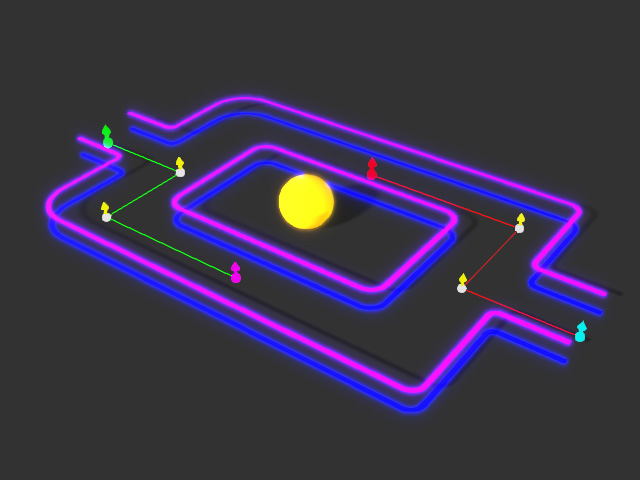
-
Have the prop to move along a path (the red one) from the start point to the end point by setting Path Position Keys. Playback to view the
final result.
-
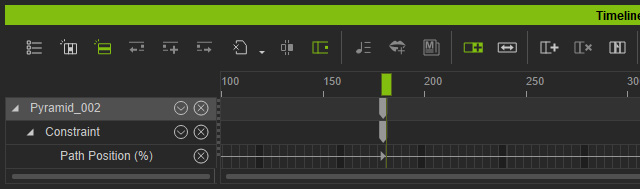
Go to the next time frame when the object moves to the end of the path.
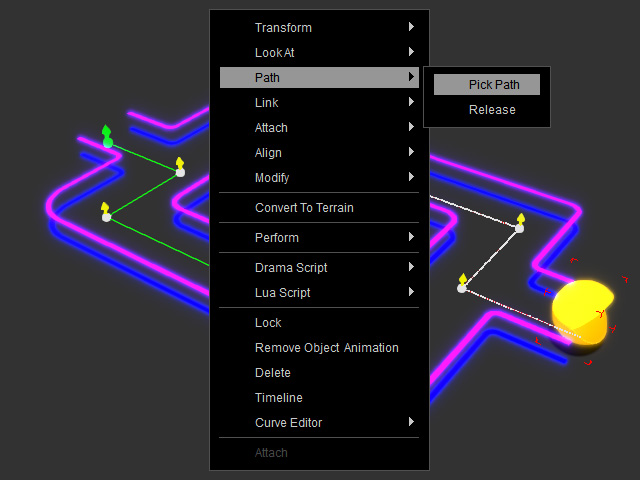
- Make sure the object is selected, right click on the preview window and choose Path >> Pick Path from the right-click menu.
- Click on the start control point of the other path. The object will snap to the point instantly.
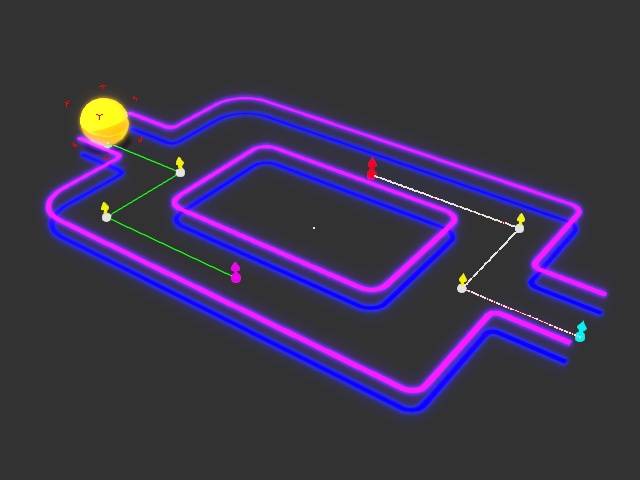
You will see a new key added to the Path Position (%) sub-track.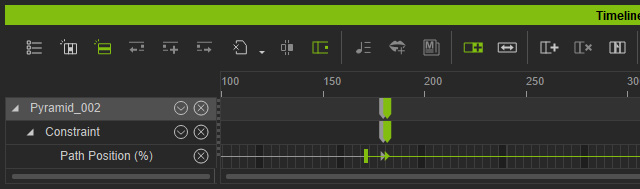
- Follow the same method to have the object to move along the newly picked path.
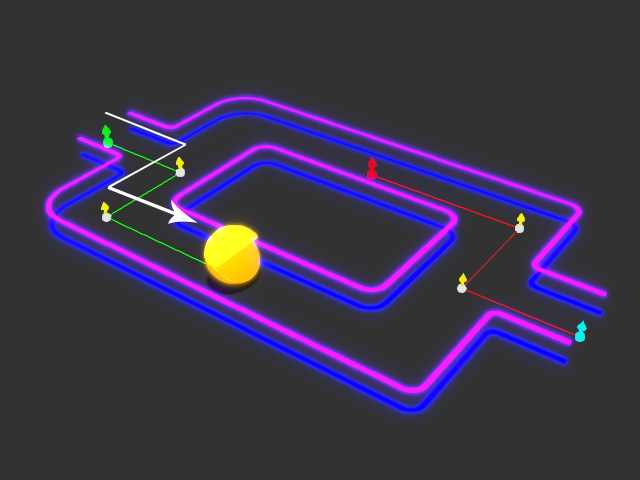
- Playback to view the result.
