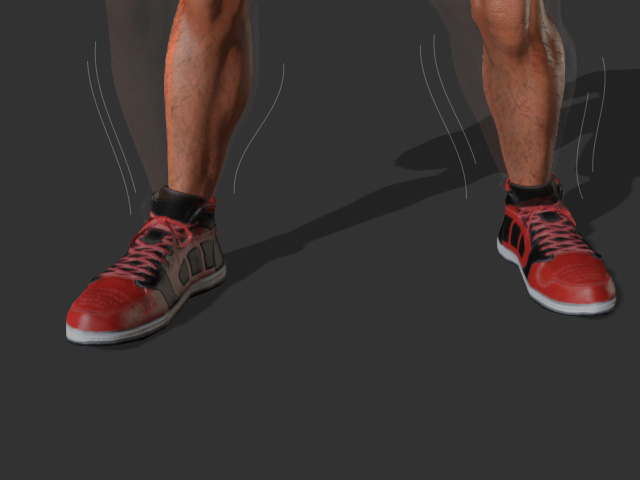
How to fix motions with effector dummies
Jiggling in some parts of the body can occur after a motion is applied to the character using Motion Puppet, Direct Puppet or even by Motion Capturing. By using the Effector Dummy, you can pin the body parts so that they stop popping and jiggling.
-
Apply a character and a motion.
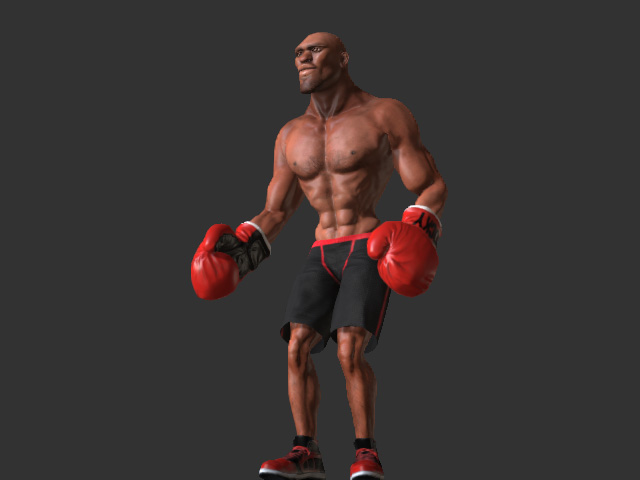
-
You probably see that the feet are sliding when the character acts
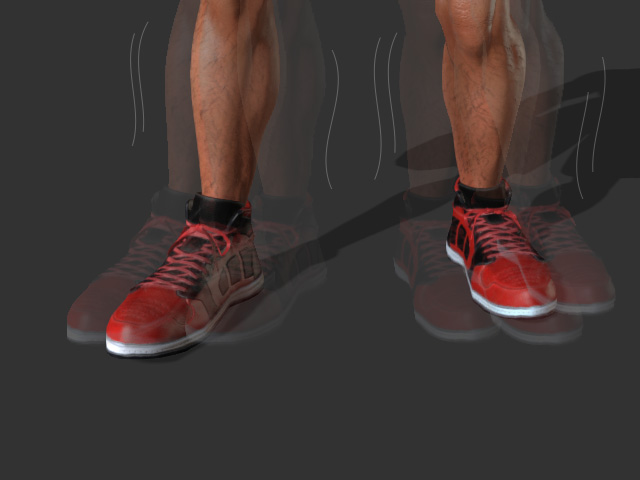
-
Open the Reach Target panel, select the target body part (in this case, the left ankle).
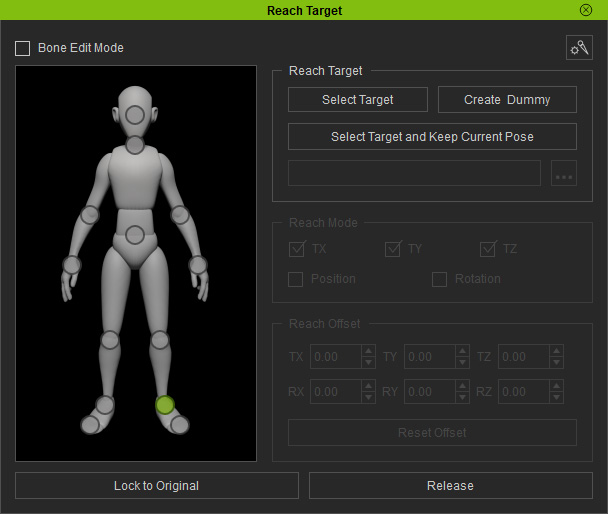
- Click the Create Dummy button and you will see a Reach key on the foot track on the Timeline is added.
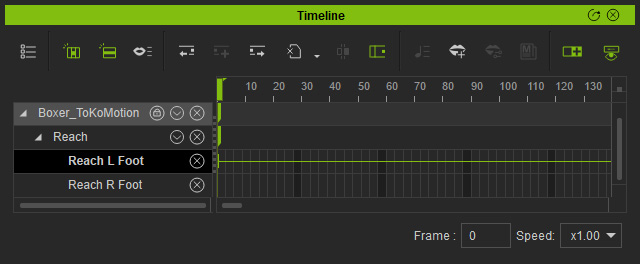
Repeat the same steps for the other foot.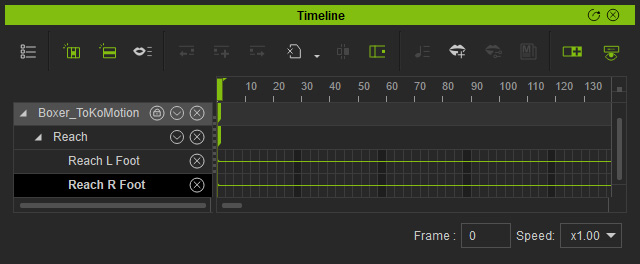
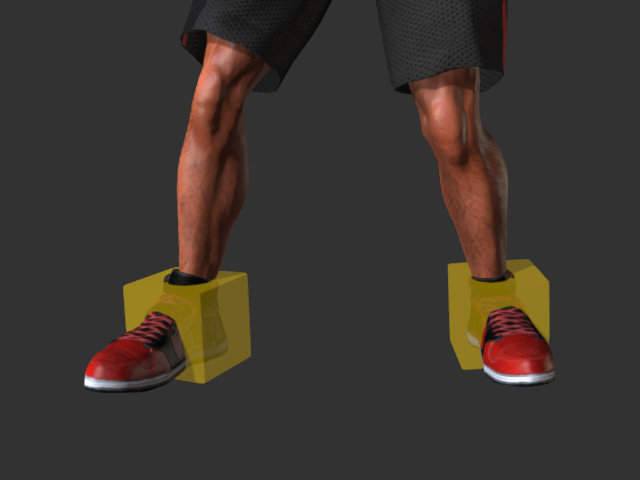
- The corresponding effector dummies will show and the body parts will reach to the dummies automatically.
-
The feet are pinned to the dummies and will not slide anymore.