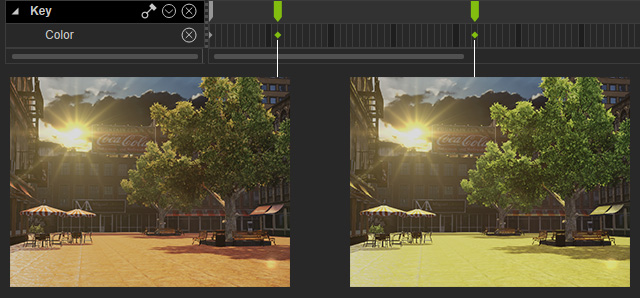
Color Track
The Color track stores the color information of lights. These can be used to create animated light color in your project. You may even imitate light on/off effects by setting keys in this track. Directional Light, Spotlight and Point Light all possess the Color track for you to create complicated light effects.
- On the menu bar, click the Create >> Light to create a light. Go to the desired frame you want to set the color key.
- In the Modify panel, scroll to the Light section.
-
Click the color picker to specify a color for the start frame of the light color animation.
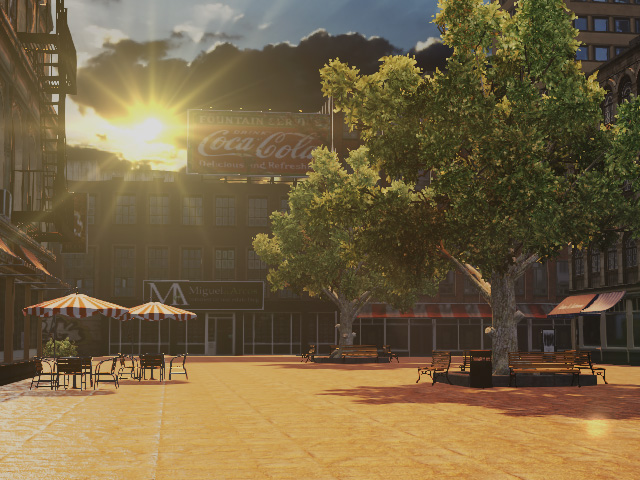
-
Go to another frame and set another color key for the light.
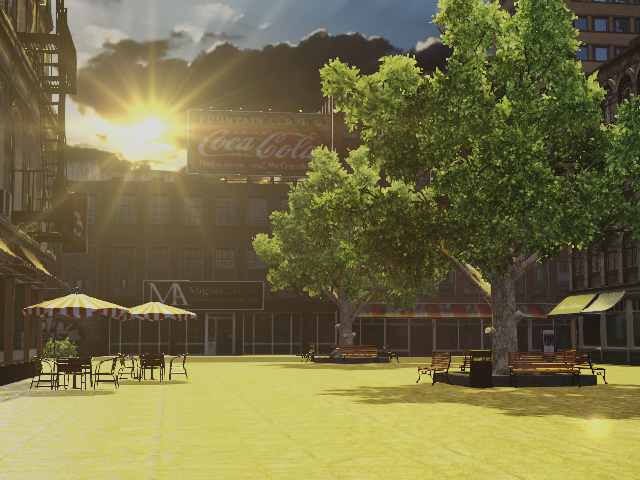
-
The transition effect among these keys will be generated by iClone.